
Last updated 08-15-2026
Category:
Reviews:
Join thousands of AI enthusiasts in the World of AI!
Pixlr
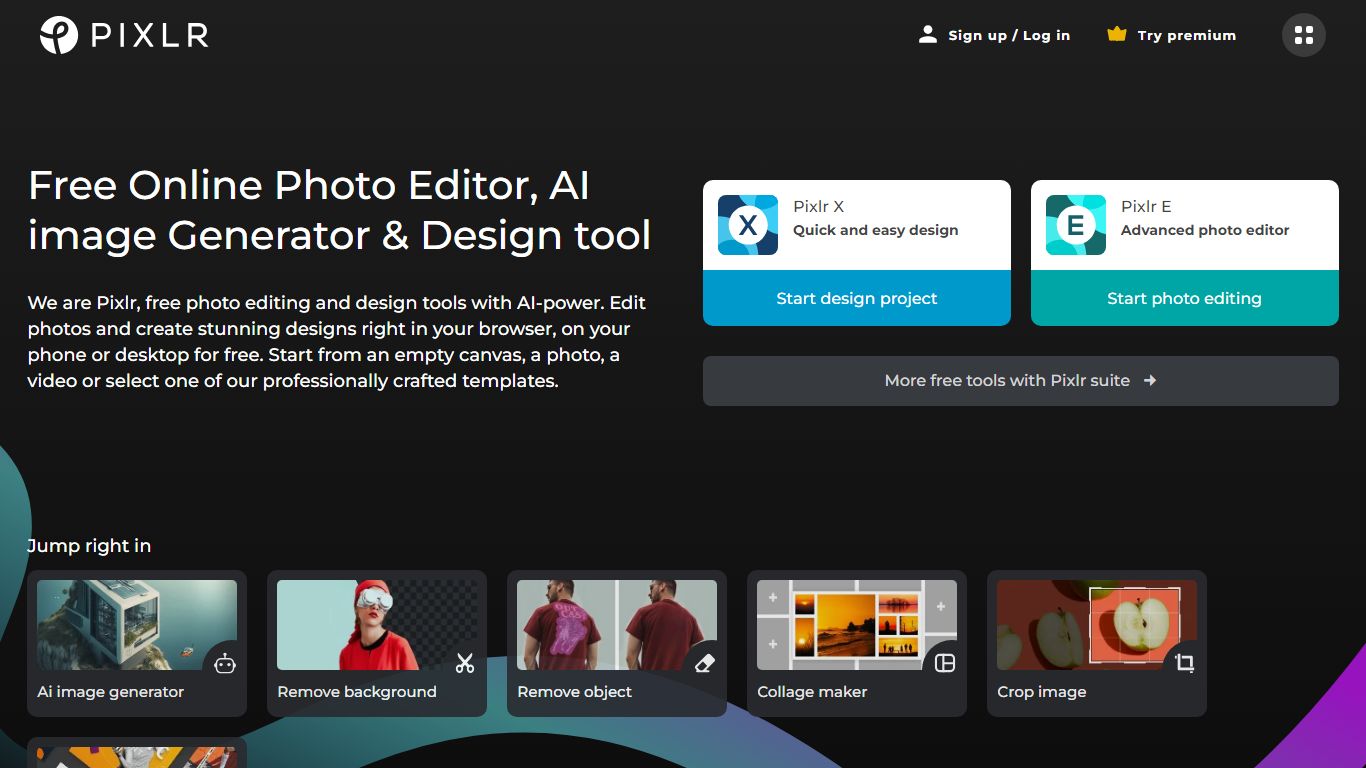
Pixlr is a browser-based photo editor and AI creation suite with 20+ tools for images, video, and audio. You can edit photos, remove backgrounds, run generative fill and expand, generate images from text, animate stills into video, and build collages without installing desktop software. The homepage routes models from Flux, Kling, Recraft, Google Veo, Stable Diffusion, and ElevenLabs through one interface.
Standalone AI generators usually stop at text-to-image. Pixlr pairs generation with a full editor: face swap, object removal, super scale up to 25 megapixels, and a natural-language AI Assistant that applies edits from prompts. Free access covers core editing, while Plus, Premium, and Ultra plans add ad-free saves, higher AI credit pools, and concurrent generation slots.
Creators, marketers, and small businesses use Pixlr as a lighter Photoshop alternative for social graphics and product photos. The trade-off is credit limits on pro-quality generations and subscription tiers that gate private mode, mature content, and priority queues on higher plans.
20+ browser tools including generative fill, expand, background removal, and face swap
AI models from Flux, Kling, Recraft V4, Google Veo, Stable Diffusion, and ElevenLabs
Plus plan from $1.99 per month yearly with 80 monthly AI credits
Premium at $7.99 per month yearly includes 1,000 credits and 4 concurrent generations
Ultra tier offers unlimited fast image generations and up to 10,000 monthly credits
Super Scale AI upscaling preserves detail up to 25 megapixels
Combines AI generation and traditional photo editing in one browser app.
Wide model catalog spanning image, video, and audio from major providers.
Plus tier starts under $2 per month on annual billing for ad-free editing.
Pro-quality generations consume credits quickly on lower tiers.
Refund policy states Pixlr cannot process subscription refunds after payment.
Ultra unlimited fast generations are subject to fair use and capacity limits.
Is Pixlr free to use?
Yes. Pixlr offers free browser access to its AI photo editor and image generator. Paid Plus, Premium, and Ultra subscriptions remove ads, raise AI credit limits, and unlock features like private generations on Premium.
How much does Pixlr Premium cost?
Pixlr Premium is $7.99 per month when billed yearly, or $9.99 per month on monthly billing. It includes 1,000 monthly AI credits, access to all image, video, and audio models, and four concurrent AI generations.
What AI models does Pixlr support?
Pixlr routes generation through Flux, Flux Pro, Kling AI, Recraft V4, Google Veo, Qwen, Stable Diffusion, SDXL, Seedance, Grok Imagine, PixVerse, ElevenLabs, and other listed providers on its homepage.
Can Pixlr generate video?
Yes. Pixlr includes text-to-video and image-to-video tools powered by models such as Kling and Google Veo. Premium subscribers get access to the full image, video, and audio model library.
Do Pixlr AI credits expire?
Pixlr subscription credits reset each billing cycle and drop to zero if you cancel. Separately purchased AI Credit Packs never expire and are used after subscription credits run out.
Does Pixlr work on mobile?
Yes. Pixlr subscriptions purchased on the website or mobile apps share the same account access across web, desktop, and Android or iOS apps, according to its pricing FAQ.