ThumbnailCreator vs Pixlr
In the battle of ThumbnailCreator vs Pixlr, which AI Image Generation tool comes out on top? We compare reviews, pricing, alternatives, upvotes, features, and more.
Which one is better? ThumbnailCreator or Pixlr?
Upon comparing ThumbnailCreator with Pixlr, which are both AI-powered image generation tools, ThumbnailCreator is the clear winner in terms of upvotes. ThumbnailCreator has received 100 upvotes from aitools.fyi users, while Pixlr has received 10 upvotes.
Want to flip the script? Upvote your favorite tool and change the game!
ThumbnailCreator

What is ThumbnailCreator?
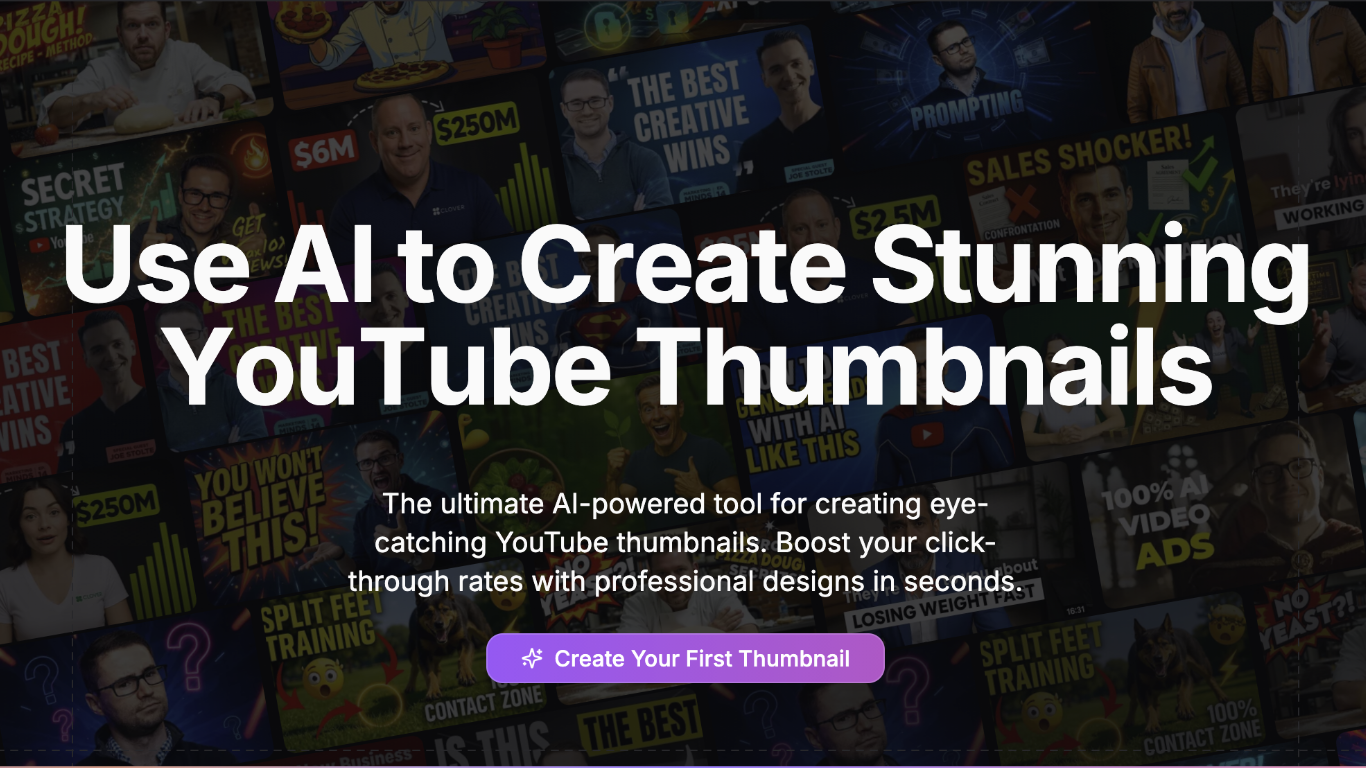
ThumbnailCreator turns a YouTube video link or text prompt into click-ready thumbnail images in about 30 seconds. Paste a URL and the tool reads the transcript, scans key frames, and returns multiple layout concepts tuned to your video topic. YouTube creators use it when they need fresh cover art without opening Photoshop or hiring a designer for every upload.
Unlike template editors like Canva, ThumbnailCreator starts from your actual video content rather than blank canvases. It also bundles face swap, expression morphing, and an AI Viral Clips workflow that cuts long uploads into Shorts and Reels hooks, features most general design tools do not ship in one subscription.
Solo creators posting one or two videos a week can stay on the Starter plan at $17 per month, while agencies managing multiple channels move to Teams for batch variations and API access. The site lists 15,000+ active creators and a 7-day trial with 10 free credits, no credit card required on signup.
Pixlr
What is Pixlr?
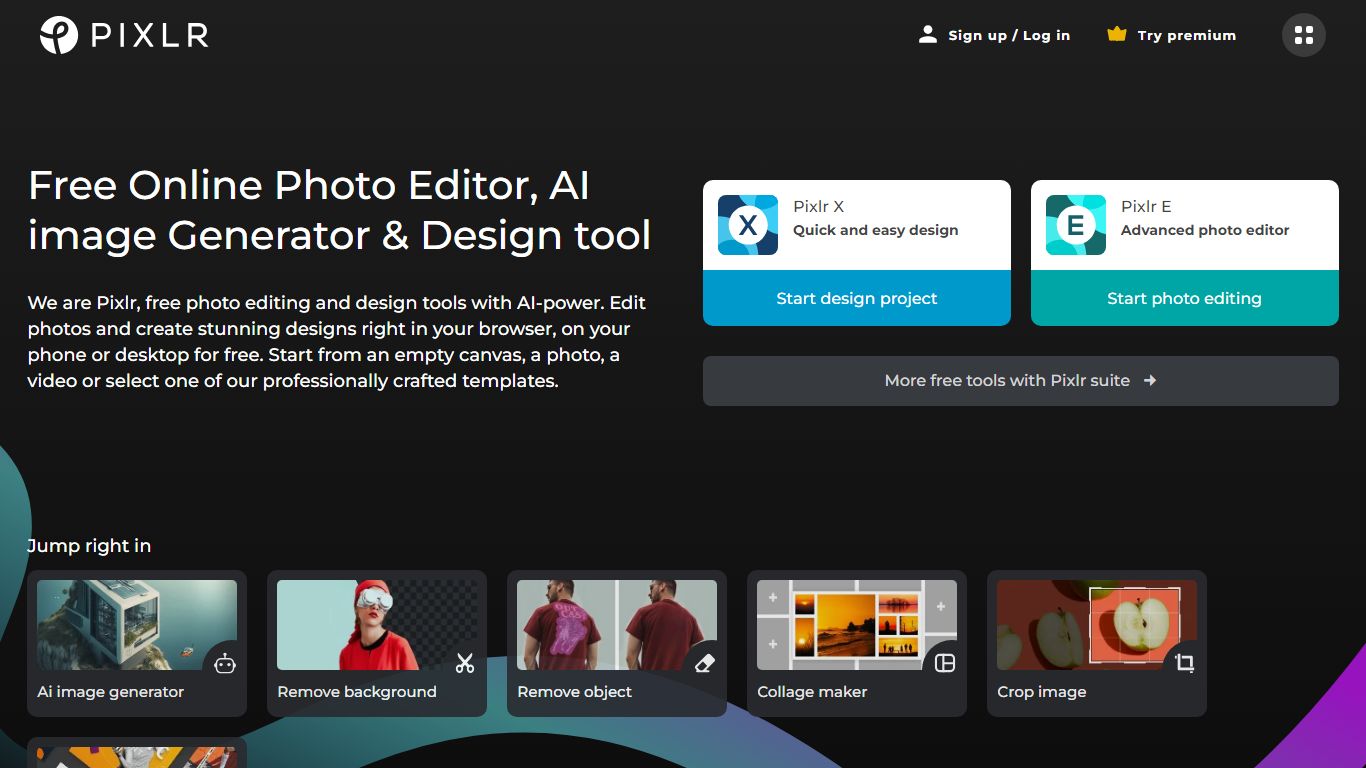
Pixlr is a browser-based photo editor and AI creation suite with 20+ tools for images, video, and audio. You can edit photos, remove backgrounds, run generative fill and expand, generate images from text, animate stills into video, and build collages without installing desktop software. The homepage routes models from Flux, Kling, Recraft, Google Veo, Stable Diffusion, and ElevenLabs through one interface.
Standalone AI generators usually stop at text-to-image. Pixlr pairs generation with a full editor: face swap, object removal, super scale up to 25 megapixels, and a natural-language AI Assistant that applies edits from prompts. Free access covers core editing, while Plus, Premium, and Ultra plans add ad-free saves, higher AI credit pools, and concurrent generation slots.
Creators, marketers, and small businesses use Pixlr as a lighter Photoshop alternative for social graphics and product photos. The trade-off is credit limits on pro-quality generations and subscription tiers that gate private mode, mature content, and priority queues on higher plans.
ThumbnailCreator Upvotes
Pixlr Upvotes
ThumbnailCreator Top Features
Paste a YouTube URL and get multiple thumbnail concepts in about 30 seconds
1 credit equals 1 AI thumbnail; Lite plan starts at $8 per month after a 7-day trial
Creator plan at $33 per month includes Advanced Face Training and person swap
Auto-Optimize and variation generator on Starter ($17/mo) and higher tiers
Export at YouTube-optimized resolution or upload directly to your channel
AI Viral Clips finds hook moments in long videos for Shorts, TikTok, and Reels
Pixlr Top Features
20+ browser tools including generative fill, expand, background removal, and face swap
AI models from Flux, Kling, Recraft V4, Google Veo, Stable Diffusion, and ElevenLabs
Plus plan from $1.99 per month yearly with 80 monthly AI credits
Premium at $7.99 per month yearly includes 1,000 credits and 4 concurrent generations
Ultra tier offers unlimited fast image generations and up to 10,000 monthly credits
Super Scale AI upscaling preserves detail up to 25 megapixels
ThumbnailCreator Category
- Image Generation
Pixlr Category
- Image Generation
ThumbnailCreator Pricing Type
- Freemium
Pixlr Pricing Type
- Freemium