AI Art Generator vs Drag Your GAN
Compare AI Art Generator vs Drag Your GAN and see which AI Image Generation Model tool is better when we compare features, reviews, pricing, alternatives, upvotes, etc.
Which one is better? AI Art Generator or Drag Your GAN?
When we compare AI Art Generator with Drag Your GAN, which are both AI-powered image generation model tools, The upvote count shows a clear preference for Drag Your GAN. Drag Your GAN has 8 upvotes, and AI Art Generator has 6 upvotes.
Don't agree with the result? Cast your vote and be a part of the decision-making process!
AI Art Generator
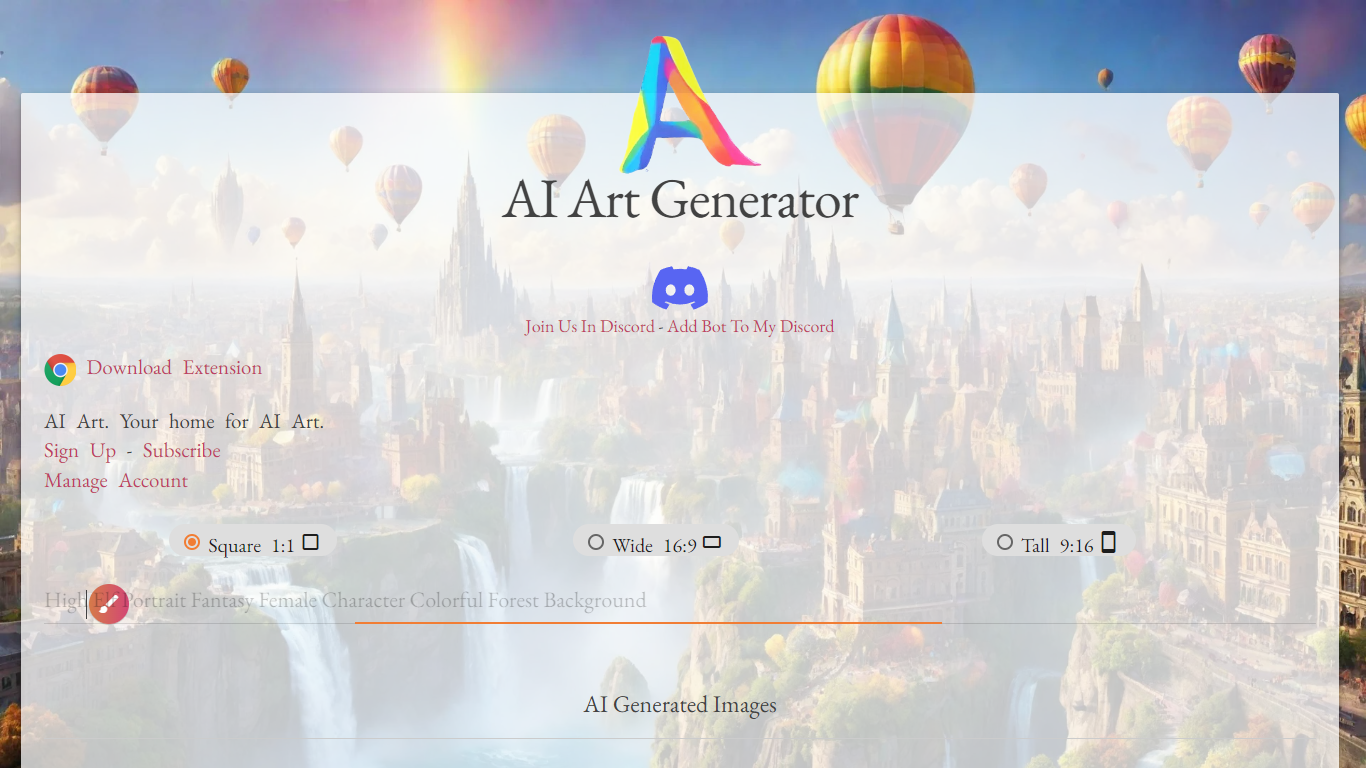

What is AI Art Generator ?
AI Art Generator on aiart-generator.art is a browser-based image creation platform where you enter a prompt, choose an aspect ratio, and generate artwork across styles like anime, photographic, fantasy art, and comic book. The site also hosts a browsable gallery of community images organized by tags such as portrait, cyberpunk, and watercolor.
The generator goes beyond plain text-to-image. You can drag and drop a reference image for style transfer, upscale results to 2K with eye fix, remove backgrounds, and send any image through an LTX 2.3 image-to-video flow that supports clips from 6 to 20 seconds at up to 2160p resolution. Finished images open in a linked browser editor for further edits.
Digital artists, game designers, and social content creators can use it for fast concept art and styled portraits without installing desktop software. Developers can access Netwrck API endpoints documented on the site for programmatic image and video generation. A free account gets you started, with credit packs and a subscription tier for heavier use.
Drag Your GAN
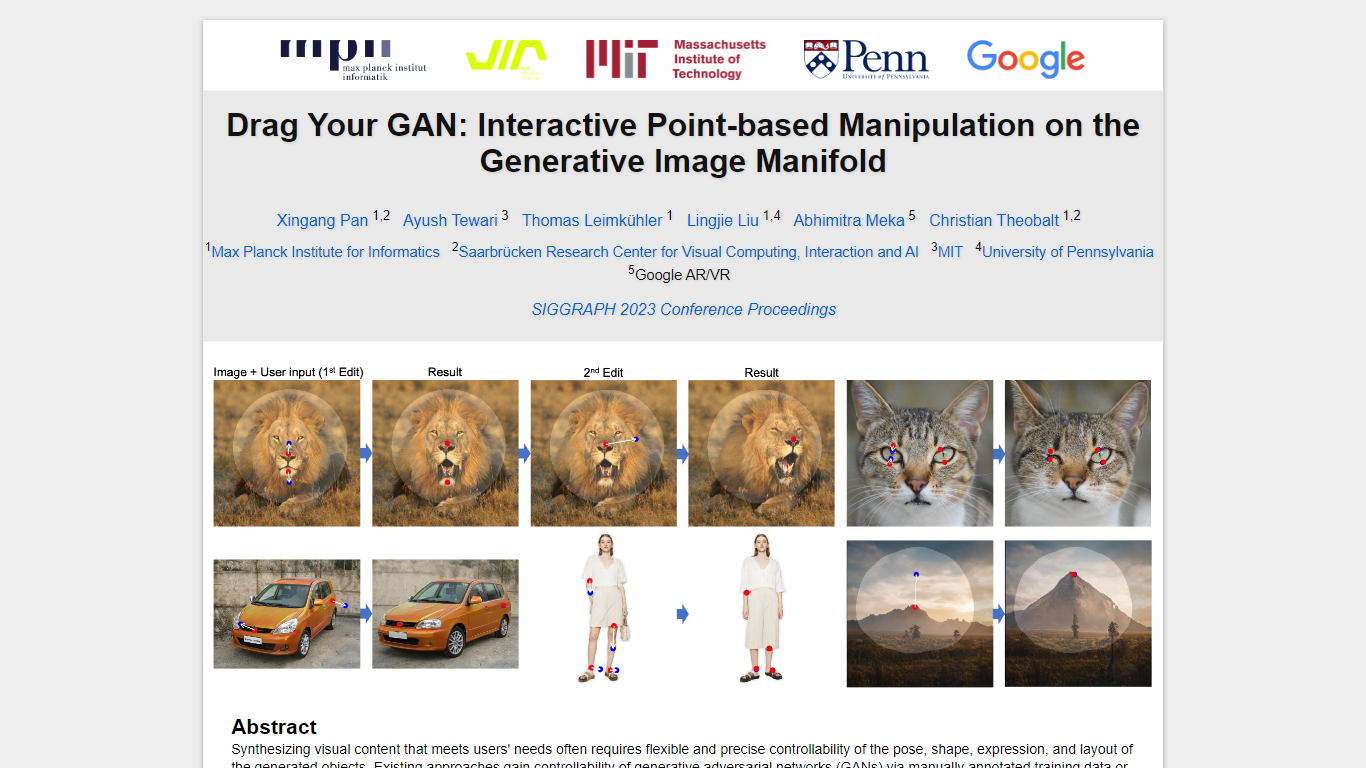
What is Drag Your GAN?
Drag Your GAN lets you reshape a generated image by dragging handle points to target spots on the canvas. Instead of training on labeled pose data or 3D priors, DragGAN moves pixels inside a pretrained GAN's image manifold so edits stay photorealistic even when occluded regions get hallucinated. The project page hosts the SIGGRAPH 2023 paper, demo clips, and links to open source code.
Most GAN editors rely on fixed training annotations or 3D meshes, which limits what you can deform. DragGAN pairs feature-based motion supervision with discriminative point tracking so handle points follow your cursor while staying on the object surface. That makes it useful for nudging animal poses, facial expressions, car angles, and landscape layouts without retraining the generator.
Researchers, graphics students, and computer vision engineers use it to prototype interactive image editing workflows. The Max Planck Institute page distributes the paper PDF and GitHub repo under a non-commercial Creative Commons license, with contact details for the lead author.
AI Art Generator Upvotes
Drag Your GAN Upvotes
AI Art Generator Top Features
Seven aspect ratios from square 1024x1024 up to tall 768x1360
35+ named aesthetic styles including Anime, Neon Punk, and Cinematic
Drag and drop an image for on-page style transfer
Upscale generated images to 2K with built-in eye fix
Turn any image into a 6 to 20 second LTX 2.3 video clip
Remove backgrounds from images without leaving the generator
REST API for image and video generation via Netwrck endpoints
Drag Your GAN Top Features
Drag handle points to target positions for precise pixel-level control
Feature-based motion supervision drives handles without 3D priors
Point tracking uses discriminative GAN features to localize handles
Deforms animals, cars, humans, landscapes, and inverted real photos
Open source code published at github.com/XingangPan/DragGAN
Paper and demo videos from SIGGRAPH 2023 Conference Proceedings
AI Art Generator Category
- Image Generation Model
Drag Your GAN Category
- Image Generation Model
AI Art Generator Pricing Type
- Freemium
Drag Your GAN Pricing Type
- Free