AI Assist by airfocus vs GitMind
In the battle of AI Assist by airfocus vs GitMind, which AI Project Management tool comes out on top? We compare reviews, pricing, alternatives, upvotes, features, and more.
Between AI Assist by airfocus and GitMind, which one is superior?
Upon comparing AI Assist by airfocus with GitMind, which are both AI-powered project management tools, The upvote count is neck and neck for both AI Assist by airfocus and GitMind. Every vote counts! Cast yours and contribute to the decision of the winner.
You don't agree with the result? Cast your vote to help us decide!
AI Assist by airfocus

What is AI Assist by airfocus?
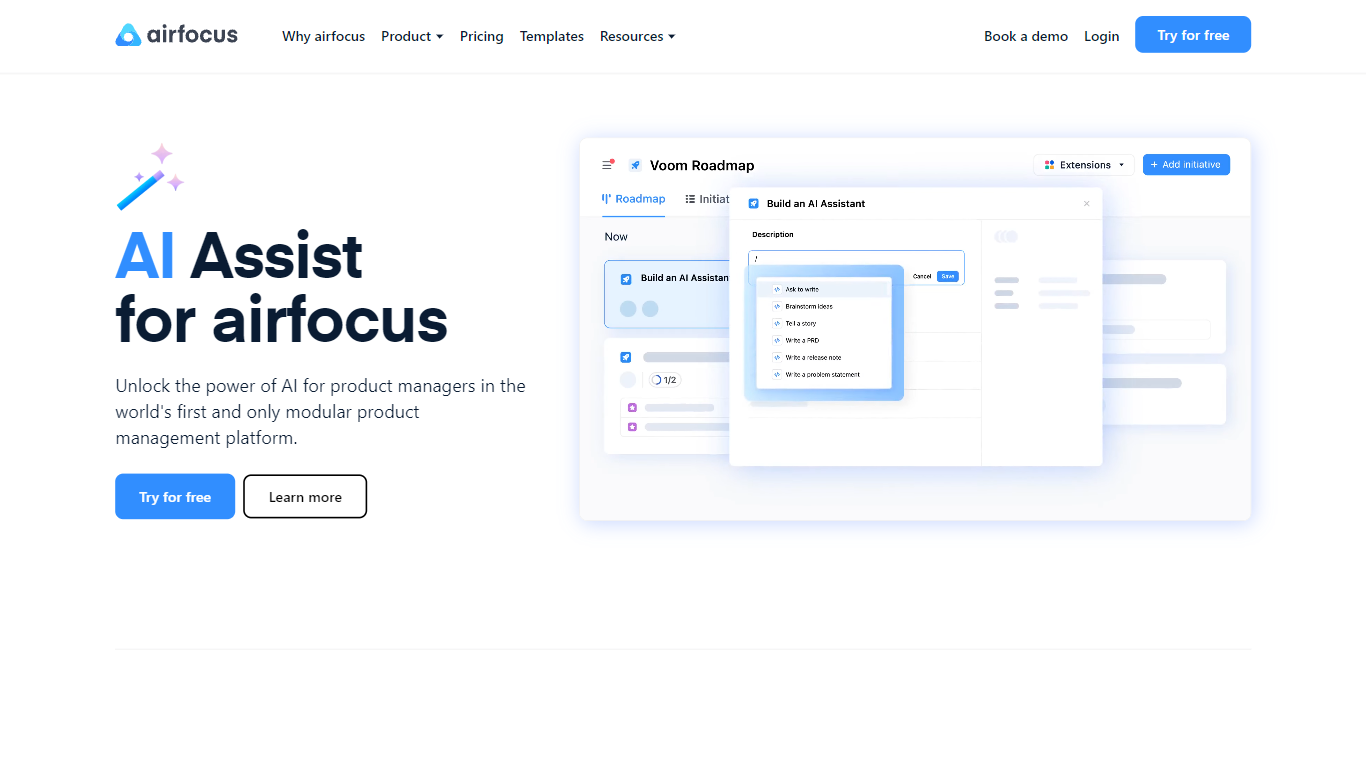
AI Assist by airfocus connects customer feedback, strategy, and roadmaps into a live intelligence layer that helps product teams make better decisions at scale. Most AI tools help teams write faster, but airfocus helps them decide better by surfacing patterns humans miss, flagging strategic drift before it compounds, and making product context available to every AI tool your team already uses through the airfocus MCP server.
The Insights agent continuously analyzes feedback across every channel while the Autofill agent automatically routes insights to the right teams. AI-powered search and drafting tools keep decisions traceable and aligned without extra meetings. Strategic drift detection continuously compares what teams are shipping against stated strategy, catching misalignment early.
The airfocus MCP server makes strategy, feedback, and roadmaps accessible to Claude, ChatGPT, Copilot, and custom agents so every AI tool works from real product context. This turns general AI tools into product-specific agents that can query and act on live data.
AI Dashboard widgets scan work across teams and product lines to surface what's moving, blocked, drifting, or trending automatically without scheduling status meetings. AI-powered drafting helps teams create PRDs, problem statements, user stories, and release notes while preserving the rationale behind every decision.
GitMind
What is GitMind?
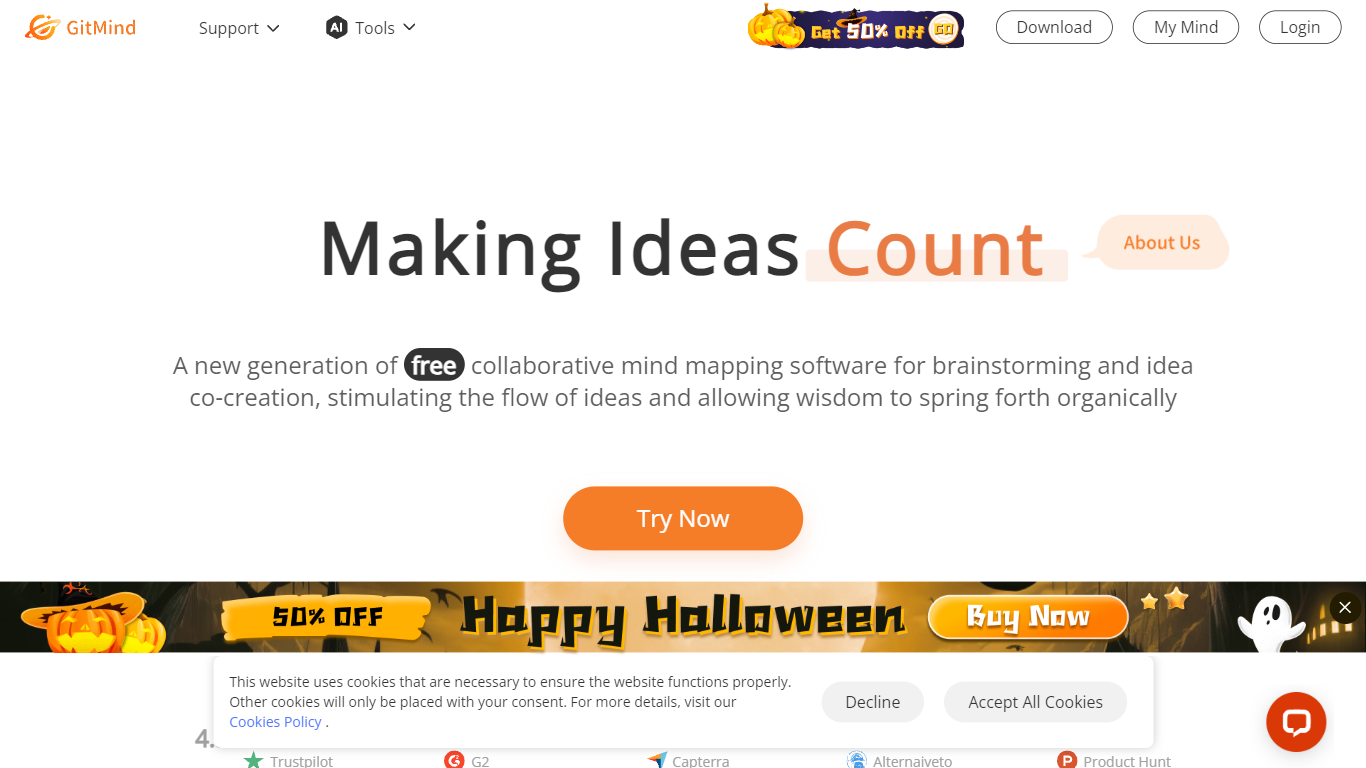
GitMind turns text, videos, audio, PDFs, websites, and images into mind maps, summaries, flowcharts, and infographics inside one visual workspace. Upload a file or paste a link, and the tool structures the content into editable diagrams you can share or present. Desktop and mobile apps sync projects across platforms for studying, research, and project planning.
Standalone mind map apps stop at diagram editing. GitMind bundles summarizers, OCR, YouTube transcript tools, and AI chat with ChatGPT, Claude, Gemini, and DeepSeek in the same canvas. That combination suits teams who want source material converted into visuals without switching between a note app, a diagram tool, and a separate AI chat tab.
Project managers, teachers, students, and researchers use GitMind to plan campaigns, summarize lectures, and generate UML or flowchart diagrams from prompts. The site reports 10 million users across 160 countries. Real-time collaboration and presentation mode support team workshops and classroom reviews.
AI Assist by airfocus Upvotes
GitMind Upvotes
AI Assist by airfocus Top Features
🔍 Insights Agent – Continuously analyzes customer feedback across all channels to surface strategic patterns humans miss, traceable back to the source for auditable decisions.
🚨 Strategic Drift Detection – Automatically flags when execution drifts from strategy in real time, not just during quarterly reviews.
🤖 airfocus MCP Server – Makes your strategy, feedback, and roadmaps accessible to Claude, ChatGPT, Copilot, and custom agents so every AI tool works from real product context.
✍️ AI-Powered Drafting – Draft PRDs, problem statements, user stories, and release notes with AI Assist while keeping the 'why' behind every decision durable and aligned.
📊 AI Dashboard Widgets – Scan work across teams and product lines to surface what's moving, blocked, drifting, or trending automatically without scheduling status meetings.
🔄 Autofill Agent – Automatically links incoming feedback to existing workspace items, suggesting fields, labels, and owners to ensure critical insights reach the right teams.
🔗 Native Integrations – Syncs with Jira Cloud and Server, Azure DevOps, Slack, Intercom, Zendesk, Trello, Shortcut, and more to keep product context current.
GitMind Top Features
Converts videos, PDFs, audio, websites, and images into mind maps or summaries
Free tier includes up to 10 mind maps and whiteboards
YouTube summarizer handles 20 minutes of one video per day on the free plan
Generates flowcharts, UML diagrams, ERDs, and infographics from text prompts
Integrates ChatGPT, Claude, Gemini, and DeepSeek inside the workspace
Real-time collaboration with presentation mode for team reviews
AI Assist by airfocus Category
- Project Management
GitMind Category
- Project Management
AI Assist by airfocus Pricing Type
- Freemium
GitMind Pricing Type
- Freemium