
Last updated 08-20-2026
Category:
Reviews:
Join thousands of AI enthusiasts in the World of AI!
GitMind
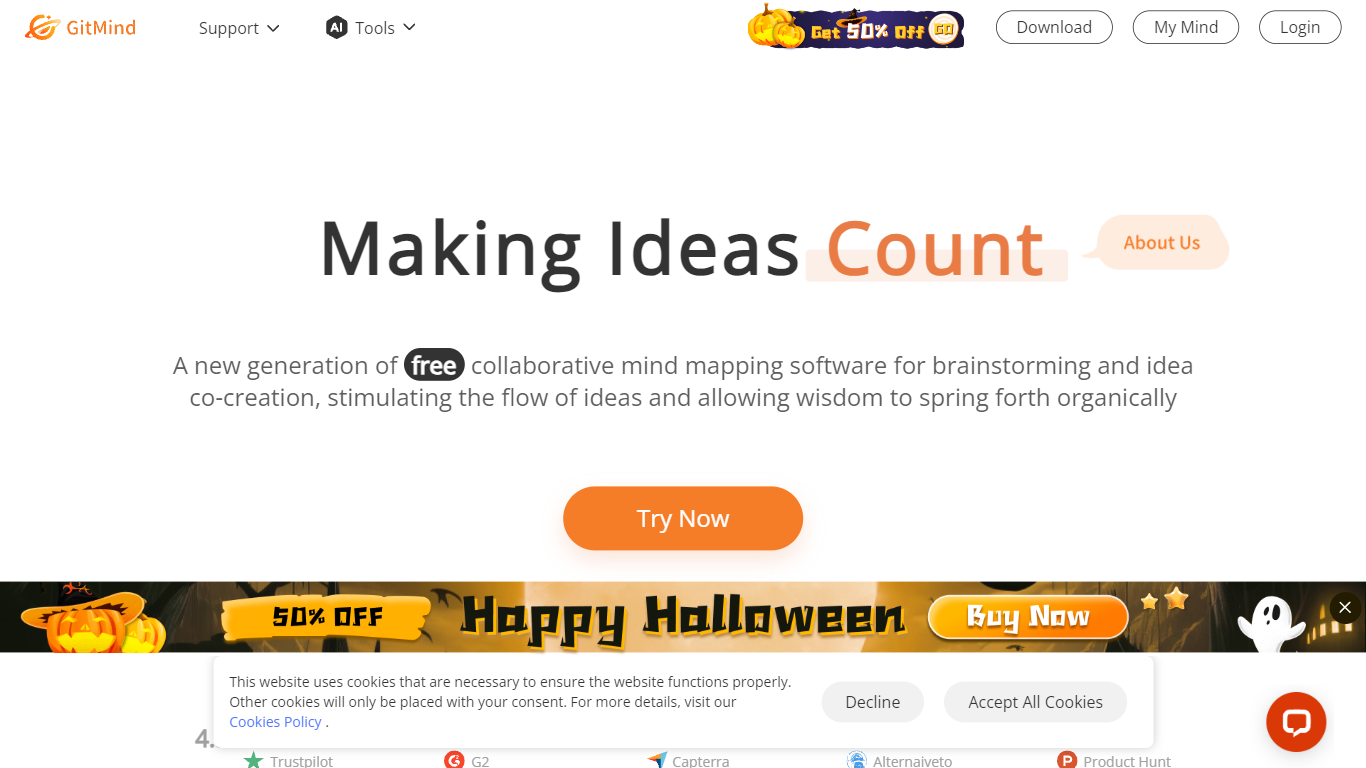
GitMind turns text, videos, audio, PDFs, websites, and images into mind maps, summaries, flowcharts, and infographics inside one visual workspace. Upload a file or paste a link, and the tool structures the content into editable diagrams you can share or present. Desktop and mobile apps sync projects across platforms for studying, research, and project planning.
Standalone mind map apps stop at diagram editing. GitMind bundles summarizers, OCR, YouTube transcript tools, and AI chat with ChatGPT, Claude, Gemini, and DeepSeek in the same canvas. That combination suits teams who want source material converted into visuals without switching between a note app, a diagram tool, and a separate AI chat tab.
Project managers, teachers, students, and researchers use GitMind to plan campaigns, summarize lectures, and generate UML or flowchart diagrams from prompts. The site reports 10 million users across 160 countries. Real-time collaboration and presentation mode support team workshops and classroom reviews.
Converts videos, PDFs, audio, websites, and images into mind maps or summaries
Free tier includes up to 10 mind maps and whiteboards
YouTube summarizer handles 20 minutes of one video per day on the free plan
Generates flowcharts, UML diagrams, ERDs, and infographics from text prompts
Integrates ChatGPT, Claude, Gemini, and DeepSeek inside the workspace
Real-time collaboration with presentation mode for team reviews
Combines mind maps, summarizers, and AI chat in one workspace.
Free plan includes up to 10 mind maps with cross-platform sync.
Supports ChatGPT, Claude, Gemini, and DeepSeek integrations.
Generates UML, ERD, and flowchart diagrams from text prompts.
Does not use uploaded content for model training.
Free tier caps mind maps at 10 before upgrade is required.
YouTube summarizer on free plan limits you to 20 minutes of one video per day.
AI features beyond basic mapping require credits or a Pro subscription.
Is GitMind free to use?
Yes. GitMind offers a free Basic plan with up to 10 mind maps and limited AI trials that vary by feature. You can earn credits through the Rewards Center, or upgrade to Pro starting at $9 per month for unlimited maps and higher usage limits.
What file types does GitMind support?
GitMind accepts text, videos, audio, PDFs, websites, and images as inputs. It converts them into summaries, structured mind maps, flowcharts, infographics, or transcripts depending on the tool you select.
Does GitMind work on mobile devices?
Yes. GitMind offers desktop and mobile apps with seamless sync across platforms. You can create, edit, and present mind maps on web, desktop, iOS, and Android clients.
Can GitMind summarize YouTube videos?
Yes. GitMind includes a YouTube Video Summarizer and transcript generator. Free users can summarize 20 minutes of one YouTube video per day, with higher limits on paid plans.
How much does GitMind Pro cost?
GitMind Pro costs $9 per month on the monthly plan or $4.08 per month when billed annually. Pro unlocks unlimited mind maps, HD export, watermark options, and priority support.
Does GitMind use my data for AI training?
No. GitMind states it does not use your content for model training or advertising. Files are processed over encrypted connections, and you can delete your data at any time.