pm.bot vs GitMind
In the face-off between pm.bot vs GitMind, which AI Project Management tool takes the crown? We scrutinize features, alternatives, upvotes, reviews, pricing, and more.
When we put pm.bot and GitMind head to head, which one emerges as the victor?
If we were to analyze pm.bot and GitMind, both of which are AI-powered project management tools, what would we find? The upvote count is neck and neck for both pm.bot and GitMind. Since other aitools.fyi users could decide the winner, the ball is in your court now to cast your vote and help us determine the winner.
Feeling rebellious? Cast your vote and shake things up!
pm.bot

What is pm.bot?
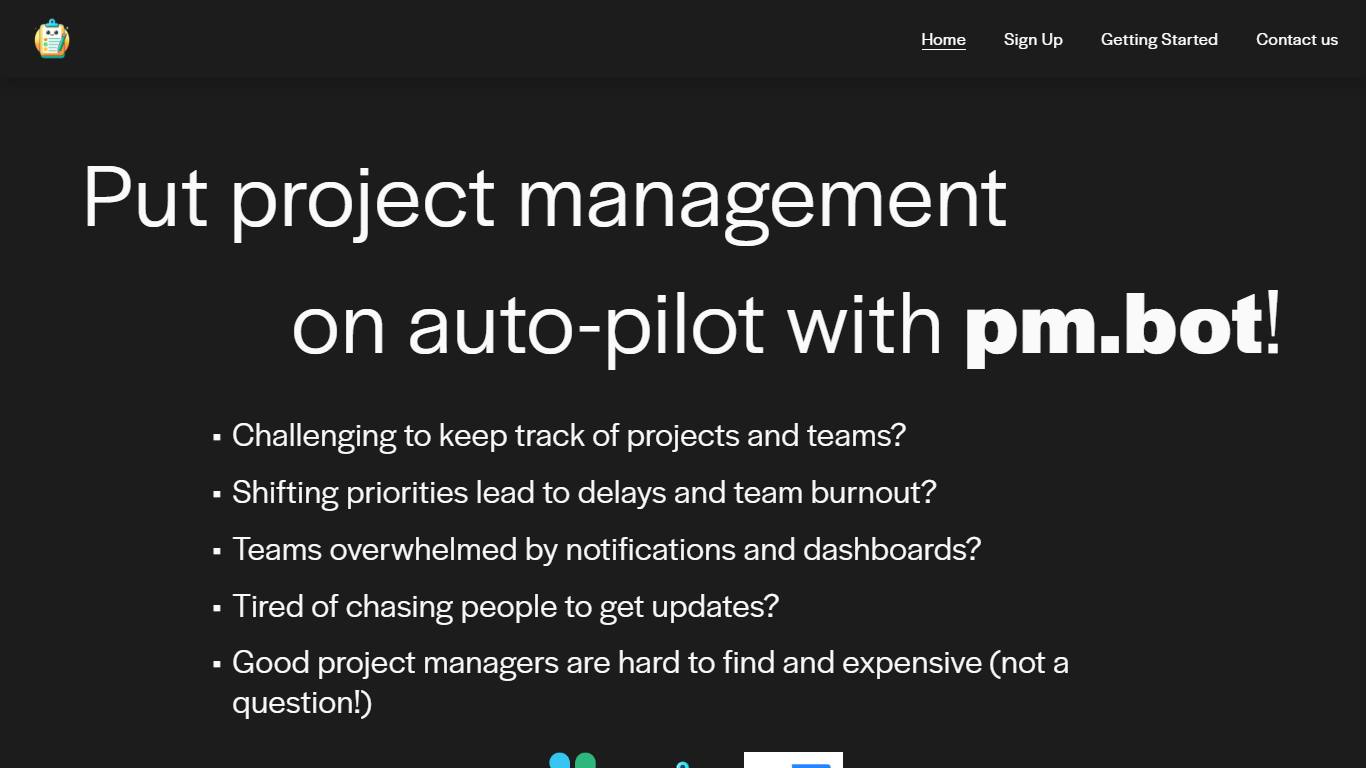
pm.bot is a project management automation tool that seamlessly integrates with JIRA for task management and Slack for team communication. Designed for teams facing the challenges of tracking projects, dealing with shifting priorities, and suffering from notification overload, pm.bot provides an intelligent solution to streamline the project management process.
This innovative tool aims to alleviate team burnout, reduce the constant need for updates, and fills in the gap when qualified project managers are scarce or expensive. With pm.bot, you can put your project management on auto-pilot, ensuring projects stay on track while enhancing overall productivity and team collaboration.
GitMind
What is GitMind?
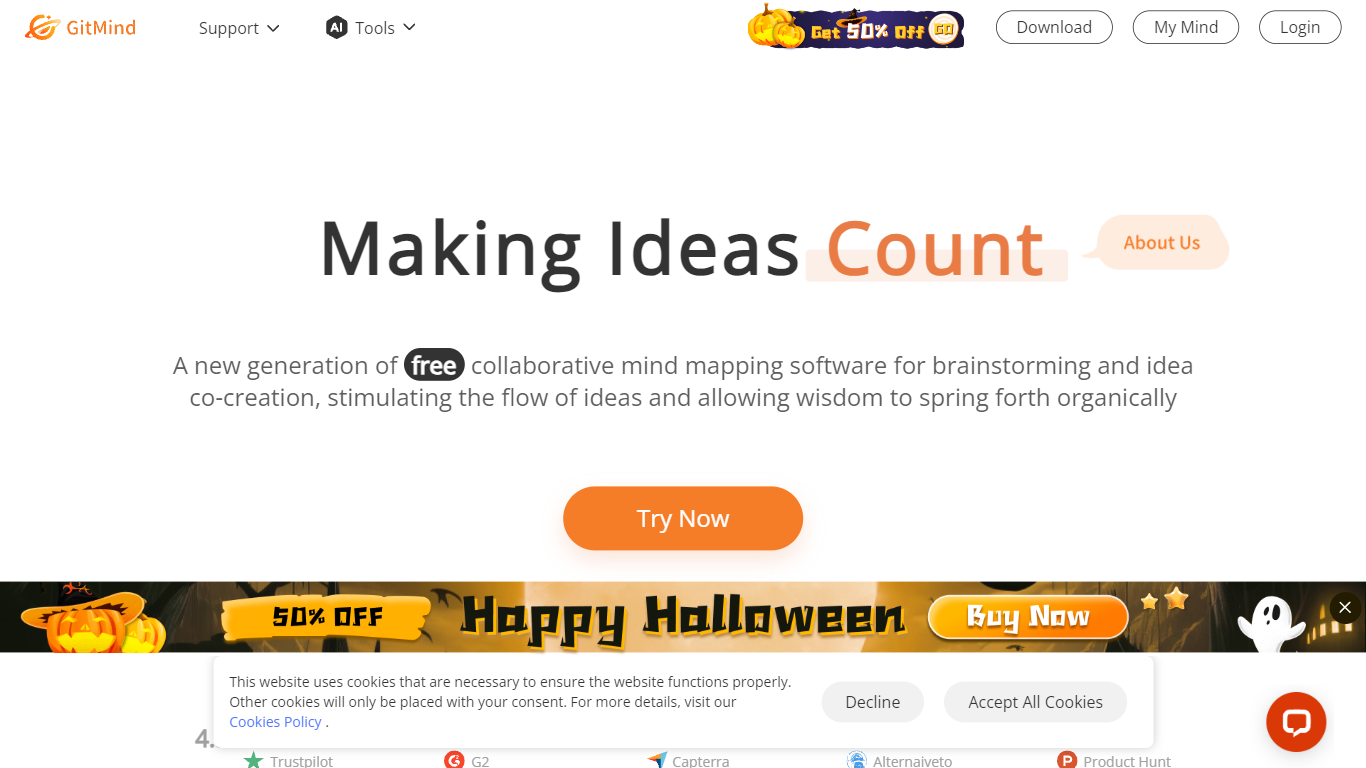
GitMind turns text, videos, audio, PDFs, websites, and images into mind maps, summaries, flowcharts, and infographics inside one visual workspace. Upload a file or paste a link, and the tool structures the content into editable diagrams you can share or present. Desktop and mobile apps sync projects across platforms for studying, research, and project planning.
Standalone mind map apps stop at diagram editing. GitMind bundles summarizers, OCR, YouTube transcript tools, and AI chat with ChatGPT, Claude, Gemini, and DeepSeek in the same canvas. That combination suits teams who want source material converted into visuals without switching between a note app, a diagram tool, and a separate AI chat tab.
Project managers, teachers, students, and researchers use GitMind to plan campaigns, summarize lectures, and generate UML or flowchart diagrams from prompts. The site reports 10 million users across 160 countries. Real-time collaboration and presentation mode support team workshops and classroom reviews.
pm.bot Upvotes
GitMind Upvotes
pm.bot Top Features
Simple Integration: Utilizes JIRA for tasks and Slack for communication to facilitate project management.
Reduces Burnout: Addresses shifting priorities to prevent delays and reduce team burnout.
Minimizes Notifications: Reduces overwhelming notifications and the dependence on dashboards.
Effortless Updates: Streamlines the process of gathering updates without the need to chase individuals.
Cost-effective Solution: Acts as an alternative to hiring expensive project managers by automating management tasks.
GitMind Top Features
Converts videos, PDFs, audio, websites, and images into mind maps or summaries
Free tier includes up to 10 mind maps and whiteboards
YouTube summarizer handles 20 minutes of one video per day on the free plan
Generates flowcharts, UML diagrams, ERDs, and infographics from text prompts
Integrates ChatGPT, Claude, Gemini, and DeepSeek inside the workspace
Real-time collaboration with presentation mode for team reviews
pm.bot Category
- Project Management
GitMind Category
- Project Management
pm.bot Pricing Type
- Freemium
GitMind Pricing Type
- Freemium