AI Photo Fixer (formerly AI Color) vs AI Image Upscaler on AI Image Enlarger
When comparing AI Photo Fixer (formerly AI Color) vs AI Image Upscaler on AI Image Enlarger, which AI Photo Editing tool shines brighter? We look at pricing, alternatives, upvotes, features, reviews, and more.
In a comparison between AI Photo Fixer (formerly AI Color) and AI Image Upscaler on AI Image Enlarger, which one comes out on top?
When we put AI Photo Fixer (formerly AI Color) and AI Image Upscaler on AI Image Enlarger side by side, both being AI-powered photo editing tools, In the race for upvotes, AI Photo Fixer (formerly AI Color) takes the trophy. AI Photo Fixer (formerly AI Color) has garnered 7 upvotes, and AI Image Upscaler on AI Image Enlarger has garnered 6 upvotes.
Think we got it wrong? Cast your vote and show us who's boss!
AI Photo Fixer (formerly AI Color)
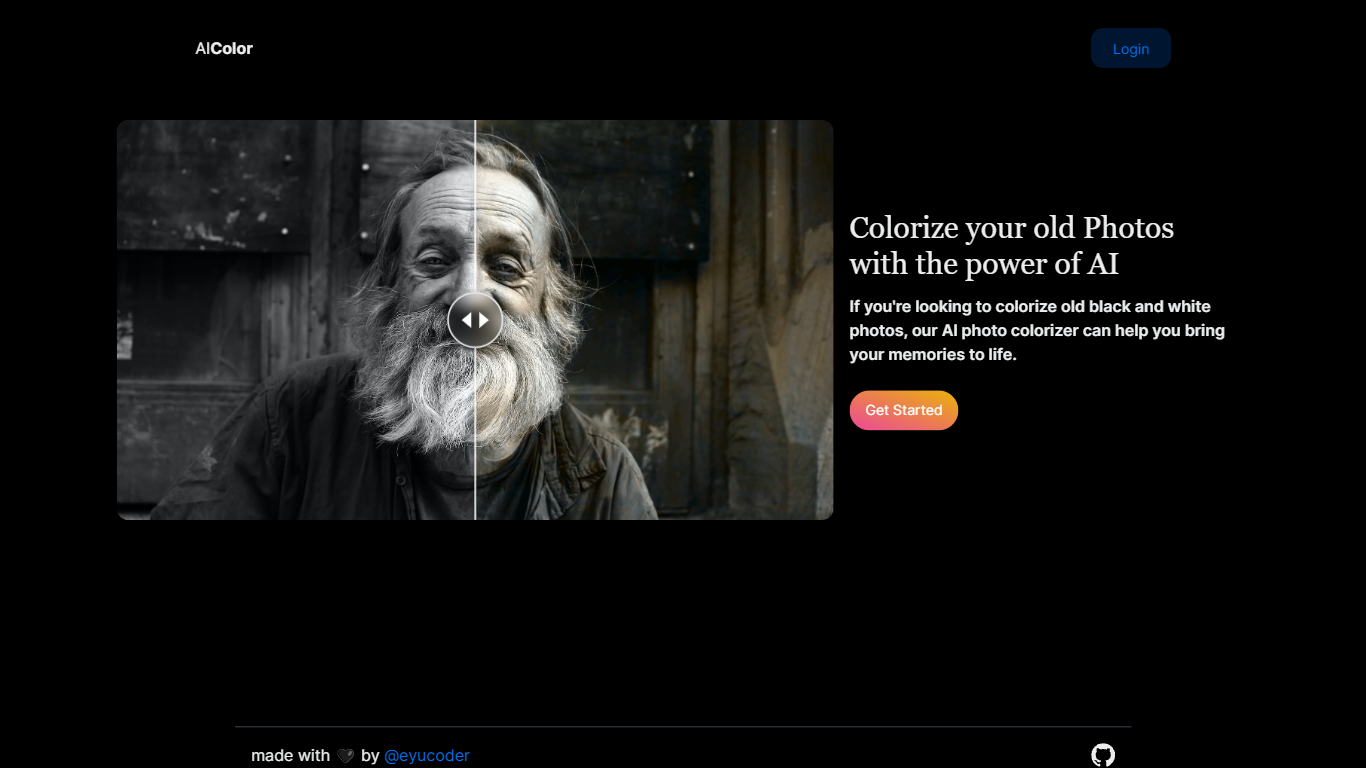

What is AI Photo Fixer (formerly AI Color)?
Upload a photo to aicolor.art, pick one of eight repair modes, and get a processed file back in the browser after you sign in. The site takes JPG, PNG, and WebP files up to 10MB and runs jobs like colorize, upscale, background removal, or short animation from the same screen.
Most photo editors spread restoration tools across separate apps or desktop installs. AI Photo Fixer keeps colorization, face cleanup, low-light correction, upscaling, background swap, and short animation on one page, with credit costs and run times listed beside each mode before you start. That makes it a narrow pick for quick one-off fixes rather than layered manual editing in Photoshop or GIMP.
Genealogy hobbyists colorizing scanned family prints, people cleaning up old phone shots, and anyone who wants a fast pass on a damaged image without learning layer masks will get the most from it. Sign-in is required, and each mode spends 1 to 3 credits depending on the job.
AI Image Upscaler on AI Image Enlarger

What is AI Image Upscaler on AI Image Enlarger?
This Imglarger photo editing tool enlarges JPG, PNG, or WebP images to 2x or 4x resolution in your browser. You upload a file up to 10 MB and 1024 px wide, pick a scale factor, and the model sharpens edges and textures for 4K screens, product catalogs, or social posts. It handles portraits, AI art, anime frames, and product shots without installing desktop software.
Standard resize tools stretch pixels and leave blurry blocks. Imglarger's upscaler rebuilds detail with a focused workflow: upload, choose 200% or 400%, preview side by side, then download. You give up local batch power on the free tier and must trust cloud processing, though files auto-delete within six hours.
E-commerce teams batch-prepare catalog assets on paid plans. Digital artists upscale Midjourney or Stable Diffusion outputs, and photographers rescue compressed client files before print runs.
AI Photo Fixer (formerly AI Color) Upvotes
AI Image Upscaler on AI Image Enlarger Upvotes
AI Photo Fixer (formerly AI Color) Top Features
Accepts JPG, PNG, and WebP uploads up to 10MB on the main screen
Colorize mode finishes in 5-10 seconds and costs 1 credit per run
Auto Fix takes 15-30 seconds and spends 3 credits for a full pass
Eight modes cover face restore, upscale, low-light fix, background removal, new background, and animation
Animate mode runs 30-60 seconds and costs 3 credits per clip
Each mode shows its credit cost and estimated runtime before you start
AI Image Upscaler on AI Image Enlarger Top Features
Upscale images to 200% or 400% with a single upload step
Accepts JPG, PNG, and WebP files up to 10 MB and 1024 px input width
Preview upscaled output beside the original before downloading
Batch upscale multiple images on paid plans starting at $4.99 per month
Processed files are automatically deleted within six hours
Dedicated anime upscaler and enlarger tools live on the same Imglarger site
AI Photo Fixer (formerly AI Color) Category
- Photo Editing
AI Image Upscaler on AI Image Enlarger Category
- Photo Editing
AI Photo Fixer (formerly AI Color) Pricing Type
- Freemium
AI Image Upscaler on AI Image Enlarger Pricing Type
- Freemium