
Last updated 07-30-2026
Category:
Reviews:
Join thousands of AI enthusiasts in the World of AI!
AI Photo Fixer (formerly AI Color)
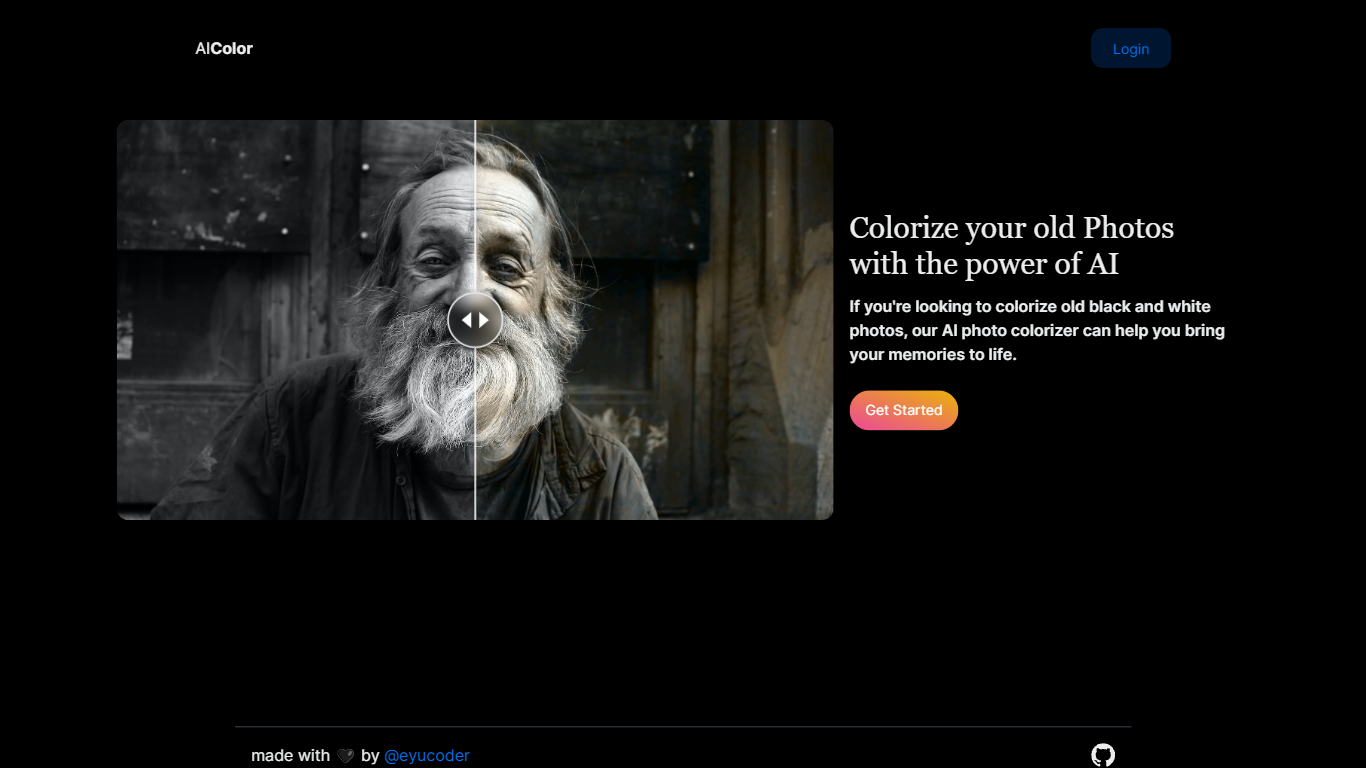
Upload a photo to aicolor.art, pick one of eight repair modes, and get a processed file back in the browser after you sign in. The site takes JPG, PNG, and WebP files up to 10MB and runs jobs like colorize, upscale, background removal, or short animation from the same screen.
Most photo editors spread restoration tools across separate apps or desktop installs. AI Photo Fixer keeps colorization, face cleanup, low-light correction, upscaling, background swap, and short animation on one page, with credit costs and run times listed beside each mode before you start. That makes it a narrow pick for quick one-off fixes rather than layered manual editing in Photoshop or GIMP.
Genealogy hobbyists colorizing scanned family prints, people cleaning up old phone shots, and anyone who wants a fast pass on a damaged image without learning layer masks will get the most from it. Sign-in is required, and each mode spends 1 to 3 credits depending on the job.
Accepts JPG, PNG, and WebP uploads up to 10MB on the main screen
Colorize mode finishes in 5-10 seconds and costs 1 credit per run
Auto Fix takes 15-30 seconds and spends 3 credits for a full pass
Eight modes cover face restore, upscale, low-light fix, background removal, new background, and animation
Animate mode runs 30-60 seconds and costs 3 credits per clip
Each mode shows its credit cost and estimated runtime before you start
Eight repair modes share one upload screen instead of separate tools.
Credit cost and runtime estimates appear beside each mode before you run it.
Supports JPG, PNG, and WebP files up to 10MB without desktop software.
Sign-in is required before any image can be processed.
No dedicated pricing page lists how to buy additional credits.
Browser-only workflow with no documented mobile app.
Is AI Photo Fixer free to use?
AI Photo Fixer uses a freemium credit model. You sign in to run edits, and each mode lists its credit cost on the homepage, from 1 credit for Colorize up to 3 credits for Auto Fix and Animate.
What file formats does AI Photo Fixer accept?
AI Photo Fixer accepts JPG, PNG, and WebP uploads. The upload area on aicolor.art states a 10MB size limit for each file you drop or browse to.
How many credits does colorizing cost on AI Photo Fixer?
Colorize on AI Photo Fixer costs 1 credit per image. The site lists an estimated processing time of 5-10 seconds for that mode.
What fixes can AI Photo Fixer run on a photo?
AI Photo Fixer offers Auto Fix, Colorize, Face, Upscale, Low-Light, Remove BG, New BG, and Animate modes from one upload screen. Each mode has its own credit cost and time estimate shown before you run it.
Do I need an account for AI Photo Fixer?
Yes. AI Photo Fixer shows a Sign in control on the homepage, and processing runs only after you log in so the site can track your credit balance.
How long does upscaling take on AI Photo Fixer?
Upscale on AI Photo Fixer lists a 10-20 second runtime and costs 1 credit per image. You pick the mode after uploading your JPG, PNG, or WebP file.