Background Remover - Stockphotos.com vs AI Photo Fixer (formerly AI Color)
Explore the showdown between Background Remover - Stockphotos.com vs AI Photo Fixer (formerly AI Color) and find out which AI Photo Editing tool wins. We analyze upvotes, features, reviews, pricing, alternatives, and more.
When comparing Background Remover - Stockphotos.com and AI Photo Fixer (formerly AI Color), which one rises above the other?
When we contrast Background Remover - Stockphotos.com with AI Photo Fixer (formerly AI Color), both of which are exceptional AI-operated photo editing tools, and place them side by side, we can spot several crucial similarities and divergences. With more upvotes, Background Remover - Stockphotos.com is the preferred choice. Background Remover - Stockphotos.com has 8 upvotes, and AI Photo Fixer (formerly AI Color) has 7 upvotes.
Think we got it wrong? Cast your vote and show us who's boss!
Background Remover - Stockphotos.com


What is Background Remover - Stockphotos.com?
Upload a JPG, PNG, TIFF, WEBP, or BMP file and Stockphotos.com's Background Remover strips the backdrop in about 8 seconds, then lets you download a transparent PNG or drop in a new background. The browser tool handles people, products, animals, and graphics without manual masking, with a 10 MB upload limit per file.
Most background removers push monthly subscriptions, but this one sells one-time removal packs after 3 free credits on signup. You pay when you need more, removals expire on a fixed schedule, and the same Stockphotos API also handles upscaling and EPS conversion for e-commerce workflows.
E-commerce sellers prepping product shots, designers building banners, and developers embedding removal via API are the use cases Stockphotos.com highlights on the site. Free tier caps export at 1200 pixels with slower processing; paid packs unlock 8000-pixel output and priority speed.
Signup includes 3 free removals plus 10 free upscaler credits. Paid packs start at $4.90 for 20 removals or $15 for 100 removals as one-time purchases with no subscription required.
AI Photo Fixer (formerly AI Color)
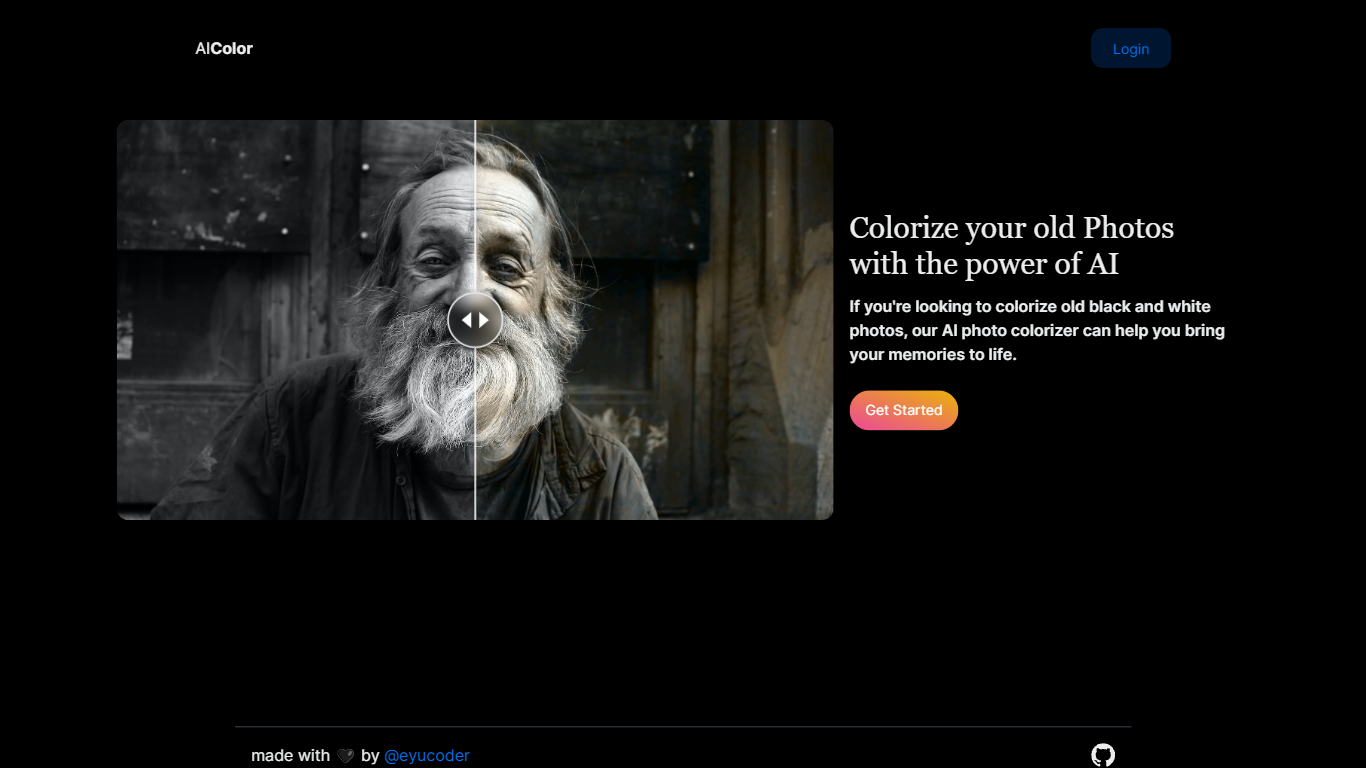
What is AI Photo Fixer (formerly AI Color)?
Upload a photo to aicolor.art, pick one of eight repair modes, and get a processed file back in the browser after you sign in. The site takes JPG, PNG, and WebP files up to 10MB and runs jobs like colorize, upscale, background removal, or short animation from the same screen.
Most photo editors spread restoration tools across separate apps or desktop installs. AI Photo Fixer keeps colorization, face cleanup, low-light correction, upscaling, background swap, and short animation on one page, with credit costs and run times listed beside each mode before you start. That makes it a narrow pick for quick one-off fixes rather than layered manual editing in Photoshop or GIMP.
Genealogy hobbyists colorizing scanned family prints, people cleaning up old phone shots, and anyone who wants a fast pass on a damaged image without learning layer masks will get the most from it. Sign-in is required, and each mode spends 1 to 3 credits depending on the job.
Background Remover - Stockphotos.com Upvotes
AI Photo Fixer (formerly AI Color) Upvotes
Background Remover - Stockphotos.com Top Features
Removes backgrounds in about 8 seconds per image with one-click upload
Supports JPG, PNG, TIFF, WEBP, and BMP uploads up to 10 MB per file
3 free removals on signup plus 10 free upscaler credits from Stockphotos.com
Paid packs export up to 8000 pixels with fast, high-priority processing
REST API integrates background removal into apps, plugins, and e-commerce tools
Powered by Bria AI models trained on faces, products, illustrations, and landscapes
AI Photo Fixer (formerly AI Color) Top Features
Accepts JPG, PNG, and WebP uploads up to 10MB on the main screen
Colorize mode finishes in 5-10 seconds and costs 1 credit per run
Auto Fix takes 15-30 seconds and spends 3 credits for a full pass
Eight modes cover face restore, upscale, low-light fix, background removal, new background, and animation
Animate mode runs 30-60 seconds and costs 3 credits per clip
Each mode shows its credit cost and estimated runtime before you start
Background Remover - Stockphotos.com Category
- Photo Editing
AI Photo Fixer (formerly AI Color) Category
- Photo Editing
Background Remover - Stockphotos.com Pricing Type
- Freemium
AI Photo Fixer (formerly AI Color) Pricing Type
- Freemium