AI Photo Fixer (formerly AI Color) vs Luminar Neo
Explore the showdown between AI Photo Fixer (formerly AI Color) vs Luminar Neo and find out which AI Photo Editing tool wins. We analyze upvotes, features, reviews, pricing, alternatives, and more.
In a face-off between AI Photo Fixer (formerly AI Color) and Luminar Neo, which one takes the crown?
When we contrast AI Photo Fixer (formerly AI Color) with Luminar Neo, both of which are exceptional AI-operated photo editing tools, and place them side by side, we can spot several crucial similarities and divergences. The users have made their preference clear, Luminar Neo leads in upvotes. The number of upvotes for Luminar Neo stands at 9, and for AI Photo Fixer (formerly AI Color) it's 7.
Not your cup of tea? Upvote your preferred tool and stir things up!
AI Photo Fixer (formerly AI Color)
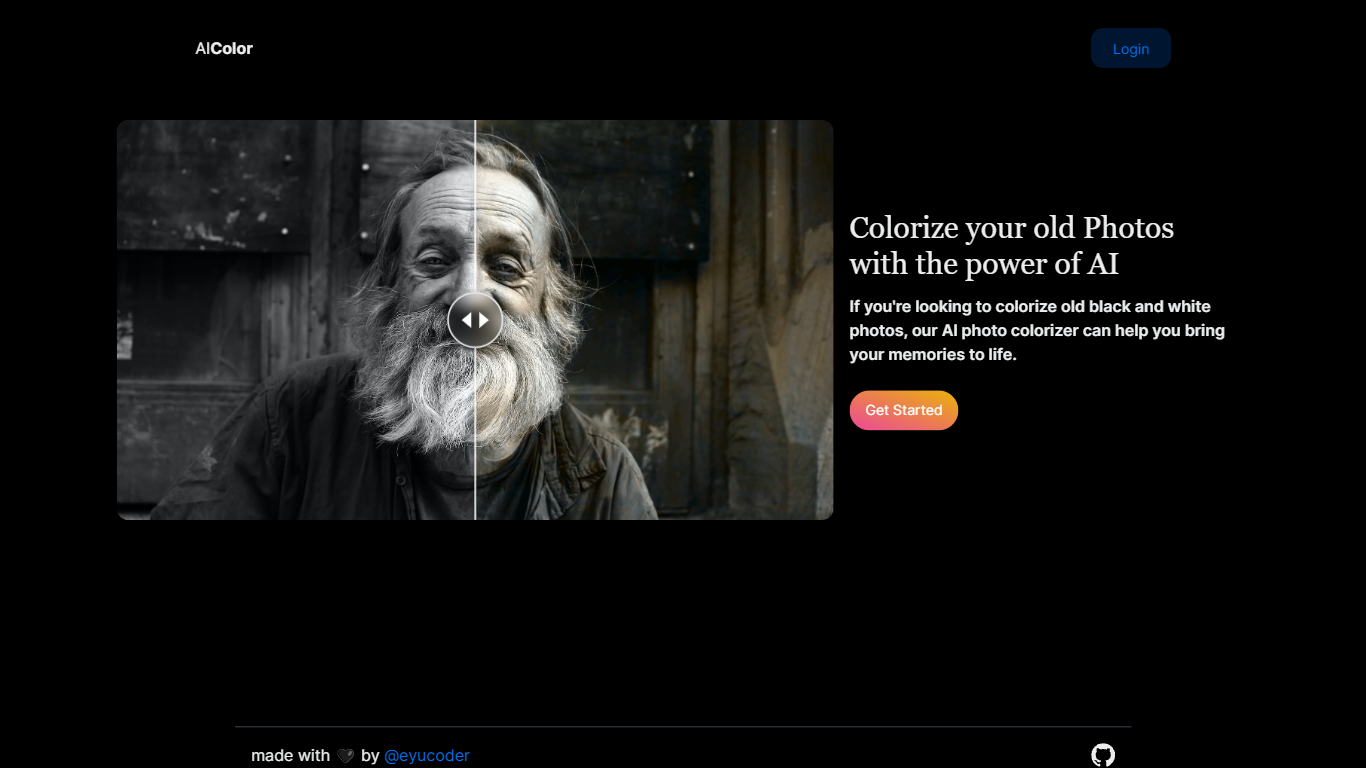

What is AI Photo Fixer (formerly AI Color)?
Upload a photo to aicolor.art, pick one of eight repair modes, and get a processed file back in the browser after you sign in. The site takes JPG, PNG, and WebP files up to 10MB and runs jobs like colorize, upscale, background removal, or short animation from the same screen.
Most photo editors spread restoration tools across separate apps or desktop installs. AI Photo Fixer keeps colorization, face cleanup, low-light correction, upscaling, background swap, and short animation on one page, with credit costs and run times listed beside each mode before you start. That makes it a narrow pick for quick one-off fixes rather than layered manual editing in Photoshop or GIMP.
Genealogy hobbyists colorizing scanned family prints, people cleaning up old phone shots, and anyone who wants a fast pass on a damaged image without learning layer masks will get the most from it. Sign-in is required, and each mode spends 1 to 3 credits depending on the job.
Luminar Neo

What is Luminar Neo?
Luminar Neo is a desktop photo editor for macOS and Windows that combines one-click AI adjustments with layer-based manual control. Sky replacement, portrait retouching, generative erase and expand, HDR merge, and noise reduction all live in one app, with optional Lightroom Classic and Photoshop plug-in support.
Where subscription editors lock you into monthly fees, Skylum sells Luminar as a perpetual license with 2 device activations. Generative AI tools and the asset library renew annually, but the core app stays yours after a single purchase, which suits photographers who edit in bursts rather than every day.
Landscape shooters, portrait photographers, and hobbyists use Luminar Neo for batch presets, RAW support across 1000+ cameras, and cross-device handoff from mobile to desktop on higher tiers. An AI Assistant suggests edits in 16 languages and opens the right tool when you ask how-to questions.
AI Photo Fixer (formerly AI Color) Upvotes
Luminar Neo Upvotes
AI Photo Fixer (formerly AI Color) Top Features
Accepts JPG, PNG, and WebP uploads up to 10MB on the main screen
Colorize mode finishes in 5-10 seconds and costs 1 credit per run
Auto Fix takes 15-30 seconds and spends 3 credits for a full pass
Eight modes cover face restore, upscale, low-light fix, background removal, new background, and animation
Animate mode runs 30-60 seconds and costs 3 credits per clip
Each mode shows its credit cost and estimated runtime before you start
Luminar Neo Top Features
Perpetual licenses from $129 with 2 desktop activations on macOS and Windows
Generative AI tools include GenErase, GenSwap, GenExpand, and photo restoration
Supports RAW files from 1000+ cameras plus JPEG, PNG, TIFF, and major RAW formats
Pro Tools add Supersharp AI, Noiseless AI, HDR merge, focus stacking, and panorama stitch
AI Assistant suggests up to 3 edits per request in 16 languages with one-click apply
AI Photo Fixer (formerly AI Color) Category
- Photo Editing
Luminar Neo Category
- Photo Editing
AI Photo Fixer (formerly AI Color) Pricing Type
- Freemium
Luminar Neo Pricing Type
- Paid