AI Photo Fixer (formerly AI Color) vs Lightricks
In the face-off between AI Photo Fixer (formerly AI Color) vs Lightricks, which AI Photo Editing tool takes the crown? We scrutinize features, alternatives, upvotes, reviews, pricing, and more.
When we put AI Photo Fixer (formerly AI Color) and Lightricks head to head, which one emerges as the victor?
If we were to analyze AI Photo Fixer (formerly AI Color) and Lightricks, both of which are AI-powered photo editing tools, what would we find? The upvote count favors AI Photo Fixer (formerly AI Color), making it the clear winner. The upvote count for AI Photo Fixer (formerly AI Color) is 7, and for Lightricks it's 6.
Disagree with the result? Upvote your favorite tool and help it win!
AI Photo Fixer (formerly AI Color)
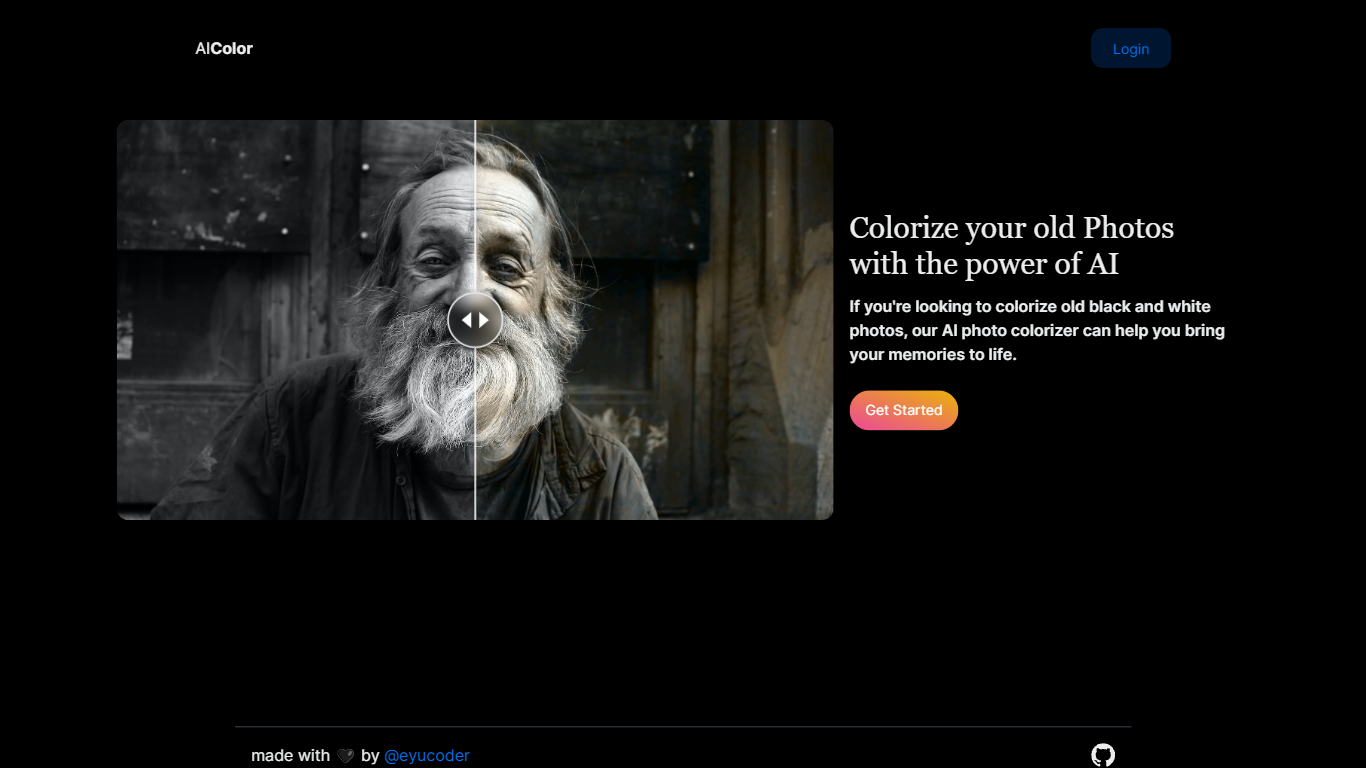

What is AI Photo Fixer (formerly AI Color)?
Upload a photo to aicolor.art, pick one of eight repair modes, and get a processed file back in the browser after you sign in. The site takes JPG, PNG, and WebP files up to 10MB and runs jobs like colorize, upscale, background removal, or short animation from the same screen.
Most photo editors spread restoration tools across separate apps or desktop installs. AI Photo Fixer keeps colorization, face cleanup, low-light correction, upscaling, background swap, and short animation on one page, with credit costs and run times listed beside each mode before you start. That makes it a narrow pick for quick one-off fixes rather than layered manual editing in Photoshop or GIMP.
Genealogy hobbyists colorizing scanned family prints, people cleaning up old phone shots, and anyone who wants a fast pass on a damaged image without learning layer masks will get the most from it. Sign-in is required, and each mode spends 1 to 3 credits depending on the job.
Lightricks
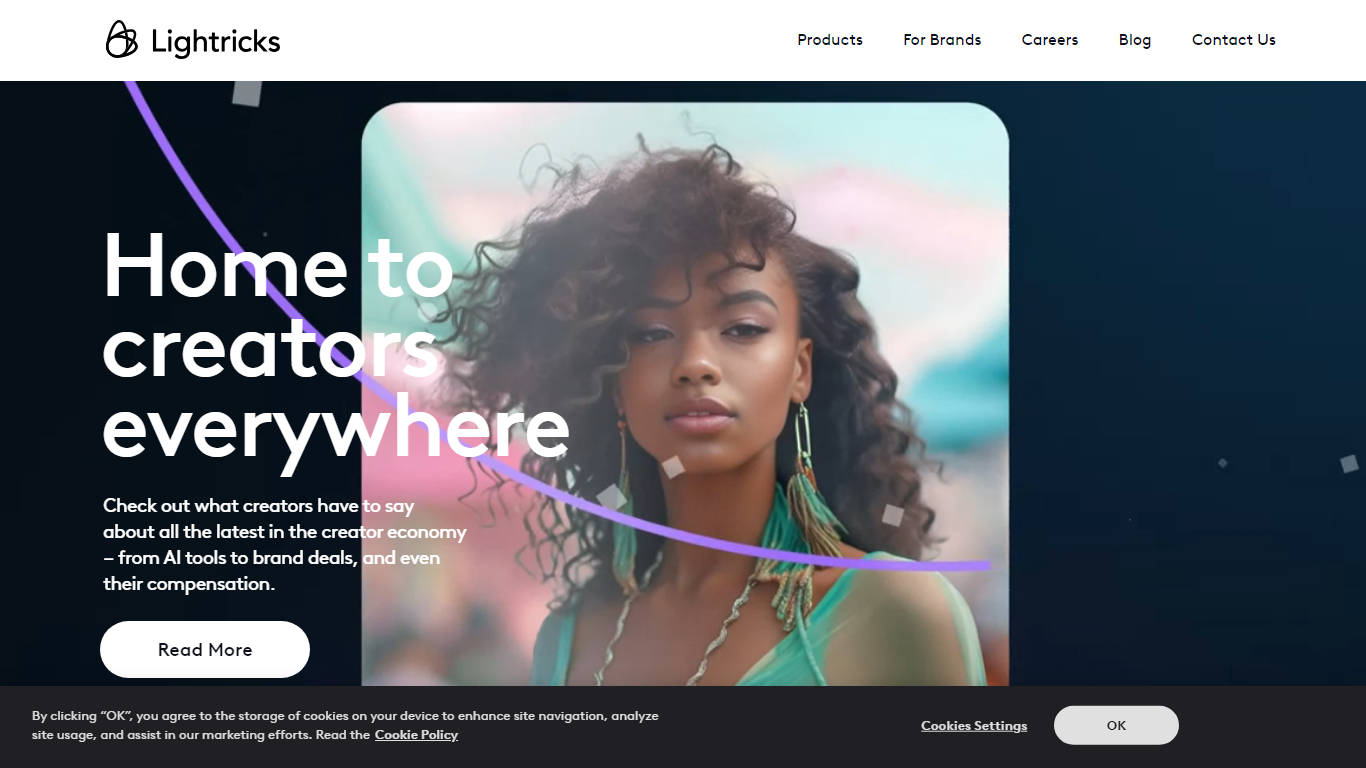
What is Lightricks?
Unlock your creative potential with Lightricks, the ultimate destination for creators seeking intuitive and innovative tools. Dive into our award-winning suite of apps designed to enhance photo and video artistry for users at every level. Our applications, including Facetune 2, Videoleap, Photoleap, and more, are crafted to simplify the creative process, enabling you to bring your vision to life with ease. Whether you're a casual enthusiast or a dedicated content creator, our tools are tailored to fire up your imagination and transform your content. Discover how Lightricks is empowering the creator economy with advanced technology that streamlines design, research, and engineering. Join a community where creativity knows no bounds and your digital presence can thrive.
AI Photo Fixer (formerly AI Color) Upvotes
Lightricks Upvotes
AI Photo Fixer (formerly AI Color) Top Features
Accepts JPG, PNG, and WebP uploads up to 10MB on the main screen
Colorize mode finishes in 5-10 seconds and costs 1 credit per run
Auto Fix takes 15-30 seconds and spends 3 credits for a full pass
Eight modes cover face restore, upscale, low-light fix, background removal, new background, and animation
Animate mode runs 30-60 seconds and costs 3 credits per clip
Each mode shows its credit cost and estimated runtime before you start
Lightricks Top Features
Intuitive Apps: Crafted for creators of all skill levels to easily turn curiosity into engaging content.
Award-Winning Design: Recognized with the 2017 Apple Design Award for exceptional app design and functionality.
AI-Powered Tools: Incorporating cutting-edge academic research to deliver magical image generation capabilities.
Robust Community: Connect share and learn from creators globally about brand deals AI tools and compensation in the creator economy.
Marketing Excellence: A blend of data and creative strategy drives successful optimized ad campaigns.
AI Photo Fixer (formerly AI Color) Category
- Photo Editing
Lightricks Category
- Photo Editing
AI Photo Fixer (formerly AI Color) Pricing Type
- Freemium
Lightricks Pricing Type
- Freemium