AI Photo Fixer (formerly AI Color) vs Green Screen AI
Explore the showdown between AI Photo Fixer (formerly AI Color) vs Green Screen AI and find out which AI Photo Editing tool wins. We analyze upvotes, features, reviews, pricing, alternatives, and more.
In a face-off between AI Photo Fixer (formerly AI Color) and Green Screen AI, which one takes the crown?
When we contrast AI Photo Fixer (formerly AI Color) with Green Screen AI, both of which are exceptional AI-operated photo editing tools, and place them side by side, we can spot several crucial similarities and divergences. There's no clear winner in terms of upvotes, as both tools have received the same number. Join the aitools.fyi users in deciding the winner by casting your vote.
Feeling rebellious? Cast your vote and shake things up!
AI Photo Fixer (formerly AI Color)
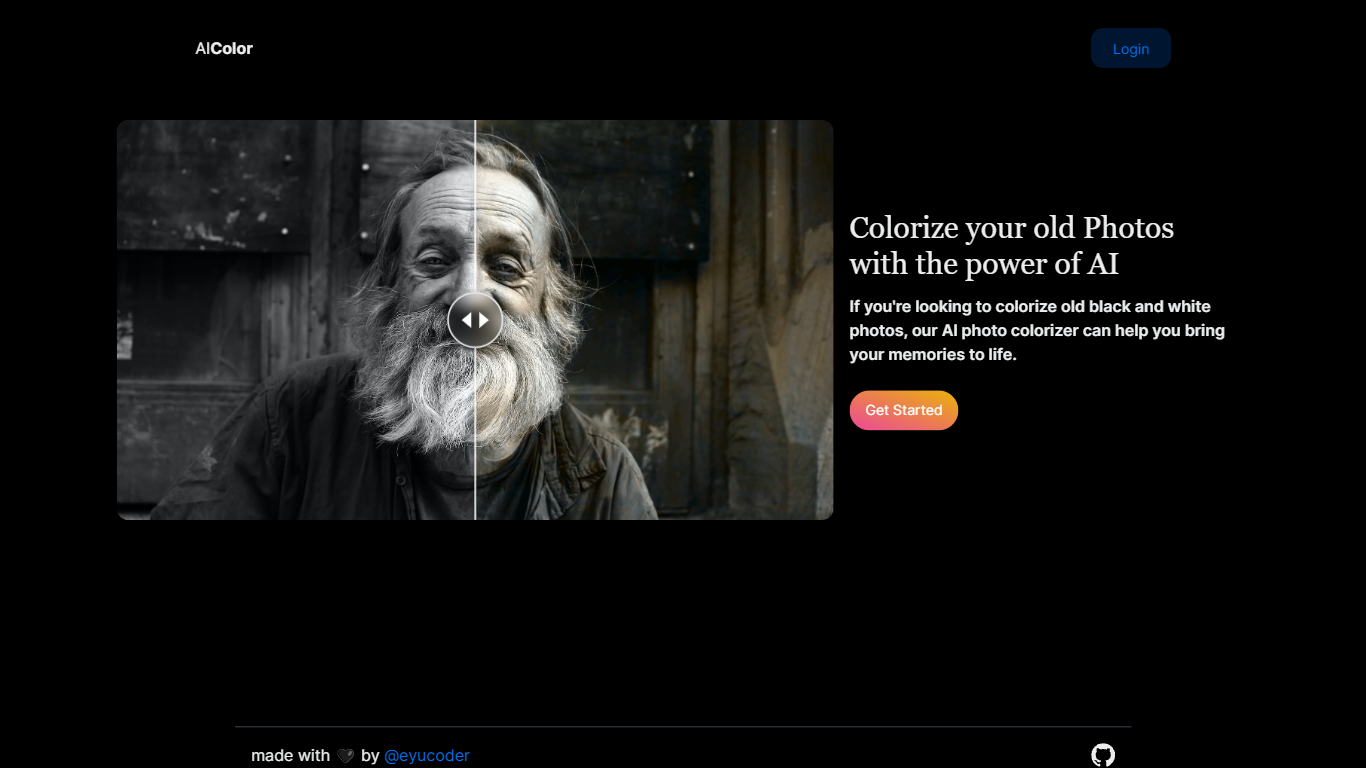

What is AI Photo Fixer (formerly AI Color)?
Upload a photo to aicolor.art, pick one of eight repair modes, and get a processed file back in the browser after you sign in. The site takes JPG, PNG, and WebP files up to 10MB and runs jobs like colorize, upscale, background removal, or short animation from the same screen.
Most photo editors spread restoration tools across separate apps or desktop installs. AI Photo Fixer keeps colorization, face cleanup, low-light correction, upscaling, background swap, and short animation on one page, with credit costs and run times listed beside each mode before you start. That makes it a narrow pick for quick one-off fixes rather than layered manual editing in Photoshop or GIMP.
Genealogy hobbyists colorizing scanned family prints, people cleaning up old phone shots, and anyone who wants a fast pass on a damaged image without learning layer masks will get the most from it. Sign-in is required, and each mode spends 1 to 3 credits depending on the job.
Green Screen AI
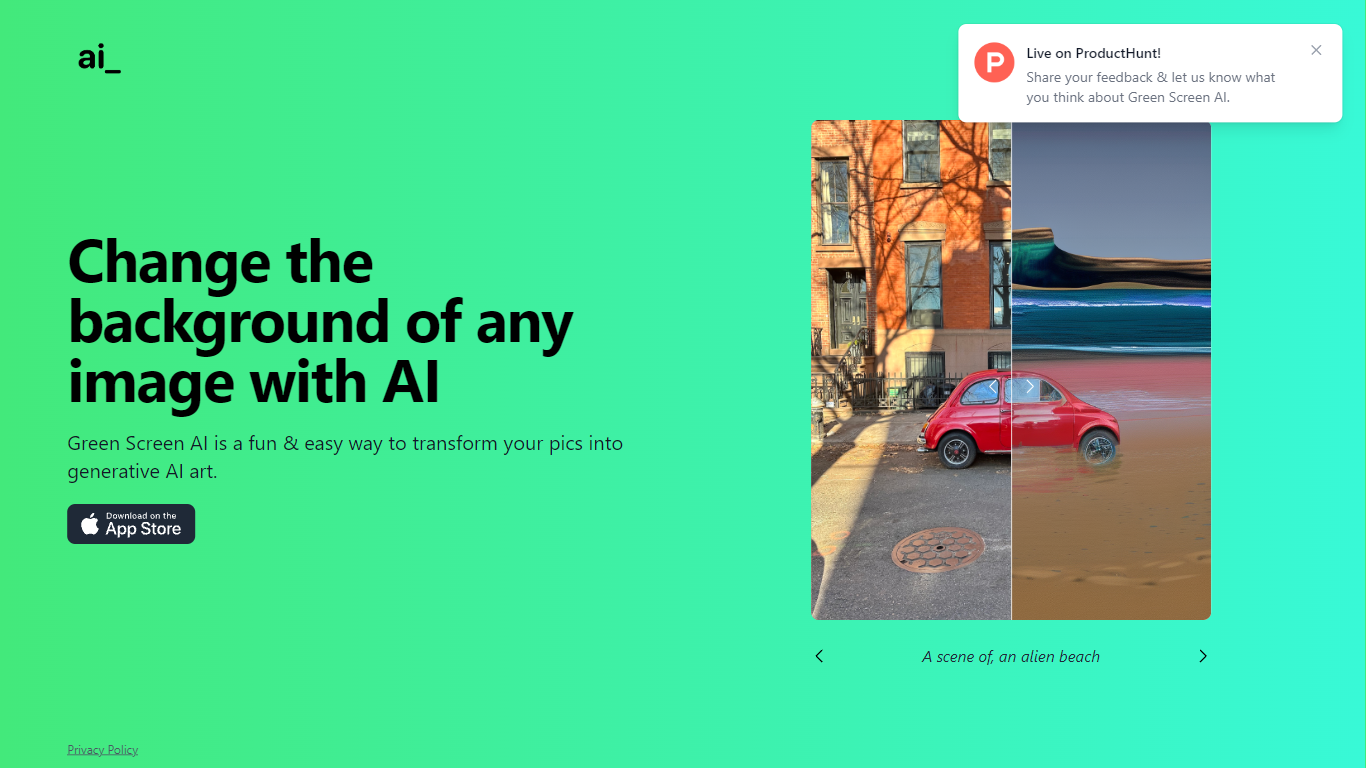
What is Green Screen AI?
Green Screen AI swaps the background of a photo for a generative scene you describe in text, no physical green screen required. Upload a picture, type a prompt like "an alien beach," and the site replaces the backdrop with AI-generated art.
Dedicated keying software expects studio lighting and manual masks. Green Screen AI targets casual creators who want a one-step background swap in the browser, with a Product Hunt launch page collecting community feedback on the experience.
Social creators, hobby photographers, and anyone making quick profile or post images can use it when they want a fun scene change without opening Photoshop. The marketing site keeps the workflow short: upload, prompt, and share the result.
AI Photo Fixer (formerly AI Color) Upvotes
Green Screen AI Upvotes
AI Photo Fixer (formerly AI Color) Top Features
Accepts JPG, PNG, and WebP uploads up to 10MB on the main screen
Colorize mode finishes in 5-10 seconds and costs 1 credit per run
Auto Fix takes 15-30 seconds and spends 3 credits for a full pass
Eight modes cover face restore, upscale, low-light fix, background removal, new background, and animation
Animate mode runs 30-60 seconds and costs 3 credits per clip
Each mode shows its credit cost and estimated runtime before you start
Green Screen AI Top Features
Replaces image backgrounds using text prompts such as "an alien beach"
Runs in the browser at greenscreenai.com with no physical green screen
Generates unique AI art backgrounds for each upload
Product Hunt launch page for community feedback
Preview image hosted at greenscreenai.com/assets/preview.png
AI Photo Fixer (formerly AI Color) Category
- Photo Editing
Green Screen AI Category
- Photo Editing
AI Photo Fixer (formerly AI Color) Pricing Type
- Freemium
Green Screen AI Pricing Type
- Free