AI-Coustics vs SpeechGPT
In the battle of AI-Coustics vs SpeechGPT, which AI Audio Generation tool comes out on top? We compare reviews, pricing, alternatives, upvotes, features, and more.
Between AI-Coustics and SpeechGPT, which one is superior?
Upon comparing AI-Coustics with SpeechGPT, which are both AI-powered audio generation tools, Neither tool takes the lead, as they both have the same upvote count. Join the aitools.fyi users in deciding the winner by casting your vote.
Don't agree with the result? Cast your vote and be a part of the decision-making process!
AI-Coustics

What is AI-Coustics?
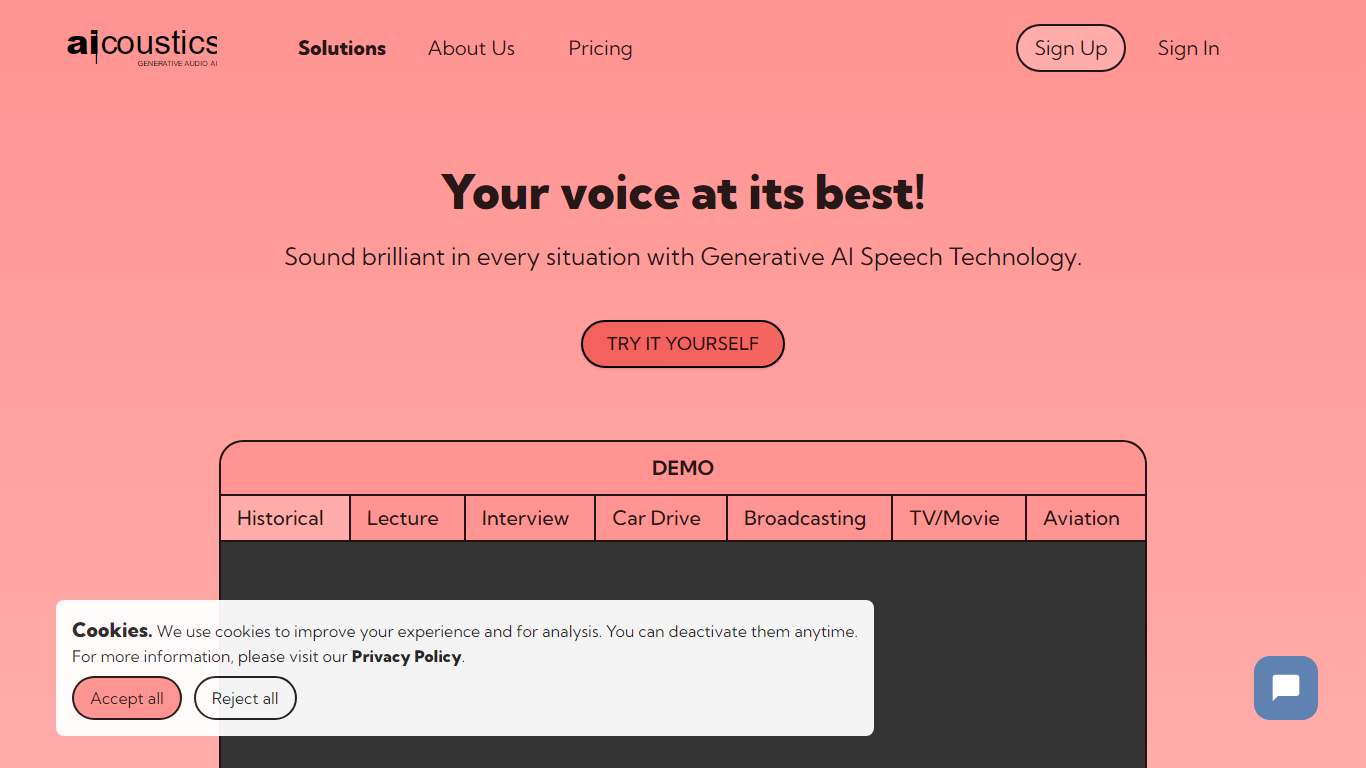
AI-Coustics ships real-time audio SDKs and APIs that clean noisy speech before it reaches your voice AI stack. Quail removes background noise and competing voices, Tyto scores call audio to predict STT and turn-taking failures, and VAD models flag when someone is actually speaking. Processing runs on-device with under 40 ms latency, which keeps audio generation pipelines stable in production calls rather than lab demos.
Most speech APIs assume clean microphone input, so teams bolt on generic noise suppression and still lose calls to packet loss, reverb, or crosstalk. AI-Coustics targets that gap with models trained for real environments and a Tyto Risk Score that flags six degradation types before your STT or agent stack mishears. On-prem SDK deployment and 100+ language support make it a fit for telephony and enterprise voice agents that cannot send raw audio to a third-party cloud.
Voice AI developers, transcription vendors, and telephony teams use AI-Coustics when a single misheard utterance kills user trust. Startup plans include 100,000 minutes per month with 100 concurrent streams, and customers like AssemblyAI, Telnyx, and Synthesia appear on the homepage as reference logos.
SpeechGPT

What is SpeechGPT?
SpeechGPT lets you hold voice conversations in the browser using your own OpenAI API key. You type or record messages, send them through a chat interface, and hear spoken replies without installing desktop software.
Unlike hosted TTS services that bundle model costs into a subscription, SpeechGPT runs in the browser and bills you only through the OpenAI, Azure Speech Services, or Amazon Polly accounts you connect. That makes it a lightweight option for developers and language learners who already have API access and want a simple voice chat front end.
The interface supports English, Spanish, and Chinese UI labels, includes a record button for speech input, and stores session data locally in the browser. It suits developers testing voice chat flows, language learners practicing spoken prompts, and anyone who wants a minimal ChatGPT voice client on mobile or desktop.
AI-Coustics Upvotes
SpeechGPT Upvotes
AI-Coustics Top Features
Quail Voice Focus strips background noise and other speakers with under 30 ms real-time processing
Tyto Risk Score predicts STT, VAD, and turn-taking failures across six audio quality dimensions
On-device SDK deployment keeps audio on your infrastructure with sub-40 ms latency
Startup plan includes 100,000 minutes per month and 100 concurrent streams
Supports 100+ languages with on-prem and air-gapped license options on Enterprise tiers
Developer platform offers free SDK keys and trial access before subscribing
SpeechGPT Top Features
Chat interface accepts typed messages or recorded speech input with Enter to send
Requires your OpenAI API key in settings before the app will run conversations
Optional Azure Speech Services or Amazon Polly access keys for alternate text-to-speech backends
UI available in English, Spanish, and Chinese from the in-app language selector
Shift plus Enter inserts a newline without sending the message
Runs as a web app on Vercel with no separate desktop install required
AI-Coustics Category
- Audio Generation
SpeechGPT Category
- Audio Generation
AI-Coustics Pricing Type
- Freemium
SpeechGPT Pricing Type
- Free