AI Engine on Meow Apps vs Chat with AI - LetsView Chat
In the battle of AI Engine on Meow Apps vs Chat with AI - LetsView Chat, which AI Chat Bot tool comes out on top? We compare reviews, pricing, alternatives, upvotes, features, and more.
Between AI Engine on Meow Apps and Chat with AI - LetsView Chat, which one is superior?
Upon comparing AI Engine on Meow Apps with Chat with AI - LetsView Chat, which are both AI-powered chat bot tools, Neither tool takes the lead, as they both have the same upvote count. You can help us determine the winner by casting your vote and tipping the scales in favor of one of the tools.
Not your cup of tea? Upvote your preferred tool and stir things up!
AI Engine on Meow Apps
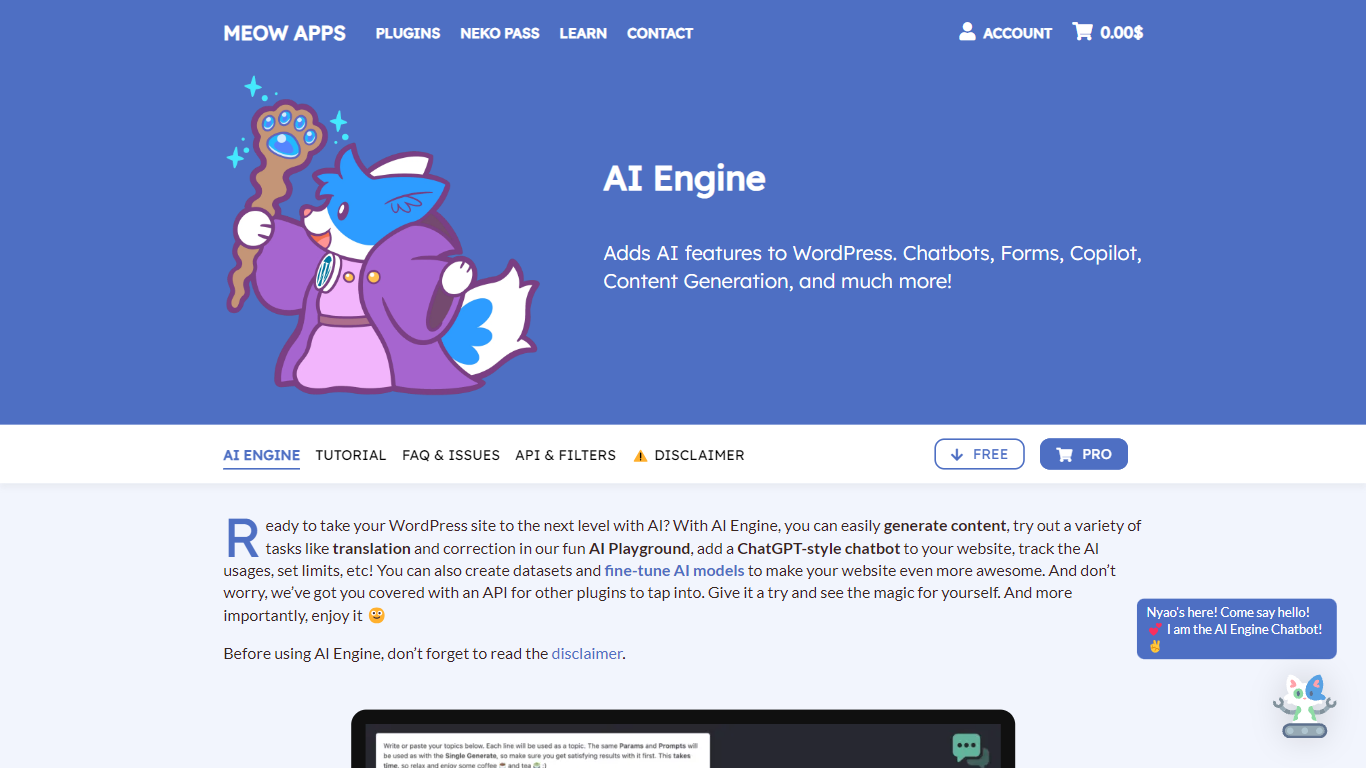

What is AI Engine on Meow Apps?
AI Engine on Meow Apps is a WordPress plugin that wires chatbots, content generation, AI forms, embeddings, and image tools into your site dashboard. You bring your own API keys from OpenAI, Anthropic, Google, Mistral, Perplexity, or OpenRouter, so token costs stay on your provider accounts with no markup from the plugin.
Most WordPress AI plugins lock you to one vendor chatbot. AI Engine instead acts as a framework: it turns your site into an MCP server so Claude, ChatGPT, and other agents can manage posts, plugins, and WooCommerce through conversation, and it bundles a full Workspace chat app inside wp-admin with an iOS companion.
Site owners, agencies, and developers use it to deploy grounded chatbots from site content, automate editorial workflows, and expose WordPress data to external automations through REST and MCP. The free plugin on WordPress.org covers core chatbots and copilot tools; Pro unlocks AI forms, cross-site embeds, realtime voice chat, and deeper MCP controls.
Chat with AI - LetsView Chat
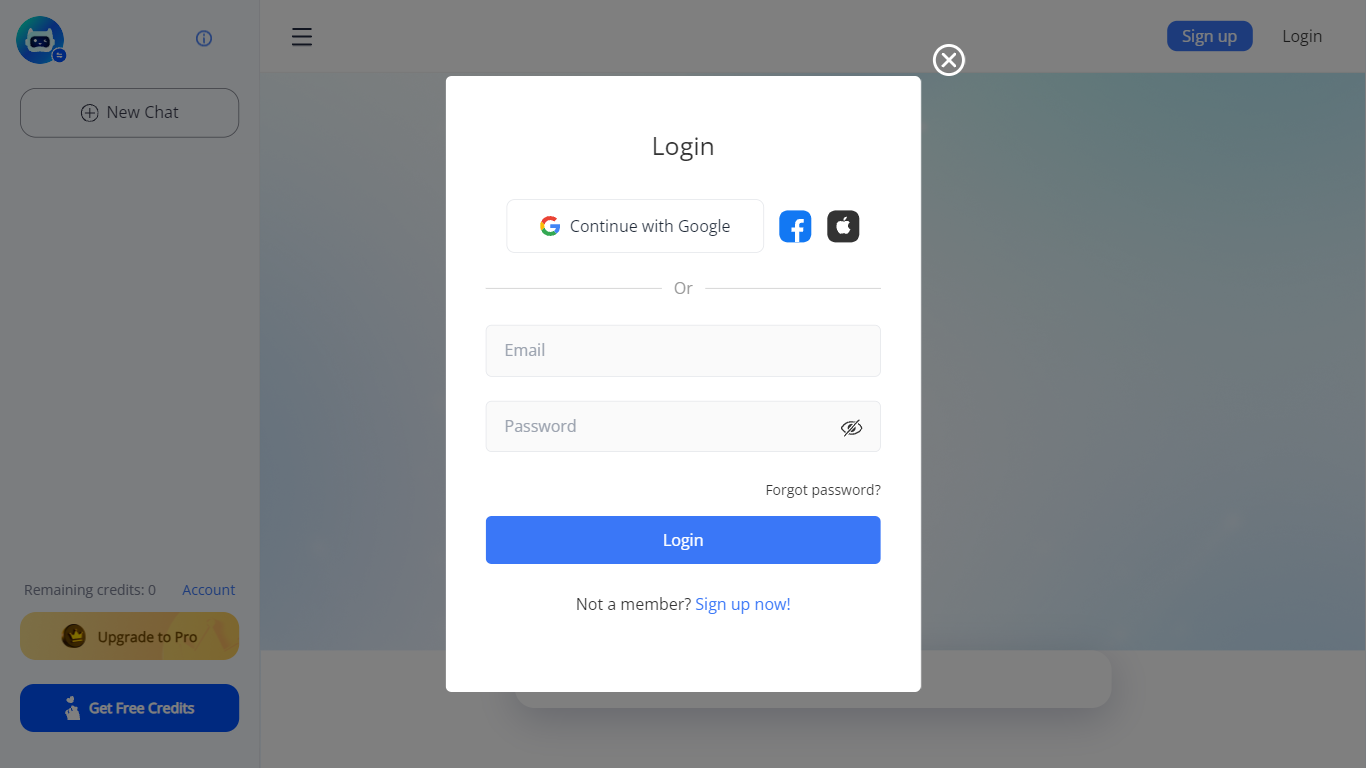
What is Chat with AI - LetsView Chat?
LetsView Chat is a browser-based AI chatbot from LetsView where you sign in, pick an assistant, and send prompts through a web interface. The chatbot page shows credit balances, a free-credit promo, and an Upgrade to Pro path, so usage runs on credits rather than an open-ended free session.
Unlike LetsView's screen-mirroring apps, this product is a standalone chat workspace with assistant switching, recommended prompts, and an Inspiration Library to browse starter ideas. You can continue with Google or create a LetsView account before chatting.
The public page exposes little technical detail beyond those workflow pieces, so teams evaluating LetsView Chat should sign in to test assistant quality and credit limits directly on letsview.com/chatbot.
AI Engine on Meow Apps Upvotes
Chat with AI - LetsView Chat Upvotes
AI Engine on Meow Apps Top Features
Connect OpenAI, Anthropic, Google, Mistral, Perplexity, and OpenRouter behind one WordPress interface
Turn the site into an MCP server so Claude and ChatGPT can manage WordPress through conversation
Build chatbots with themes, voice chat, file uploads, and persistent memory via shortcodes
Workspace full-screen AI chat in wp-admin with folders, search, and an iOS companion app
Create embeddings from posts and PDFs with Pinecone, Qdrant, Chroma, or OpenAI Vector Store
Track token usage and costs per user with configurable limits in Insights
Chat with AI - LetsView Chat Top Features
Browser-based chat at letsview.com/chatbot with no desktop download mentioned on the page
Switch assistant profiles before starting a new chat session
Credit balance displayed in the interface with Upgrade to Pro and Get Free Credits options
Inspiration Library for browsing prompt ideas inside the chat workspace
Google sign-in plus standard email signup and login
Recommended prompt shortcuts surfaced on the chat landing screen
AI Engine on Meow Apps Category
- Chat Bot
Chat with AI - LetsView Chat Category
- Chat Bot
AI Engine on Meow Apps Pricing Type
- Freemium
Chat with AI - LetsView Chat Pricing Type
- Freemium