
Last updated 08-15-2026
Category:
Reviews:
Join thousands of AI enthusiasts in the World of AI!
Chat with AI - LetsView Chat
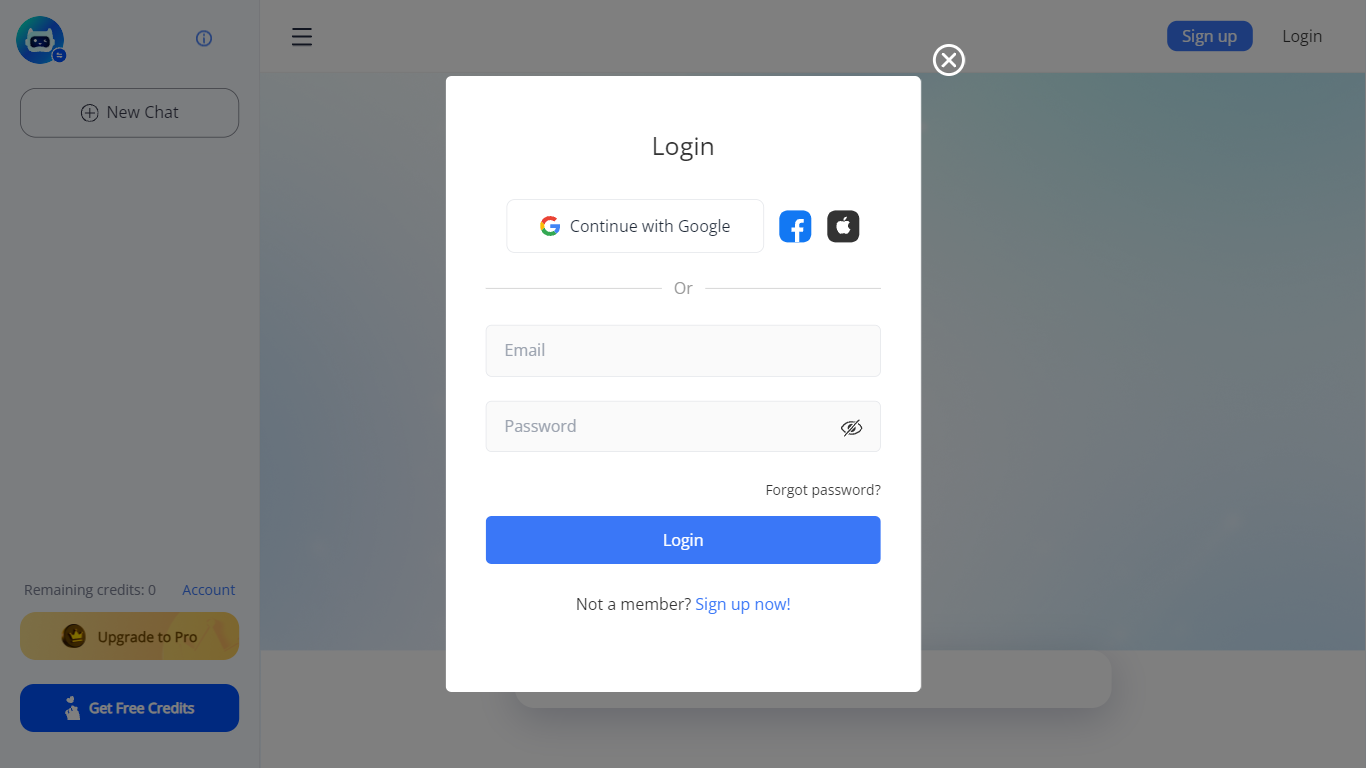
LetsView Chat is a browser-based AI chatbot from LetsView where you sign in, pick an assistant, and send prompts through a web interface. The chatbot page shows credit balances, a free-credit promo, and an Upgrade to Pro path, so usage runs on credits rather than an open-ended free session.
Unlike LetsView's screen-mirroring apps, this product is a standalone chat workspace with assistant switching, recommended prompts, and an Inspiration Library to browse starter ideas. You can continue with Google or create a LetsView account before chatting.
The public page exposes little technical detail beyond those workflow pieces, so teams evaluating LetsView Chat should sign in to test assistant quality and credit limits directly on letsview.com/chatbot.
Browser-based chat at letsview.com/chatbot with no desktop download mentioned on the page
Switch assistant profiles before starting a new chat session
Credit balance displayed in the interface with Upgrade to Pro and Get Free Credits options
Inspiration Library for browsing prompt ideas inside the chat workspace
Google sign-in plus standard email signup and login
Recommended prompt shortcuts surfaced on the chat landing screen
Runs entirely in the browser at letsview.com/chatbot.
Assistant switching and recommended prompts are built into the chat UI.
Free credits and a visible Upgrade to Pro path for expanding usage.
Account login is required before you can chat.
Public marketing copy on the chatbot URL is minimal outside the app shell.
LetsView's main site focuses on screen mirroring, which can confuse what Chat includes.
What is LetsView Chat?
LetsView Chat is LetsView's web AI chatbot at letsview.com/chatbot. You log in, choose an assistant, and send messages through the browser interface rather than a separate desktop install.
Do I need an account for LetsView Chat?
Yes. The LetsView Chat page requires signup or login before chatting. You can continue with Google or use a standard email account on the same page.
How do credits work on LetsView Chat?
LetsView Chat shows a remaining credits counter in the interface. The page also promotes Upgrade to Pro and Get Free Credits, indicating paid upgrades and promotional credits beyond the default balance.
Can I switch AI assistants in LetsView Chat?
Yes. The LetsView Chat interface includes Switch assistant controls so you can change assistants before opening a new chat session.
What is the Inspiration Library on LetsView Chat?
LetsView Chat links to an Inspiration Library inside the chat workspace. The page describes it as a place to explore ideas and surprises before you start prompting.