Chat with AI - LetsView Chat vs MixerBox AI
In the battle of Chat with AI - LetsView Chat vs MixerBox AI, which AI Chat Bot tool comes out on top? We compare reviews, pricing, alternatives, upvotes, features, and more.
Between Chat with AI - LetsView Chat and MixerBox AI, which one is superior?
Upon comparing Chat with AI - LetsView Chat with MixerBox AI, which are both AI-powered chat bot tools, Both tools are equally favored, as indicated by the identical upvote count. Join the aitools.fyi users in deciding the winner by casting your vote.
Want to flip the script? Upvote your favorite tool and change the game!
Chat with AI - LetsView Chat

What is Chat with AI - LetsView Chat?
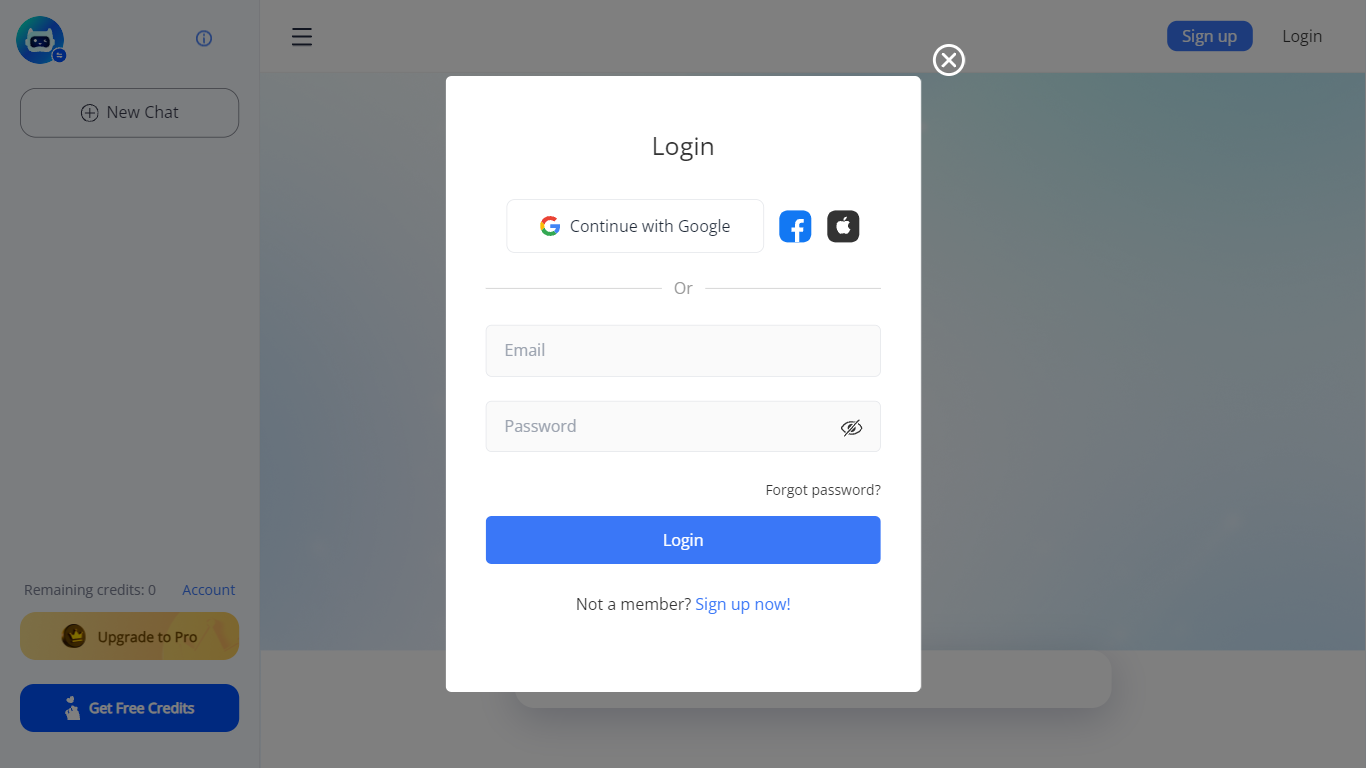
LetsView Chat is a browser-based AI chatbot from LetsView where you sign in, pick an assistant, and send prompts through a web interface. The chatbot page shows credit balances, a free-credit promo, and an Upgrade to Pro path, so usage runs on credits rather than an open-ended free session.
Unlike LetsView's screen-mirroring apps, this product is a standalone chat workspace with assistant switching, recommended prompts, and an Inspiration Library to browse starter ideas. You can continue with Google or create a LetsView account before chatting.
The public page exposes little technical detail beyond those workflow pieces, so teams evaluating LetsView Chat should sign in to test assistant quality and credit limits directly on letsview.com/chatbot.
MixerBox AI
What is MixerBox AI?
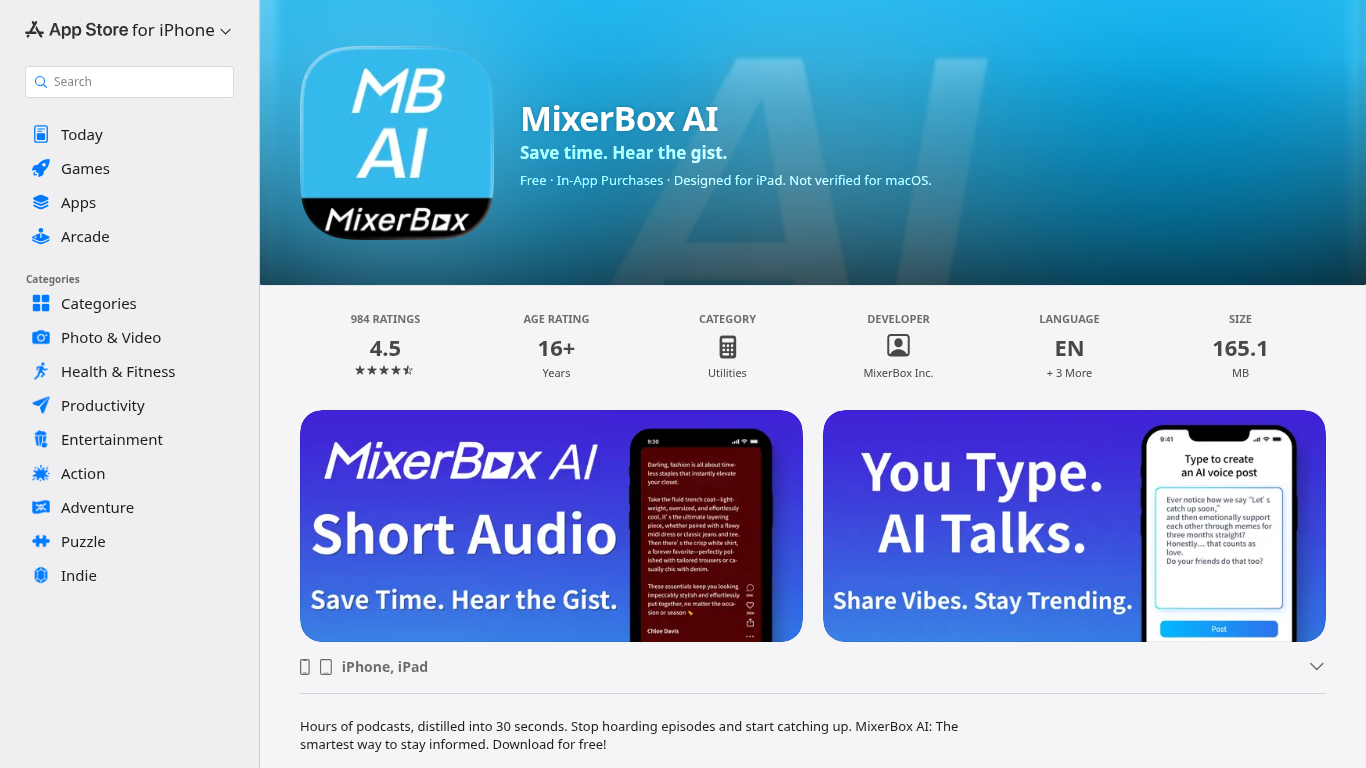
For podcast and news overload, MixerBox AI turns long episodes and updates into short audio highlights you can listen to or read. Pick topics or keywords, and it tracks new stories, then delivers 30-second previews with transcripts so you can decide what deserves a full listen.
Most podcast apps assume you will work through a backlog one episode at a time. MixerBox AI flips that by summarizing first. You hear the gist in about 30 seconds, skim the transcript, and only commit when the topic is worth the full runtime. It also includes AI voice posts that turn typed text into spoken audio.
The app suits commuters, news skimmers, and anyone with a growing saved-episode list. It runs on iPhone, iPad, Mac with Apple silicon, and Apple Vision, with a web version at mixerbox.ai and a Chrome extension. Longtime MixerBox users can still access the MB Player music feature from the home tab.
Chat with AI - LetsView Chat Upvotes
MixerBox AI Upvotes
Chat with AI - LetsView Chat Top Features
Browser-based chat at letsview.com/chatbot with no desktop download mentioned on the page
Switch assistant profiles before starting a new chat session
Credit balance displayed in the interface with Upgrade to Pro and Get Free Credits options
Inspiration Library for browsing prompt ideas inside the chat workspace
Google sign-in plus standard email signup and login
Recommended prompt shortcuts surfaced on the chat landing screen
MixerBox AI Top Features
Preview any podcast episode in about 30 seconds before committing to the full runtime
Set topic keywords and MixerBox AI auto-tracks new updates with short audio digests
Every audio highlight ships with a readable transcript for skimming or saving
Type a post and let AI convert it into a spoken voice clip inside the app
Runs on iOS 14+, iPadOS, Mac with M1, visionOS, plus mixerbox.ai and a Chrome extension
984 App Store ratings averaging 4.5 stars with English, Japanese, and Chinese language support
Chat with AI - LetsView Chat Category
- Chat Bot
MixerBox AI Category
- Chat Bot
Chat with AI - LetsView Chat Pricing Type
- Freemium
MixerBox AI Pricing Type
- Freemium