InlineGPT vs Chat with AI - LetsView Chat
Dive into the comparison of InlineGPT vs Chat with AI - LetsView Chat and discover which AI Chat Bot tool stands out. We examine alternatives, upvotes, features, reviews, pricing, and beyond.
When comparing InlineGPT and Chat with AI - LetsView Chat, which one rises above the other?
When we compare InlineGPT and Chat with AI - LetsView Chat, two exceptional chat bot tools powered by artificial intelligence, and place them side by side, several key similarities and differences come to light. The upvote count is neck and neck for both InlineGPT and Chat with AI - LetsView Chat. You can help us determine the winner by casting your vote and tipping the scales in favor of one of the tools.
Feeling rebellious? Cast your vote and shake things up!
InlineGPT

What is InlineGPT?
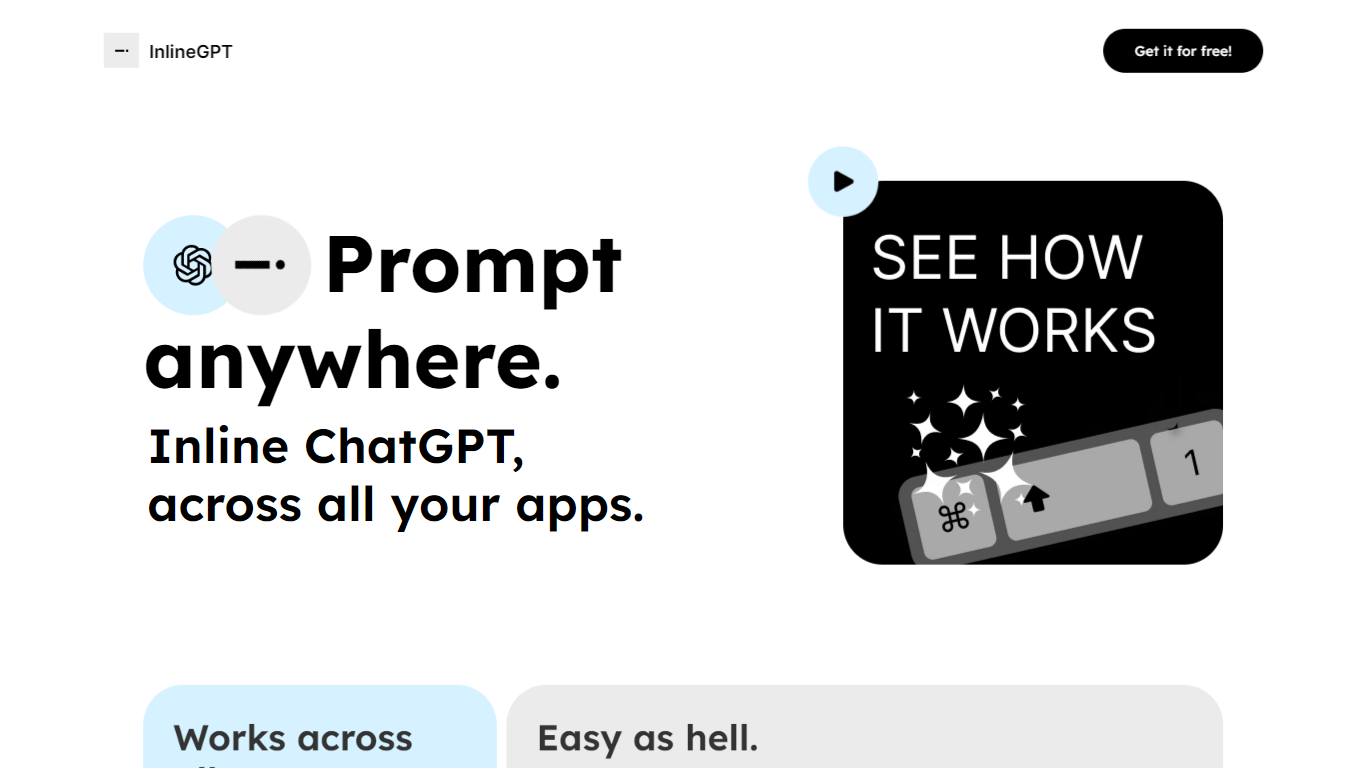
InlineGPT is a versatile tool designed to integrate ChatGPT functionality seamlessly across various applications. Its core functionality allows users to prompt ChatGPT directly from any text selection, enabling a fluid interaction without the need to switch between different applications. This tool is particularly beneficial for professionals who frequently work with text-based content, such as writers, marketers, and developers, as it enhances productivity by streamlining the process of generating text responses and insights.
The target audience for InlineGPT includes individuals and teams who rely on text generation and manipulation in their daily workflows. By providing a simple yet powerful interface, InlineGPT caters to users who seek efficiency and convenience in their tasks. The unique value proposition lies in its ability to prompt ChatGPT from any application, making it a versatile companion for users who often find themselves needing quick responses or creative input while working on various platforms.
Key differentiators of InlineGPT include its ease of use, as it requires minimal setup—only an OpenAI API key is needed. Additionally, the tool's ability to work across multiple applications, such as Figma and email clients, sets it apart from other text generation tools that may be limited to specific environments. This cross-application functionality ensures that users can access AI-driven insights and responses without disrupting their workflow, ultimately enhancing productivity and creativity.
Chat with AI - LetsView Chat
What is Chat with AI - LetsView Chat?
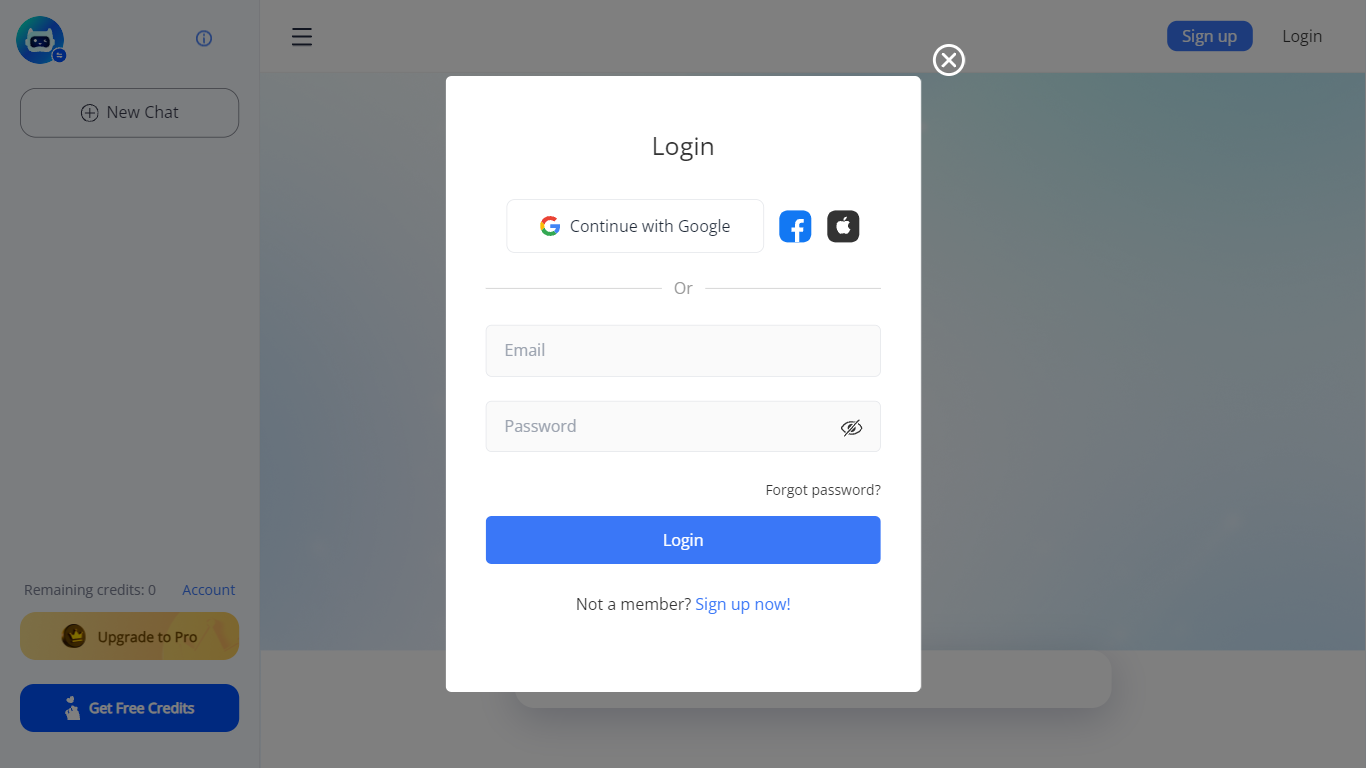
LetsView Chat is a browser-based AI chatbot from LetsView where you sign in, pick an assistant, and send prompts through a web interface. The chatbot page shows credit balances, a free-credit promo, and an Upgrade to Pro path, so usage runs on credits rather than an open-ended free session.
Unlike LetsView's screen-mirroring apps, this product is a standalone chat workspace with assistant switching, recommended prompts, and an Inspiration Library to browse starter ideas. You can continue with Google or create a LetsView account before chatting.
The public page exposes little technical detail beyond those workflow pieces, so teams evaluating LetsView Chat should sign in to test assistant quality and credit limits directly on letsview.com/chatbot.
InlineGPT Upvotes
Chat with AI - LetsView Chat Upvotes
InlineGPT Top Features
Cross-Application Integration: InlineGPT allows users to prompt ChatGPT from any application, enhancing workflow efficiency by eliminating the need to switch contexts.
Text Selection Prompting: Users can select any text and replace it with AI-generated output, streamlining the content creation process.
OpenAI API Compatibility: The tool requires only an OpenAI API key for access, making it easy to set up and use for anyone familiar with the API.
User-Friendly Interface: Designed for ease of use, InlineGPT simplifies the interaction with AI, making it accessible for users of all technical backgrounds.
Real-Time Output: The tool provides immediate responses to prompts, allowing users to receive instant feedback and insights as they work.
Chat with AI - LetsView Chat Top Features
Browser-based chat at letsview.com/chatbot with no desktop download mentioned on the page
Switch assistant profiles before starting a new chat session
Credit balance displayed in the interface with Upgrade to Pro and Get Free Credits options
Inspiration Library for browsing prompt ideas inside the chat workspace
Google sign-in plus standard email signup and login
Recommended prompt shortcuts surfaced on the chat landing screen
InlineGPT Category
- Chat Bot
Chat with AI - LetsView Chat Category
- Chat Bot
InlineGPT Pricing Type
- Free
Chat with AI - LetsView Chat Pricing Type
- Freemium