AI Face Generator By Fotor vs Canva-Text to Image
In the battle of AI Face Generator By Fotor vs Canva-Text to Image, which AI Image Generation tool comes out on top? We compare reviews, pricing, alternatives, upvotes, features, and more.
Between AI Face Generator By Fotor and Canva-Text to Image, which one is superior?
Upon comparing AI Face Generator By Fotor with Canva-Text to Image, which are both AI-powered image generation tools, In the race for upvotes, Canva-Text to Image takes the trophy. Canva-Text to Image has received 107 upvotes from aitools.fyi users, while AI Face Generator By Fotor has received 6 upvotes.
Think we got it wrong? Cast your vote and show us who's boss!
AI Face Generator By Fotor
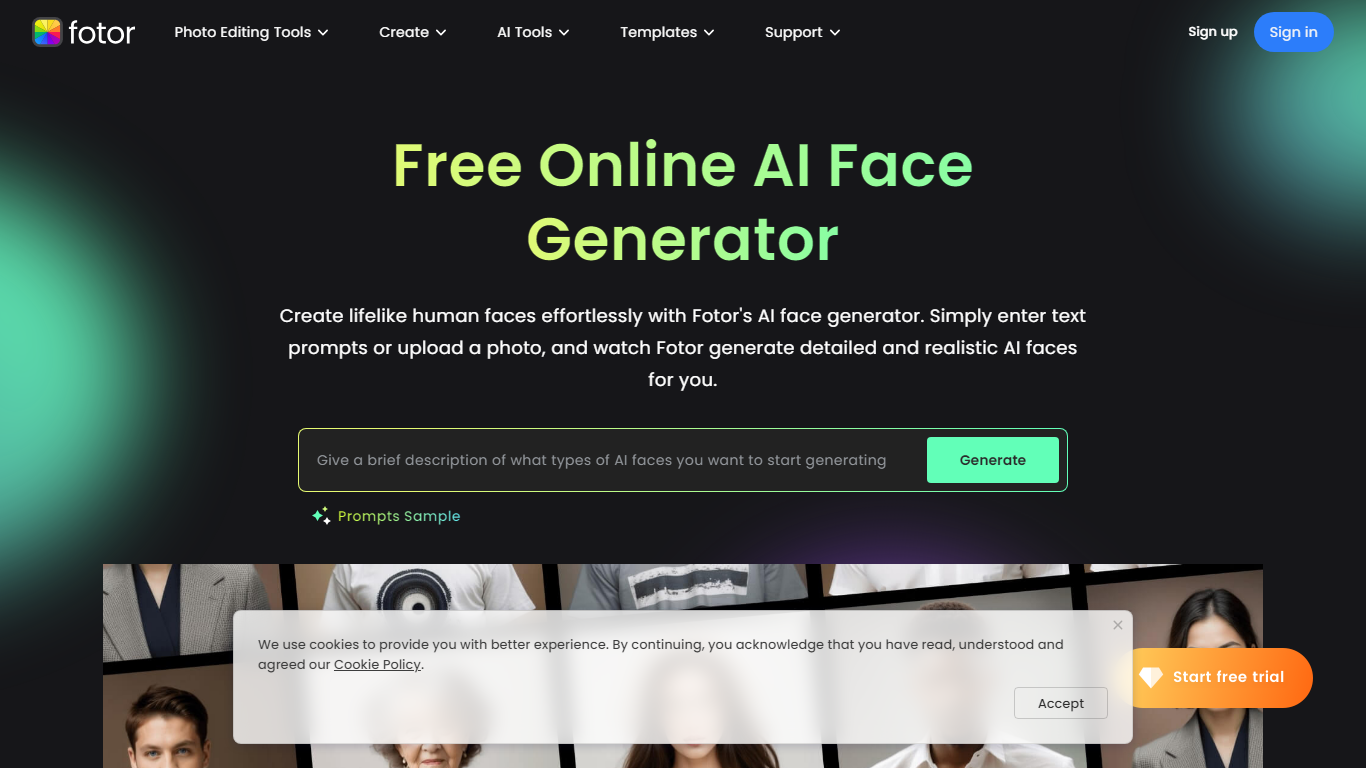

What is AI Face Generator By Fotor?
Unlock the potential of AI-generated imagery with Fotor's AI Face Generator. Effortlessly create realistic human faces by simply entering text prompts or uploading a photo. This powerful tool offers instant generation of lifelike faces that cater to your specifications on facial features, ethnicity, accessories, and more—perfect for a variety of applications, from app development to maintaining online privacy.
The AI Face Generator is also a treasure chest of artistry, allowing you to select from a range of styles like 3D, anime, and cyberpunk to craft the exact vision you have in mind. Not just that, but Fotor's AI suite extends beyond faces, enabling full-body character creation and headshots, among others. High-quality results and easy customization make it accessible for all users.
The use of state-of-the-art AI ensures excellence in face enhancement without manual editing hassle. Download the AI face pictures in high resolution and integrate them into your projects seamlessly. Whether you're on-the-go or at your desk, Fotor's range of apps and software meets all your image editing and generation needs, making it a whole lot more than just a face generator platform.
Canva-Text to Image
What is Canva-Text to Image?
Canva's Text to Image is a simple tool that turns words into images you can use in designs. Type a short description, pick an art style and aspect ratio, and the app will create several image options. You can use the results immediately in Canva layouts for social posts, presentations, posters, or any other design.
The tool is part of Canva’s Magic Media suite and sits alongside other AI apps like Create an image (powered by Dream Lab), DALL·E by OpenAI, and Imagen by Google Cloud. Text to Image offers many preset art styles, for example Watercolor, Filmic, Neon, Color Pencil, and Retrowave, so you can match the output to your project. It also supports different aspect ratios to fit banners, square posts, or tall stories.
Canva builds editing tools around the image generator. After you generate an image, use Canva’s Photo Editor to adjust lighting, color, and sharpness. Pro users can access Magic Edit to add or replace elements with a prompt, and Magic Eraser to remove unwanted parts. There’s also an upscale option in Create an image to produce sharper, higher-resolution versions when you need them.
The Text to Image app is available on desktop and mobile and offers limited use on free accounts. Upgrading to Canva Pro unlocks more generation credits and higher-end editing tools. Canva gives free accounts 5GB of storage and Pro accounts more storage and collaboration features like real-time commenting and a content planner for scheduling posts.
Canva has safety and usage rules built in. Prompts are checked automatically for content that breaks the platform rules, and users can report unsafe outputs. Canva also provides guidance about commercial use: you may use generated images for personal or commercial projects, but Canva does not guarantee exclusive rights or clearances. Users should check trademarks, public-figure rights, and any copyright concerns before using images commercially.
Overall, Canva’s Text to Image is made for creators who want quick, styled visuals without leaving the Canva editor. It is easy to try, works with other Canva tools, and gives practical controls for editing, exporting (JPG, PNG, PDF, PPTX), and sharing designs across teams or social channels.
AI Face Generator By Fotor Upvotes
Canva-Text to Image Upvotes
AI Face Generator By Fotor Top Features
Effortless AI Face Creation: Immediate generation of realistic faces from text prompts or photos.
Customizable Features: In-depth customization of hair accessories skin tone and more.
Multiple Art Styles: Variety of styles including 3D anime and cyberpunk for diverse project needs.
Professional-Grade Enhancement: One-click AI-powered face enhancement without manual effort.
High-Resolution Downloads: Download lifelike faces in high quality for any use.
Canva-Text to Image Top Features
🎨 Multiple art styles — Watercolor, Filmic, Neon, Color Pencil, Retrowave and more to match your project.
🖼️ Text to Image + Create an image — Generate from text or use a reference photo (Dream Lab) to preserve composition.
✂️ Built-in editing — Photo Editor, Magic Edit (Pro) for prompt-based edits, and Magic Eraser (Pro) to remove objects.
⚙️ Export & collaborate — Export as JPG, PNG, PDF, PPTX; real-time collaboration, autosave, and a content planner (Pro).
🔒 Safety & usage guidance — Automated prompt checks, reporting tools, and clear notes about commercial use and rights.
AI Face Generator By Fotor Category
- Image Generation
Canva-Text to Image Category
- Image Generation
AI Face Generator By Fotor Pricing Type
- Freemium
Canva-Text to Image Pricing Type
- Freemium