Background.lol vs Canva-Text to Image
Dive into the comparison of Background.lol vs Canva-Text to Image and discover which AI Image Generation tool stands out. We examine alternatives, upvotes, features, reviews, pricing, and beyond.
In a comparison between Background.lol and Canva-Text to Image, which one comes out on top?
When we compare Background.lol and Canva-Text to Image, two exceptional image generation tools powered by artificial intelligence, and place them side by side, several key similarities and differences come to light. With more upvotes, Canva-Text to Image is the preferred choice. The number of upvotes for Canva-Text to Image stands at 108, and for Background.lol it's 11.
Disagree with the result? Upvote your favorite tool and help it win!
Background.lol
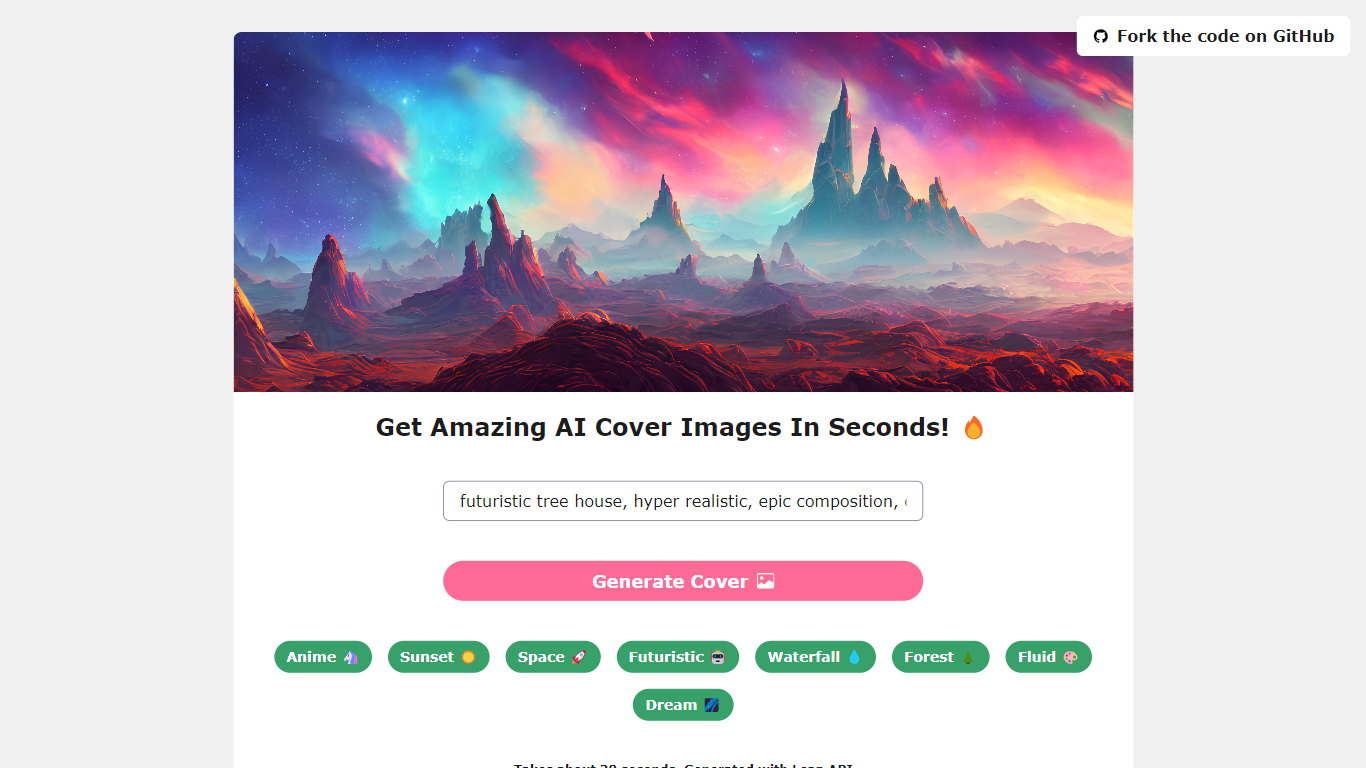

What is Background.lol?
Have you ever wished you could design your wallpapers but didn't know where to start? Enter Background.lol, an innovative platform that's making waves in the world of digital design. This AI-powered tool is all about transforming your wallpaper creation experience, making it as easy as a few clicks.
What is Background.lol?
Background.lol is an online platform that's revolutionizing the way we create wallpapers. It's powered by Lean AI API, which lets you whip up stunning wallpapers in mere seconds. The best part? It offers a plethora of themes - from the tranquility of sunsets and forests to the vibrant world of anime and futuristic designs. It also has anime, forest, waterfall, fluid, dream, and more themes. There's something for everyone's taste!
Key Features
Background.lol has the most impressive feature is its capacity to enhance images to a crisp 4K resolution. With a simple click, your images can be transformed into high-quality wallpapers. This is a real game-changer, particularly for designers who are constantly searching for unique and top-notch wallpapers for their work.
However, even if you're not a professional designer, there's no need to worry. Background.lol is crafted with user-friendliness in mind, making it super easy for anyone to explore the various themes and settings. You can whip up wallpapers that perfectly reflect your style, all without any fuss.
Free, Fast, Secure, and Reliable
Background.lol isn't just about stunning wallpapers; it's also about providing a fast, secure, and reliable experience. Whether you're a content creator needing eye-catching backgrounds or someone who wants to add a personal touch to their devices, Background.lol has your back.
Below is the beautifully designed wallpaper by background lol.
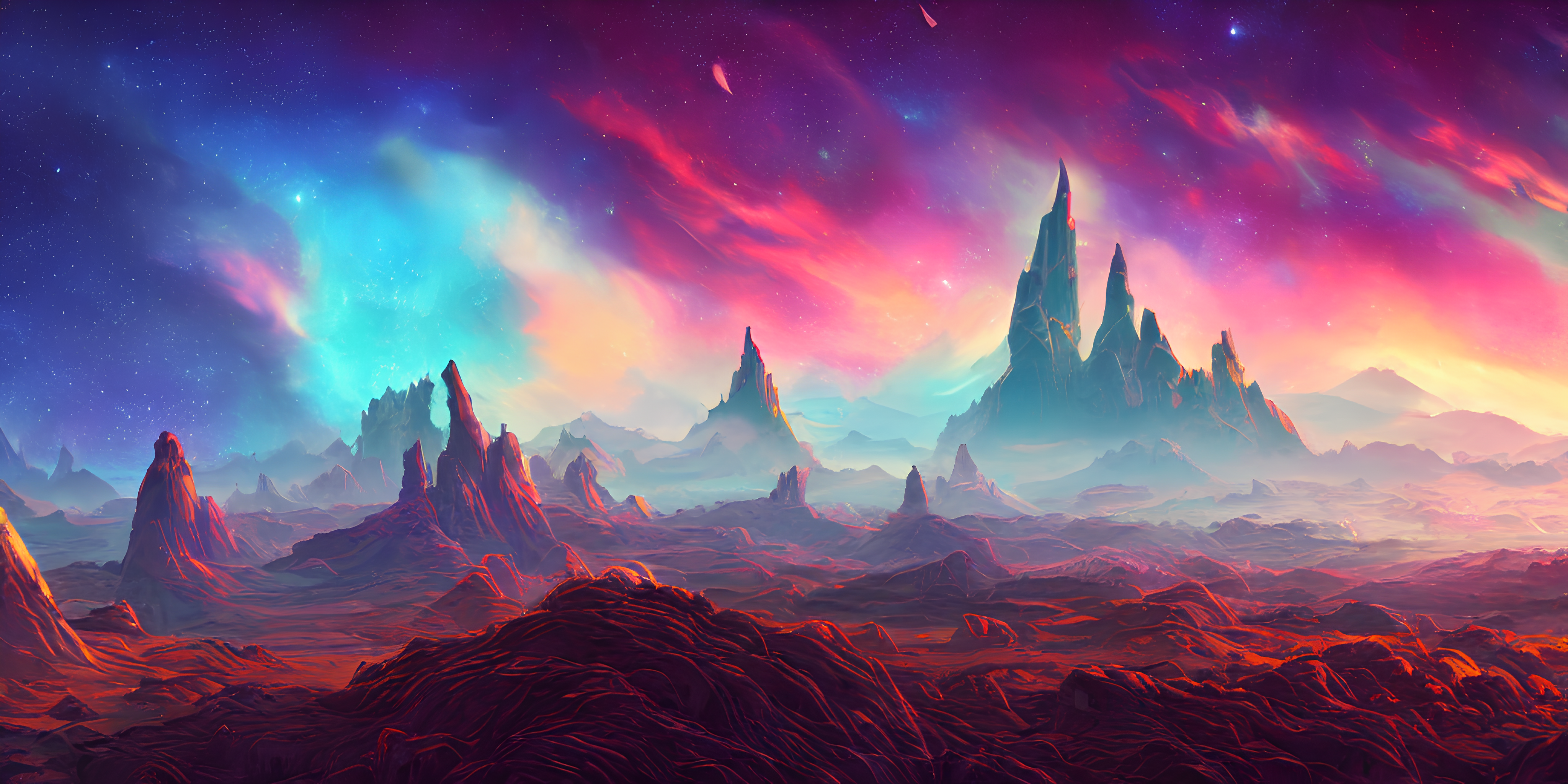
In a nutshell, Background.lol is your go-to platform for creating beautiful wallpapers with ease. Its variety of themes, image upscaling feature, and intuitive interface make it a must-try tool for anyone looking to add a splash of creativity to their screens. With Backgroundlol, the power of AI is at your fingertips, ready to transform your wallpaper creation journey. So why wait? Dive in and start creating your unique wallpapers with Background.lol today!
Canva-Text to Image
What is Canva-Text to Image?
Canva Text to Image turns a written prompt into a finished visual without leaving the Canva editor. You describe what you want, pick from 10+ preset art styles like Photo, Vibrant, Sketch, or Retrowave, and set an aspect ratio. The tool generates several variations in seconds, and you can drop any result straight into a presentation, social post, or poster layout.
Where standalone generators like Midjourney or DALL-E hand you a file to download and edit elsewhere, Canva keeps everything in one workflow. Background removal, Magic Edit prompt-based retouching, text overlays, and export to PNG, JPG, PDF, or PPTX all sit in the same canvas. That trade-off means less raw control over model parameters, but a much faster path from prompt to publishable design.
Content creators use it for social graphics and thumbnails, entrepreneurs for quick branding assets, and hobbyists for concept sketches. You can also upload a reference photo and generate new images that keep the original layout or subject. Pro and Business plans unlock higher AI generation allowances, Magic Expand for extending image borders, and a content planner for scheduling posts.
Free accounts include up to 200 Standard AI uses or 20 Premium AI uses per year. Canva runs automated prompt checks to block inappropriate content, and commercial use is permitted under Canva's AI Product Terms, though you are responsible for trademark and public figure rights.
Background.lol Upvotes
Canva-Text to Image Upvotes
Background.lol Top Features
No top features listedCanva-Text to Image Top Features
Choose from 10+ preset art styles including Photo, Vibrant, 3D Render, Cinematic, and Retrowave
Free plan includes up to 200 Standard AI uses or 20 Premium AI uses per year
Generate from a text prompt or upload a reference photo to preserve layout and subject
Export finished designs as PNG, JPG, PDF, or PPTX without leaving Canva
Pro plan at $180 per year includes 10x the AI generation allowance of the Free tier
Magic Edit and Magic Eraser let you refine generated images with short written prompts
Background.lol Category
- Image Generation
Canva-Text to Image Category
- Image Generation
Background.lol Pricing Type
- Free
Canva-Text to Image Pricing Type
- Freemium