AI Face Generator By Fotor vs Canva:Text-to-Image
Compare AI Face Generator By Fotor vs Canva:Text-to-Image and see which AI Image Generation tool is better when we compare features, reviews, pricing, alternatives, upvotes, etc.
Which one is better? AI Face Generator By Fotor or Canva:Text-to-Image?
When we compare AI Face Generator By Fotor with Canva:Text-to-Image, which are both AI-powered image generation tools, Canva:Text-to-Image stands out as the clear frontrunner in terms of upvotes. The upvote count for Canva:Text-to-Image is 7, and for AI Face Generator By Fotor it's 6.
Feeling rebellious? Cast your vote and shake things up!
AI Face Generator By Fotor
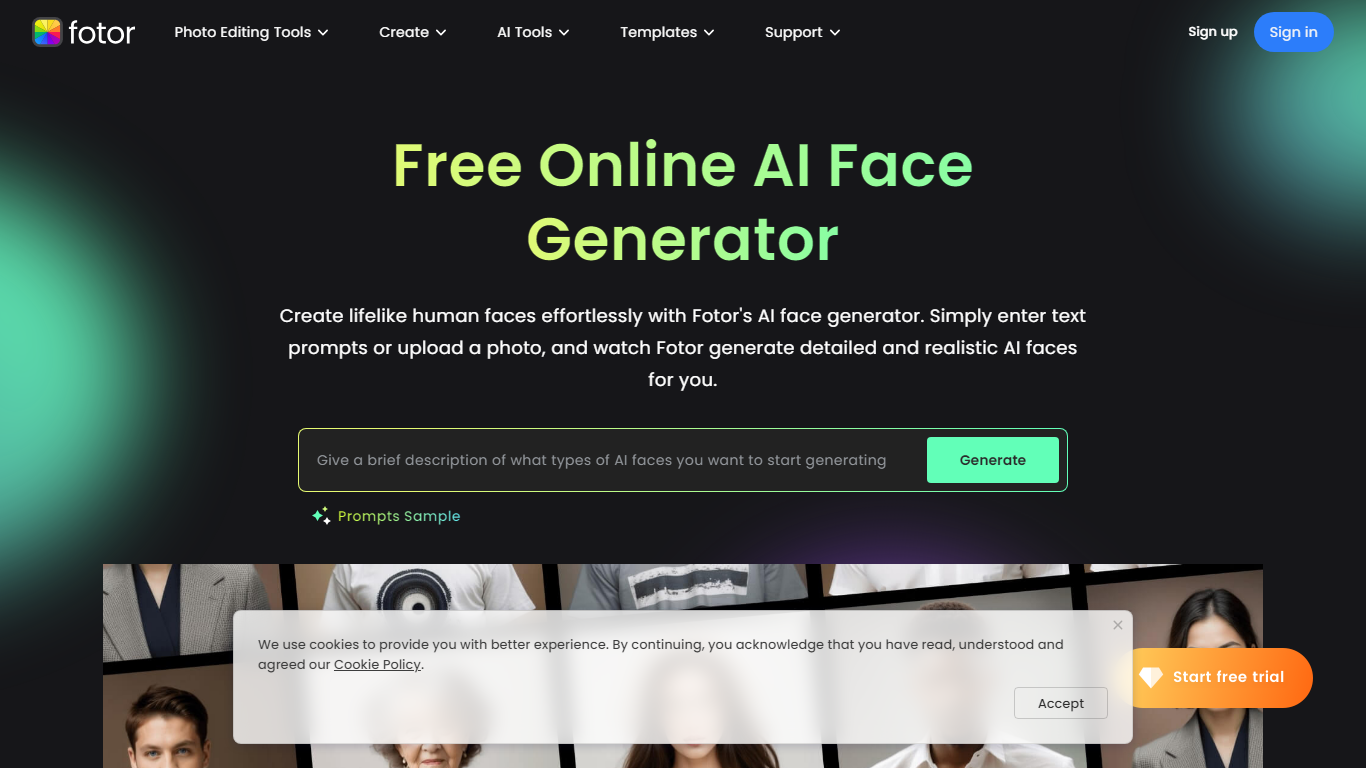

What is AI Face Generator By Fotor?
Unlock the potential of AI-generated imagery with Fotor's AI Face Generator. Effortlessly create realistic human faces by simply entering text prompts or uploading a photo. This powerful tool offers instant generation of lifelike faces that cater to your specifications on facial features, ethnicity, accessories, and more—perfect for a variety of applications, from app development to maintaining online privacy.
The AI Face Generator is also a treasure chest of artistry, allowing you to select from a range of styles like 3D, anime, and cyberpunk to craft the exact vision you have in mind. Not just that, but Fotor's AI suite extends beyond faces, enabling full-body character creation and headshots, among others. High-quality results and easy customization make it accessible for all users.
The use of state-of-the-art AI ensures excellence in face enhancement without manual editing hassle. Download the AI face pictures in high resolution and integrate them into your projects seamlessly. Whether you're on-the-go or at your desk, Fotor's range of apps and software meets all your image editing and generation needs, making it a whole lot more than just a face generator platform.
Canva:Text-to-Image
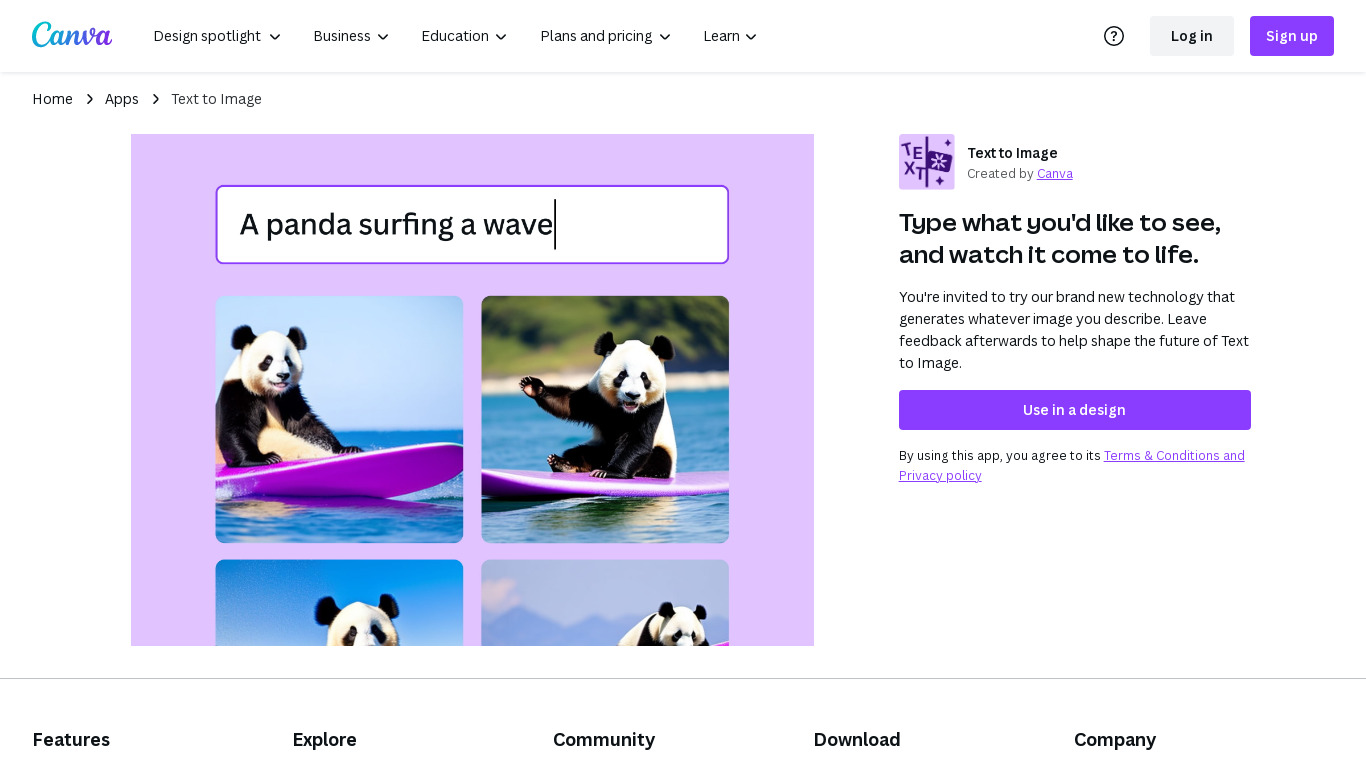
What is Canva:Text-to-Image?
Text to Image is Canva's answer to generative AI tools like DALL·E 2 and Midjourney, which generate images based on natural text prompts. Simply describe the image you want to see, and Canva will attempt to create it.
Of course, the quality of your results will vary based on the prompts you use. Typically, the more details you provide, the better—especially when it comes to describing your image's style. Stuck on what kind of style you want? Canva also offers one-click styles, like Photo, Neon, Minimalist, Watercolor, Retro Anime, and Dreamlike.
Canva generates a few options to choose from. Of course, if none of the options match what you were envisioning, you can switch to a different style or rewrite your prompt.
On the surface, Text to Image feels like a replacement for stock photos. But it's actually much more powerful than that. For business owners and marketers.
AI Face Generator By Fotor Upvotes
Canva:Text-to-Image Upvotes
AI Face Generator By Fotor Top Features
Effortless AI Face Creation: Immediate generation of realistic faces from text prompts or photos.
Customizable Features: In-depth customization of hair accessories skin tone and more.
Multiple Art Styles: Variety of styles including 3D anime and cyberpunk for diverse project needs.
Professional-Grade Enhancement: One-click AI-powered face enhancement without manual effort.
High-Resolution Downloads: Download lifelike faces in high quality for any use.
Canva:Text-to-Image Top Features
Generate images of products that don't exist yet.
Brainstorm in real time rather than relying on designers to mock up your ideas.
Create viral content with unforgettably unique images.
AI Face Generator By Fotor Category
- Image Generation
Canva:Text-to-Image Category
- Image Generation
AI Face Generator By Fotor Pricing Type
- Freemium
Canva:Text-to-Image Pricing Type
- Freemium