
Last updated 08-13-2026
Category:
Reviews:
Join thousands of AI enthusiasts in the World of AI!
Canva:Text-to-Image
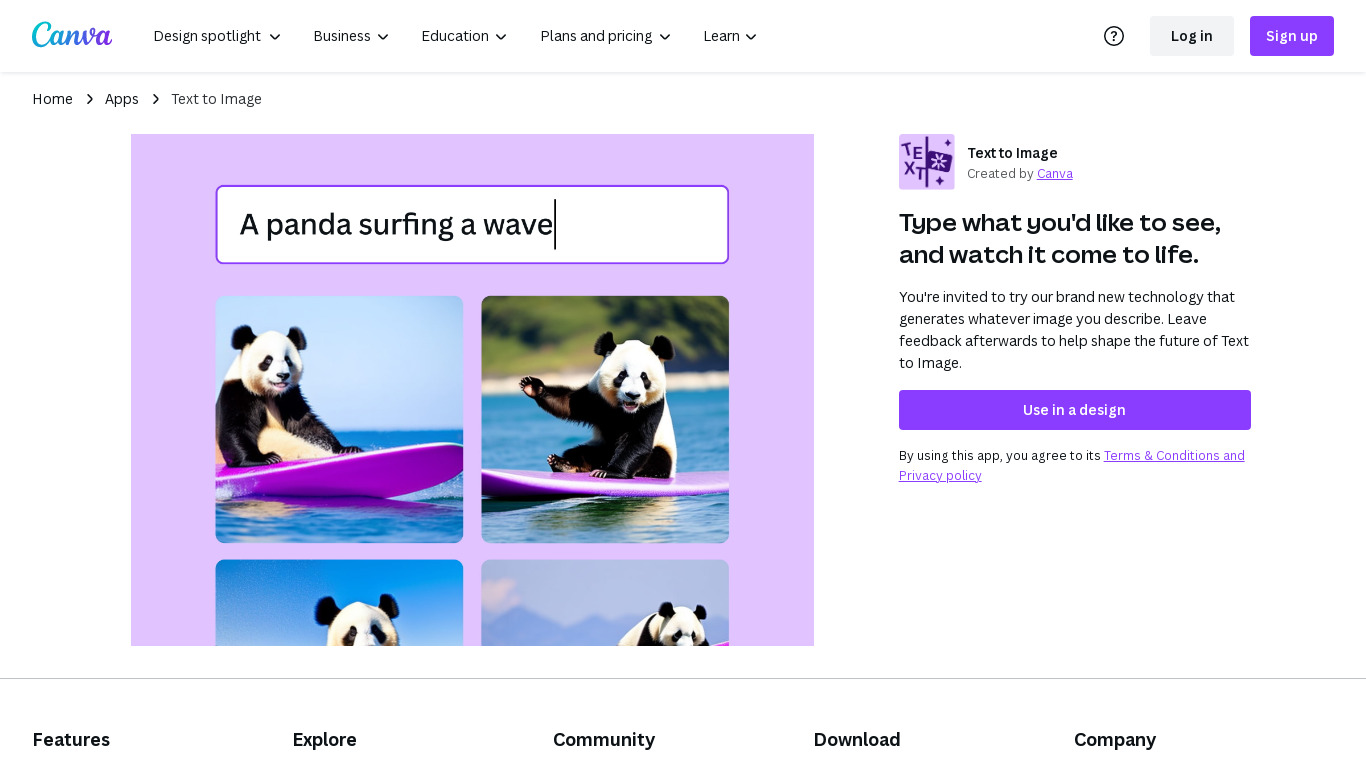
Canva Text-to-Image turns written prompts into images inside the Canva editor through Magic Media and Dream Lab. You describe a scene, pick styles like Photo, Watercolor, Filmic, Neon, or Retrowave, and drop the result into presentations, social posts, or any Canva design without exporting to a separate generator. Dream Lab adds reference-image generation that keeps layout while swapping aesthetics.
Standalone text-to-image tools export PNGs you still have to import and resize. Canva keeps generation, Magic Edit, Magic Eraser, filters, and layout tools in one canvas. The workflow targets marketers and creators who need a thumbnail or hero image that already matches brand templates, not raw assets for manual assembly elsewhere.
Content creators, entrepreneurs, and small teams who design in Canva daily fit this best. Free accounts can experiment with AI images; Canva Pro at $180 per year unlocks premium styles, higher monthly AI allowances, and 100GB storage for heavier generation volume.
Magic Media Text to Image with 20+ style presets including Watercolor, Filmic, and Neon
Dream Lab generates images from a reference photo while preserving composition
Outputs drop directly into Canva presentations, social posts, and print layouts
Canva Pro costs $180 per year and includes 10x more monthly AI allowance than Free
Magic Edit and Magic Eraser refine AI images with short text prompts in the same editor
Commercial use allowed under Canva AI Product Terms with user responsibility for rights
Generated images land directly in Canva designs without separate export steps.
Dream Lab supports reference-image generation for style-consistent visuals.
Free tier lets beginners test prompts before upgrading to Pro.
Requires a Canva account; not a standalone API for developers.
Higher generation limits need Canva Pro at $180 per year.
Screenshot capture hit Cloudflare interstitials during automated verification.
What is Canva Text-to-Image?
Canva Text-to-Image is Canva's prompt-to-image feature built into the design editor. It uses Magic Media and Create an image powered by Dream Lab to generate visuals you can place directly on Canva projects.
Is Canva Text-to-Image free?
Yes. Canva Text-to-Image works on Canva Free with a lower monthly AI allowance. Canva Pro costs $180 per year for one person and unlocks about 10 times more Standard, Premium, or Ultra AI usage than the free plan.
What styles can Canva Text-to-Image generate?
Canva Text-to-Image through Magic Media offers styles such as Photo, Vibrant, Concept, Dreamy, Watercolor, Filmic, Neon, Color Pencil, and Retrowave. The product page lists 20 or more style options with adjustable aspect ratios.
Can I use reference images with Canva Text-to-Image?
Yes. Canva Text-to-Image's Dream Lab mode lets you upload a reference photo and generate new aesthetics, objects, or textures while keeping the original layout. You can refine results with prompt edits and upscaling.
Can I use Canva AI images commercially?
Canva states you may use Canva Text-to-Image outputs for personal and commercial projects when you follow the AI Product Terms and Terms of Use. You must verify that images do not infringe copyrights, trademarks, or publicity rights.
How does Canva Text-to-Image differ from Magic Media?
Magic Media is Canva's broader AI media suite covering Text to Image, Text to Graphic, and Text to Video. Canva Text-to-Image specifically generates still images from written prompts and style presets inside the editor.