ThumbnailCreator vs Canva:Text-to-Image
In the battle of ThumbnailCreator vs Canva:Text-to-Image, which AI Image Generation tool comes out on top? We compare reviews, pricing, alternatives, upvotes, features, and more.
Between ThumbnailCreator and Canva:Text-to-Image, which one is superior?
Upon comparing ThumbnailCreator with Canva:Text-to-Image, which are both AI-powered image generation tools, With more upvotes, ThumbnailCreator is the preferred choice. ThumbnailCreator has 100 upvotes, and Canva:Text-to-Image has 7 upvotes.
Does the result make you go "hmm"? Cast your vote and turn that frown upside down!
ThumbnailCreator
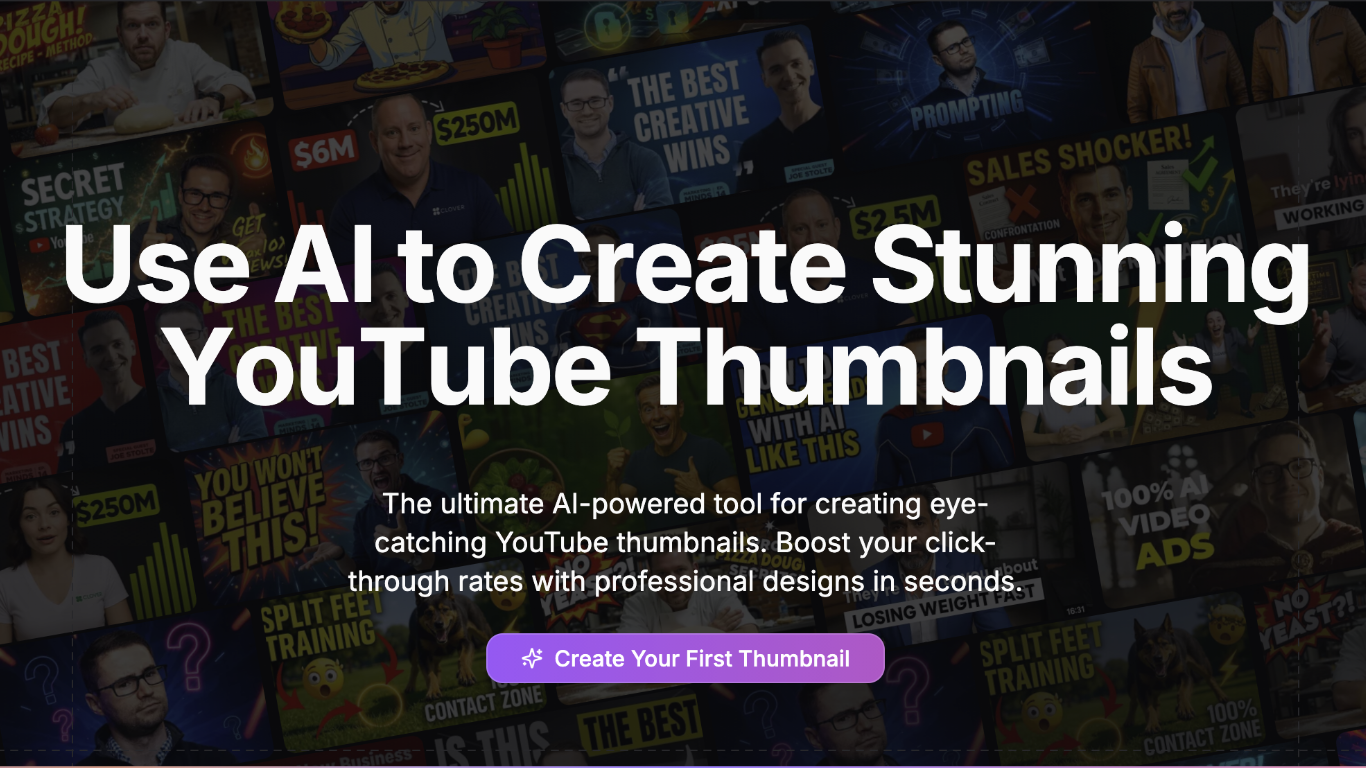

What is ThumbnailCreator?
ThumbnailCreator turns a YouTube video link or text prompt into click-ready thumbnail images in about 30 seconds. Paste a URL and the tool reads the transcript, scans key frames, and returns multiple layout concepts tuned to your video topic. YouTube creators use it when they need fresh cover art without opening Photoshop or hiring a designer for every upload.
Unlike template editors like Canva, ThumbnailCreator starts from your actual video content rather than blank canvases. It also bundles face swap, expression morphing, and an AI Viral Clips workflow that cuts long uploads into Shorts and Reels hooks, features most general design tools do not ship in one subscription.
Solo creators posting one or two videos a week can stay on the Starter plan at $17 per month, while agencies managing multiple channels move to Teams for batch variations and API access. The site lists 15,000+ active creators and a 7-day trial with 10 free credits, no credit card required on signup.
Canva:Text-to-Image
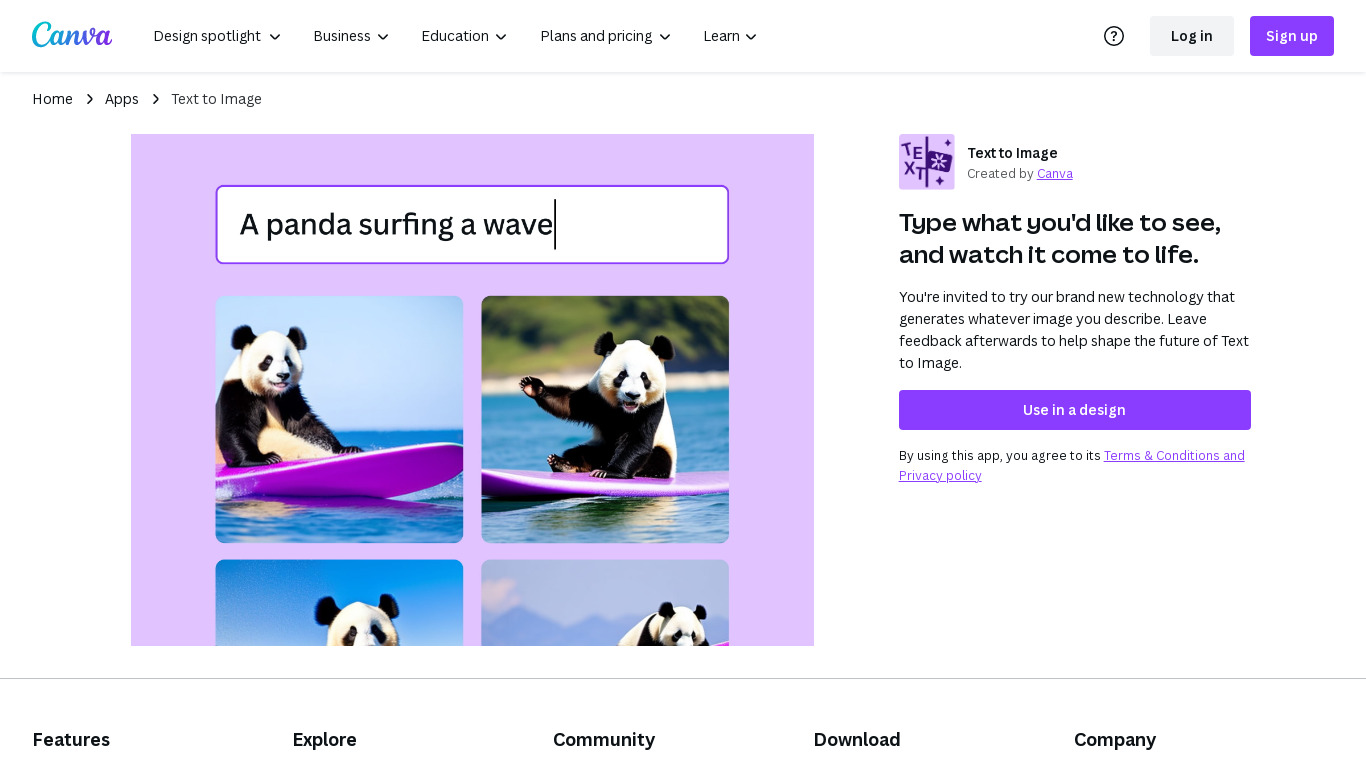
What is Canva:Text-to-Image?
Canva Text-to-Image turns written prompts into images inside the Canva editor through Magic Media and Dream Lab. You describe a scene, pick styles like Photo, Watercolor, Filmic, Neon, or Retrowave, and drop the result into presentations, social posts, or any Canva design without exporting to a separate generator. Dream Lab adds reference-image generation that keeps layout while swapping aesthetics.
Standalone text-to-image tools export PNGs you still have to import and resize. Canva keeps generation, Magic Edit, Magic Eraser, filters, and layout tools in one canvas. The workflow targets marketers and creators who need a thumbnail or hero image that already matches brand templates, not raw assets for manual assembly elsewhere.
Content creators, entrepreneurs, and small teams who design in Canva daily fit this best. Free accounts can experiment with AI images; Canva Pro at $180 per year unlocks premium styles, higher monthly AI allowances, and 100GB storage for heavier generation volume.
ThumbnailCreator Upvotes
Canva:Text-to-Image Upvotes
ThumbnailCreator Top Features
Paste a YouTube URL and get multiple thumbnail concepts in about 30 seconds
1 credit equals 1 AI thumbnail; Lite plan starts at $8 per month after a 7-day trial
Creator plan at $33 per month includes Advanced Face Training and person swap
Auto-Optimize and variation generator on Starter ($17/mo) and higher tiers
Export at YouTube-optimized resolution or upload directly to your channel
AI Viral Clips finds hook moments in long videos for Shorts, TikTok, and Reels
Canva:Text-to-Image Top Features
Magic Media Text to Image with 20+ style presets including Watercolor, Filmic, and Neon
Dream Lab generates images from a reference photo while preserving composition
Outputs drop directly into Canva presentations, social posts, and print layouts
Canva Pro costs $180 per year and includes 10x more monthly AI allowance than Free
Magic Edit and Magic Eraser refine AI images with short text prompts in the same editor
Commercial use allowed under Canva AI Product Terms with user responsibility for rights
ThumbnailCreator Category
- Image Generation
Canva:Text-to-Image Category
- Image Generation
ThumbnailCreator Pricing Type
- Freemium
Canva:Text-to-Image Pricing Type
- Freemium