DreamShaper XL | Civitai vs Canva:Text-to-Image
In the face-off between DreamShaper XL | Civitai vs Canva:Text-to-Image, which AI Image Generation tool takes the crown? We scrutinize features, alternatives, upvotes, reviews, pricing, and more.
In a face-off between DreamShaper XL | Civitai and Canva:Text-to-Image, which one takes the crown?
If we were to analyze DreamShaper XL | Civitai and Canva:Text-to-Image, both of which are AI-powered image generation tools, what would we find? With more upvotes, Canva:Text-to-Image is the preferred choice. The upvote count for Canva:Text-to-Image is 7, and for DreamShaper XL | Civitai it's 6.
You don't agree with the result? Cast your vote to help us decide!
DreamShaper XL | Civitai
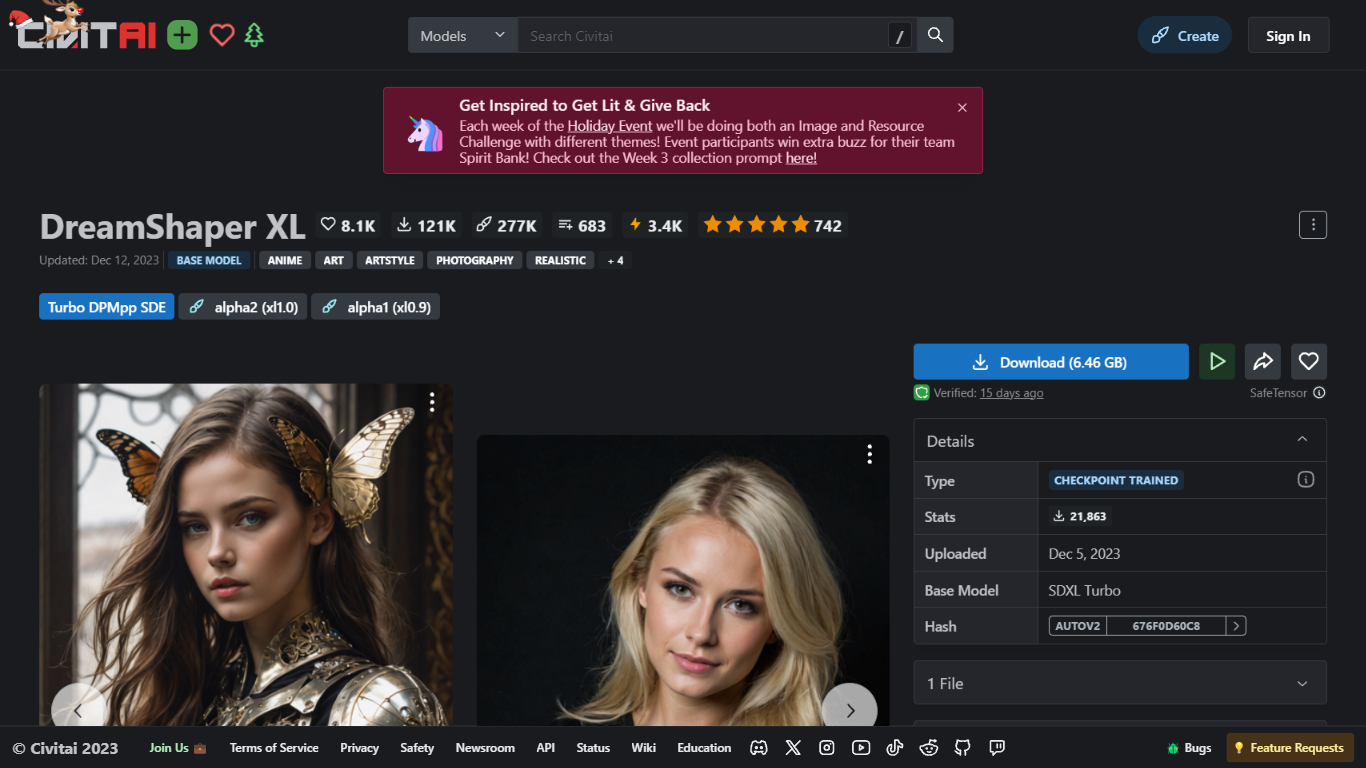

What is DreamShaper XL | Civitai?
Discover the advanced capabilities of DreamShaper XL, now turbocharged for superior performance. The DreamShaper XL - Turbo DPMpp SDE is the latest Stable Diffusion Checkpoint from Civitai, engineered to enhance your generative modeling experience. This powerful model has been meticulously pruned to a lean 6.46 GB file size and comes with a Stability AI Non-Commercial Research Community License, ensuring its usage adheres to non-commercial research domain.
Built upon the robust SDXL Turbo base, the DreamShaper XL is adept at creating stunningly realistic results across a diverse range of styles including anime, art, photography, and more. The Turbo edition, optimized for use at a CFG scale of 2 and with 4-7 sampling steps, is best paired with the DPM++ SDE Karras or Normal samplers. With a no-refiner requirement, this model facilitates high-resolution fixes and tiled upscaling, simplifying the workflow for creators.
Additional galleries, style comparisons, and workflow tips are freely accessible, providing users with the tools needed to leverage the full potential of the Turbo version. The platform also encourages community support through likes, Patreon contributions, and coffee donations, as a token of appreciation for the continuous updates and enhancements.
Canva:Text-to-Image
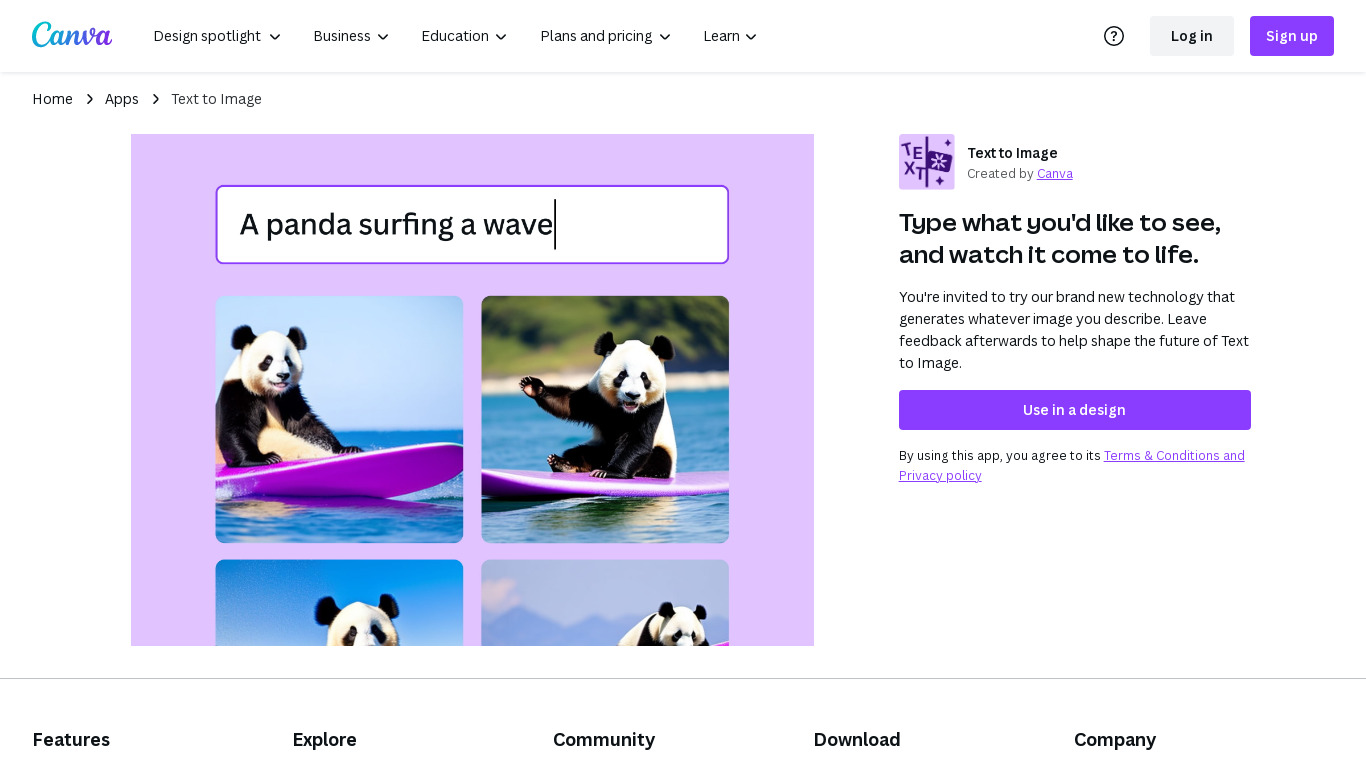
What is Canva:Text-to-Image?
Canva Text-to-Image turns written prompts into images inside the Canva editor through Magic Media and Dream Lab. You describe a scene, pick styles like Photo, Watercolor, Filmic, Neon, or Retrowave, and drop the result into presentations, social posts, or any Canva design without exporting to a separate generator. Dream Lab adds reference-image generation that keeps layout while swapping aesthetics.
Standalone text-to-image tools export PNGs you still have to import and resize. Canva keeps generation, Magic Edit, Magic Eraser, filters, and layout tools in one canvas. The workflow targets marketers and creators who need a thumbnail or hero image that already matches brand templates, not raw assets for manual assembly elsewhere.
Content creators, entrepreneurs, and small teams who design in Canva daily fit this best. Free accounts can experiment with AI images; Canva Pro at $180 per year unlocks premium styles, higher monthly AI allowances, and 100GB storage for heavier generation volume.
DreamShaper XL | Civitai Upvotes
Canva:Text-to-Image Upvotes
DreamShaper XL | Civitai Top Features
⚡ Turbocharged Performance: Faster and more efficient image generation for high-quality results.
🎨 Versatile Style Support: Creates images in anime, art, photography, and many other styles.
🔧 No Refiner Needed: Simplifies workflow by enabling direct high-resolution fixes and tiled upscaling.
📚 Extensive Resources: Access galleries, style comparisons, and tutorials to improve your output.
🤝 Community Support: Engage with updates and support development via Patreon and donations.
Canva:Text-to-Image Top Features
Magic Media Text to Image with 20+ style presets including Watercolor, Filmic, and Neon
Dream Lab generates images from a reference photo while preserving composition
Outputs drop directly into Canva presentations, social posts, and print layouts
Canva Pro costs $180 per year and includes 10x more monthly AI allowance than Free
Magic Edit and Magic Eraser refine AI images with short text prompts in the same editor
Commercial use allowed under Canva AI Product Terms with user responsibility for rights
DreamShaper XL | Civitai Category
- Image Generation
Canva:Text-to-Image Category
- Image Generation
DreamShaper XL | Civitai Pricing Type
- Freemium
Canva:Text-to-Image Pricing Type
- Freemium