Dreampik vs Canva:Text-to-Image
When comparing Dreampik vs Canva:Text-to-Image, which AI Image Generation tool shines brighter? We look at pricing, alternatives, upvotes, features, reviews, and more.
In a comparison between Dreampik and Canva:Text-to-Image, which one comes out on top?
When we put Dreampik and Canva:Text-to-Image side by side, both being AI-powered image generation tools, The users have made their preference clear, Canva:Text-to-Image leads in upvotes. Canva:Text-to-Image has been upvoted 7 times by aitools.fyi users, and Dreampik has been upvoted 6 times.
Want to flip the script? Upvote your favorite tool and change the game!
Dreampik
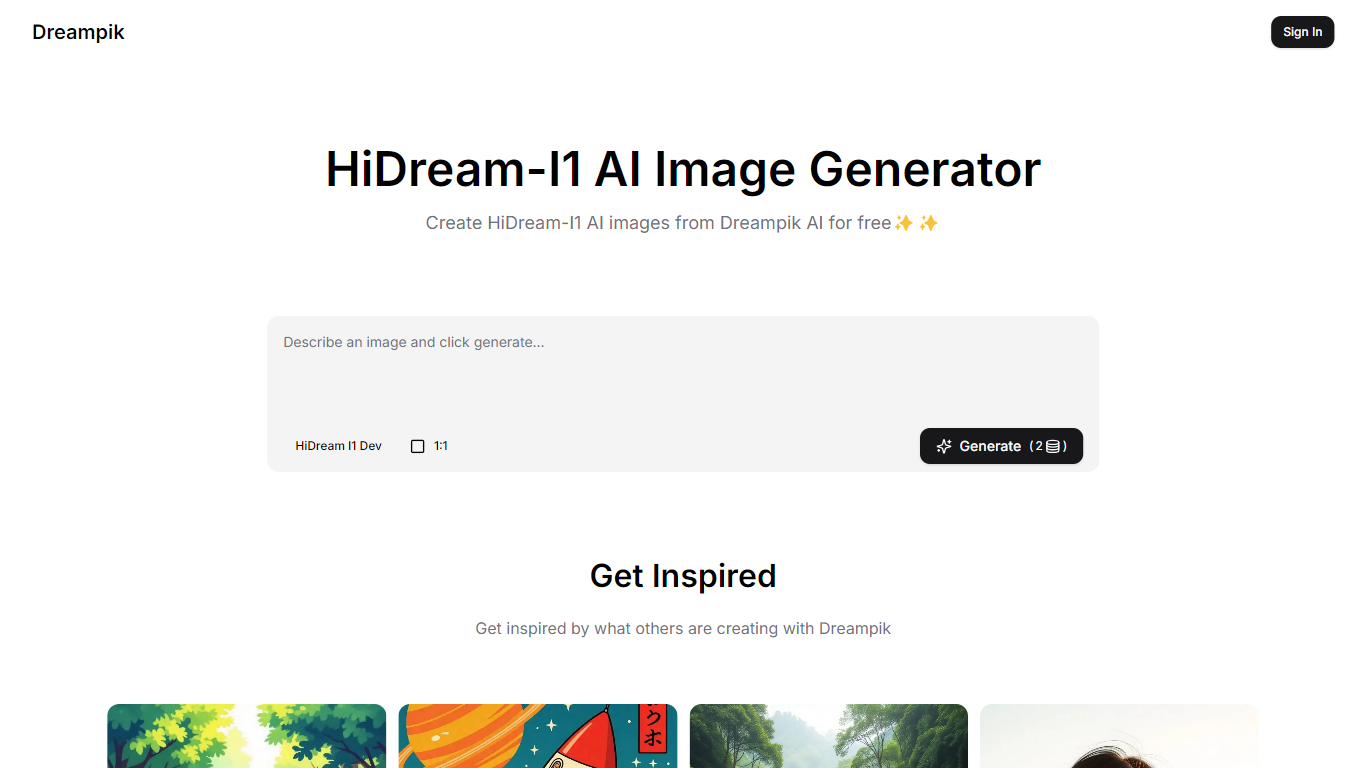

What is Dreampik?
The HiDream-I1 AI Image Generator by Dreampik is a powerful tool designed to create stunning and imaginative images using artificial intelligence. Its core functionality revolves around generating unique visuals based on user prompts, allowing for a wide range of artistic styles and themes. This tool is particularly appealing to artists, designers, and content creators who seek inspiration or wish to enhance their projects with captivating imagery. By leveraging advanced AI algorithms, HiDream-I1 can produce images that are not only visually striking but also rich in detail and creativity.
Targeting a diverse audience, the HiDream-I1 AI Image Generator caters to both professionals and hobbyists in the creative field. Artists can use it to brainstorm ideas, while designers may find it useful for generating concepts for their work. Additionally, social media influencers and marketers can utilize the tool to create eye-catching visuals that engage their audience. The accessibility of the tool makes it suitable for anyone looking to explore their creativity or enhance their visual content.
One of the unique value propositions of HiDream-I1 is its ability to generate images that are inspired by various artistic styles, such as Ghibli and ukiyo-e. This feature allows users to create artwork that resonates with specific cultural aesthetics, making it a versatile tool for those who appreciate different art forms. The AI's capability to blend styles and themes sets it apart from other image generators, providing users with a rich palette of creative options.
Key differentiators of the HiDream-I1 AI Image Generator include its focus on high-quality, imaginative imagery and its user-friendly interface. The tool is designed to be intuitive, allowing users to easily input their ideas and receive visually appealing results in a matter of moments. This ease of use, combined with the quality of the generated images, makes it a standout choice for anyone looking to create art without the need for extensive technical skills.
In terms of technical implementation, while specific details are not provided, it is evident that the HiDream-I1 utilizes advanced AI technologies to interpret user prompts and generate images. This likely involves machine learning algorithms that have been trained on a diverse dataset of artistic styles and themes, enabling the tool to produce unique and contextually relevant visuals. Overall, the HiDream-I1 AI Image Generator represents a significant advancement in the realm of digital art creation, offering users a powerful and inspiring tool to bring their ideas to life.
Canva:Text-to-Image
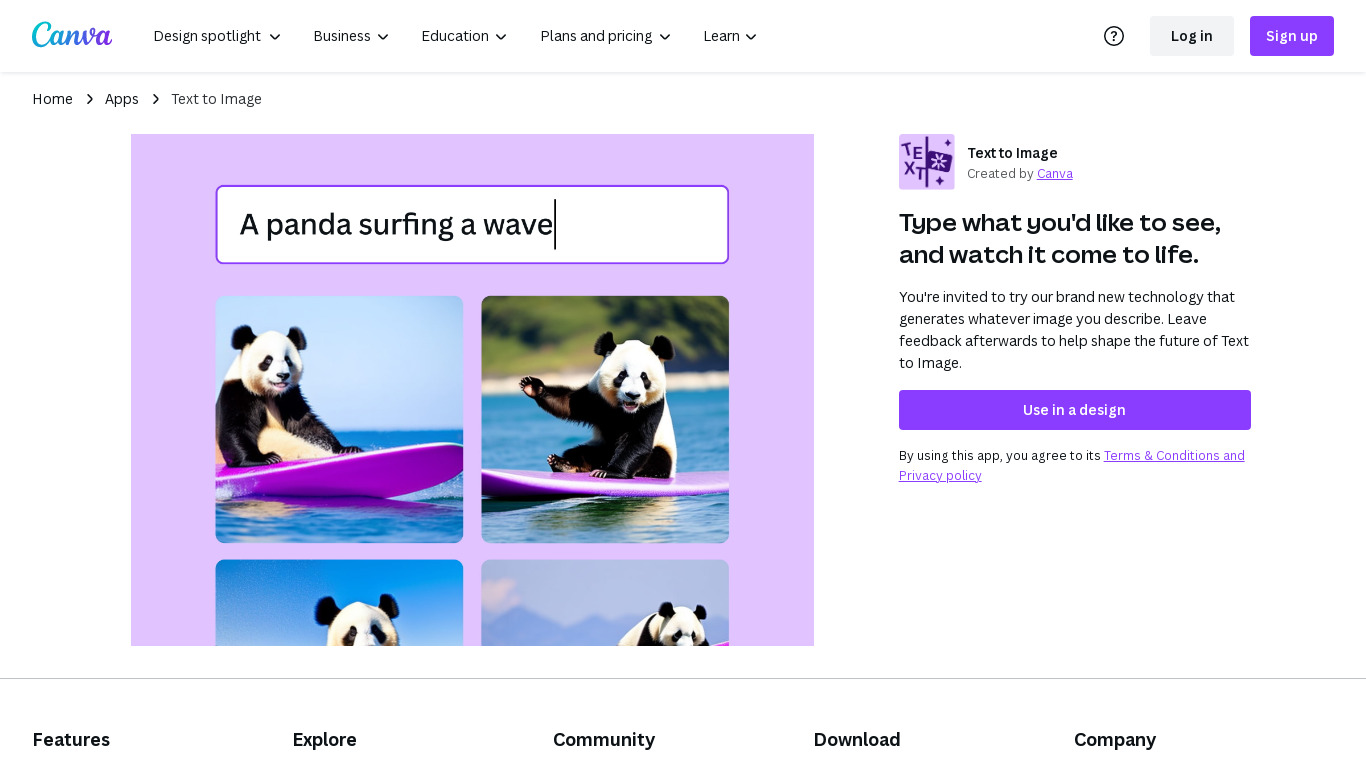
What is Canva:Text-to-Image?
Canva Text-to-Image turns written prompts into images inside the Canva editor through Magic Media and Dream Lab. You describe a scene, pick styles like Photo, Watercolor, Filmic, Neon, or Retrowave, and drop the result into presentations, social posts, or any Canva design without exporting to a separate generator. Dream Lab adds reference-image generation that keeps layout while swapping aesthetics.
Standalone text-to-image tools export PNGs you still have to import and resize. Canva keeps generation, Magic Edit, Magic Eraser, filters, and layout tools in one canvas. The workflow targets marketers and creators who need a thumbnail or hero image that already matches brand templates, not raw assets for manual assembly elsewhere.
Content creators, entrepreneurs, and small teams who design in Canva daily fit this best. Free accounts can experiment with AI images; Canva Pro at $180 per year unlocks premium styles, higher monthly AI allowances, and 100GB storage for heavier generation volume.
Dreampik Upvotes
Canva:Text-to-Image Upvotes
Dreampik Top Features
Generates unique images based on user prompts, helping users visualize their ideas easily.
Supports various artistic styles, allowing users to create images that reflect different cultural aesthetics.
User-friendly interface makes it easy for anyone to create stunning visuals without technical skills.
Quick image generation provides instant results, saving time for busy creators.
Inspires creativity by showcasing examples of what others have created, encouraging users to explore their artistic potential.
Canva:Text-to-Image Top Features
Magic Media Text to Image with 20+ style presets including Watercolor, Filmic, and Neon
Dream Lab generates images from a reference photo while preserving composition
Outputs drop directly into Canva presentations, social posts, and print layouts
Canva Pro costs $180 per year and includes 10x more monthly AI allowance than Free
Magic Edit and Magic Eraser refine AI images with short text prompts in the same editor
Commercial use allowed under Canva AI Product Terms with user responsibility for rights
Dreampik Category
- Image Generation
Canva:Text-to-Image Category
- Image Generation
Dreampik Pricing Type
- Free
Canva:Text-to-Image Pricing Type
- Freemium