AI Face Retouch on AI Image Enlarger vs InPixio
When comparing AI Face Retouch on AI Image Enlarger vs InPixio, which AI Photo Editing tool shines brighter? We look at pricing, alternatives, upvotes, features, reviews, and more.
In a comparison between AI Face Retouch on AI Image Enlarger and InPixio, which one comes out on top?
When we put AI Face Retouch on AI Image Enlarger and InPixio side by side, both being AI-powered photo editing tools, Interestingly, both tools have managed to secure the same number of upvotes. Every vote counts! Cast yours and contribute to the decision of the winner.
Does the result make you go "hmm"? Cast your vote and turn that frown upside down!
AI Face Retouch on AI Image Enlarger
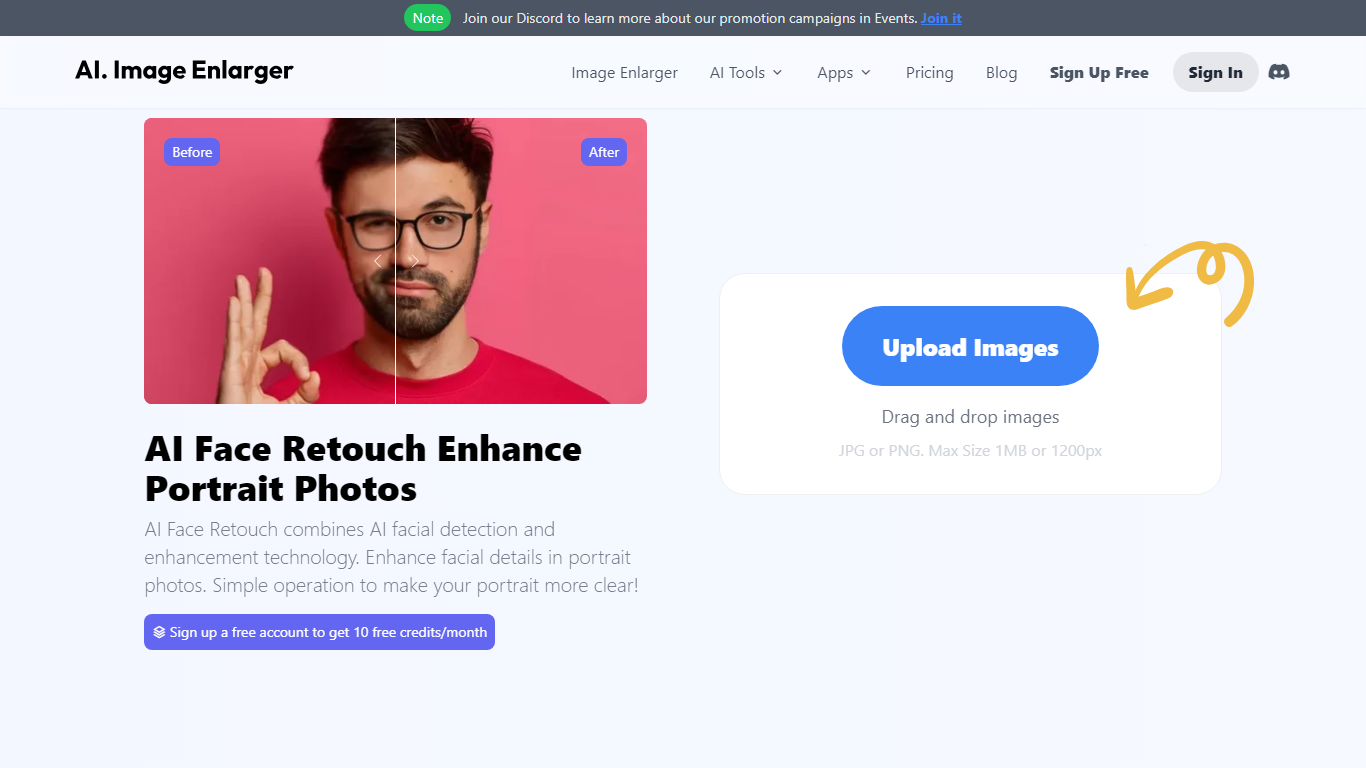

What is AI Face Retouch on AI Image Enlarger?
Imglarger AI Face Retouch cleans up soft, blurry, or low-resolution faces in selfies, headshots, and portrait photos through a browser uploader. Drop a JPG, PNG, or WebP file up to 10 MB, run the automated pass, preview the result, and download when the face looks sharper.
General photo enhancers sharpen the whole frame and often flatten skin texture. This retouch workflow targets facial details such as eyes, hair, and contours while aiming to keep the person recognizable, which is why it fits portrait fixes better than a one-click upscale on the full image.
Creators fixing profile photos, family scans, and social portraits use it when they want clearer faces without learning manual retouching tools. Free credits are available to start, with paid plans for heavier use, and processed files are deleted within six hours.
InPixio

What is InPixio?
InPixio lets you remove backgrounds, erase objects, swap skies, and polish photos through a free online editor, a Windows desktop app, and a mobile app. Upload an image, click remove background, and the AI separates hair and fine edges without manual masking.
Where heavyweight editors assume you already know layers and masks, InPixio sells speed for ecommerce sellers and casual creators. The free web tools handle quick crops and background cuts, while paid plans unlock HD downloads and premium features across the same interface on desktop and phone.
The site cites more than 10 million users and targets small business owners, social sellers, and beginners who need product photos, transparent PNGs, and social-ready edits. You can edit in the browser instantly or download the Windows app for offline work.
AI Face Retouch on AI Image Enlarger Upvotes
InPixio Upvotes
AI Face Retouch on AI Image Enlarger Top Features
Accepts JPG, PNG, and WebP portraits up to 10 MB per upload
Refines eyes, hair, and facial contours instead of applying heavy beauty filters
Shows a before-and-after preview before you download the retouched file
Runs in desktop and mobile browsers with no software install
Deletes uploaded and processed images automatically within six hours
Free credits let you test the retouch workflow before buying a paid plan
InPixio Top Features
One-click AI background remover handles hair and complex edges on JPG, PNG, and RAW files
Online editor runs in the browser with no install, while Windows software works offline
Magic eraser removes unwanted objects and reconstructs the background automatically
AI background generator swaps skies and dull backdrops for new scenes in seconds
Supports more than 50 image formats including JPEG, PNG, and RAW uploads
Mobile app mirrors quick edits for social posts and product photos on the go
AI Face Retouch on AI Image Enlarger Category
- Photo Editing
InPixio Category
- Photo Editing
AI Face Retouch on AI Image Enlarger Pricing Type
- Freemium
InPixio Pricing Type
- Freemium