
Last updated 08-21-2026
Category:
Reviews:
Join thousands of AI enthusiasts in the World of AI!
AI Face Retouch on AI Image Enlarger
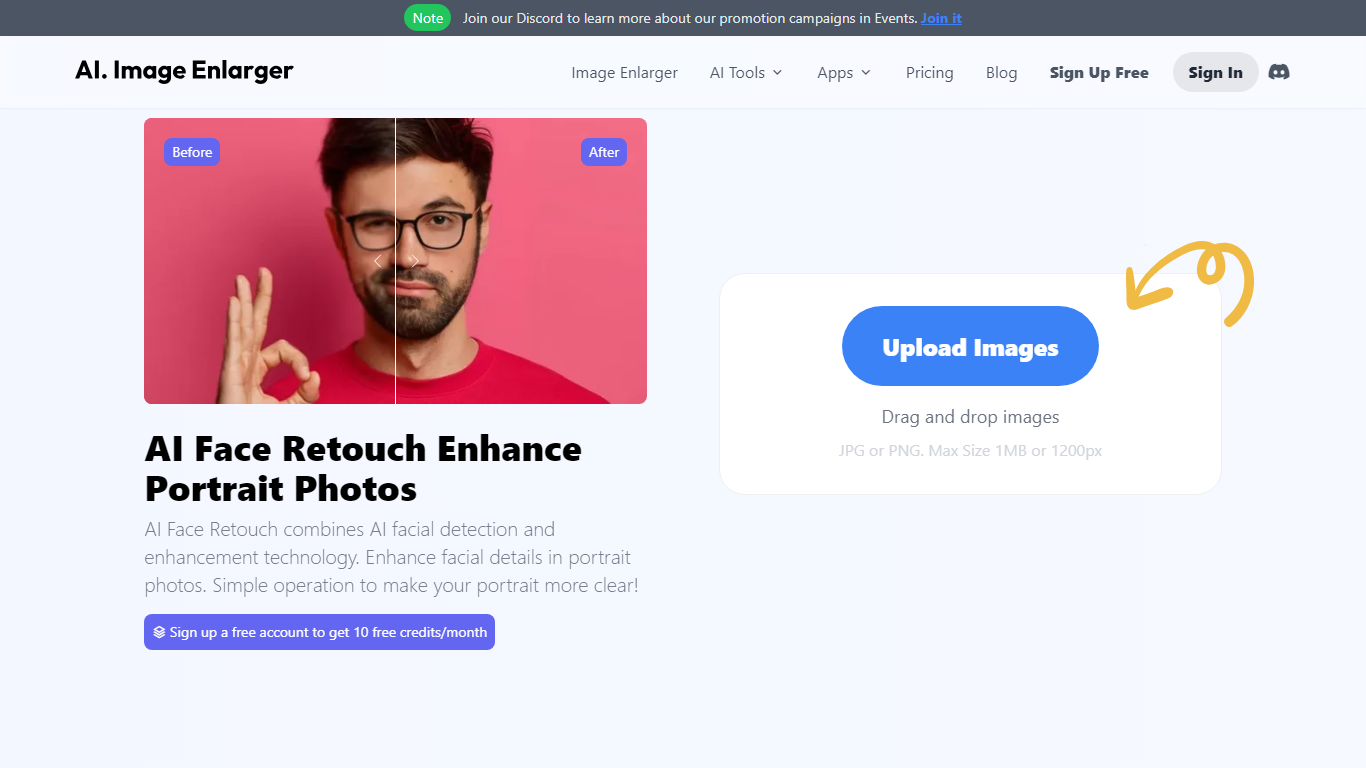
Imglarger AI Face Retouch cleans up soft, blurry, or low-resolution faces in selfies, headshots, and portrait photos through a browser uploader. Drop a JPG, PNG, or WebP file up to 10 MB, run the automated pass, preview the result, and download when the face looks sharper.
General photo enhancers sharpen the whole frame and often flatten skin texture. This retouch workflow targets facial details such as eyes, hair, and contours while aiming to keep the person recognizable, which is why it fits portrait fixes better than a one-click upscale on the full image.
Creators fixing profile photos, family scans, and social portraits use it when they want clearer faces without learning manual retouching tools. Free credits are available to start, with paid plans for heavier use, and processed files are deleted within six hours.
Accepts JPG, PNG, and WebP portraits up to 10 MB per upload
Refines eyes, hair, and facial contours instead of applying heavy beauty filters
Shows a before-and-after preview before you download the retouched file
Runs in desktop and mobile browsers with no software install
Deletes uploaded and processed images automatically within six hours
Free credits let you test the retouch workflow before buying a paid plan
Focused on facial detail instead of sharpening the entire frame equally.
Before-and-after preview lets you reject unnatural results before downloading.
Six-hour automatic deletion reduces the risk of portraits lingering on servers.
Not designed to remove individual acne, wrinkles, or blemishes on demand.
Severe motion blur or tiny faces may still reconstruct inaccurately.
Credit limits and paid plan pricing are only visible inside the logged-in interface.
What does Imglarger AI Face Retouch improve?
AI Face Retouch on AI Image Enlarger improves facial clarity in portraits that look soft, compressed, or low resolution. Imglarger focuses on visible details such as eyes, hair, skin texture, and facial contours rather than dramatic makeup-style edits.
Can Imglarger remove acne or wrinkles?
AI Face Retouch on AI Image Enlarger is built to improve overall portrait quality, not to remove individual blemishes. Imglarger may not reliably erase specific acne, wrinkles, or spot-level imperfections like a manual beauty editor would.
Is Imglarger AI Face Retouch free?
AI Face Retouch on AI Image Enlarger offers free credits so you can try the tool before upgrading. Imglarger shows credit requirements and usage limits in the product interface, and those limits may vary by tool and plan.
Which file formats does Imglarger accept?
AI Face Retouch on AI Image Enlarger supports JPG, JPEG, PNG, and WebP uploads through Imglarger. The uploader displays the current 10 MB file-size limit before processing begins.
Will Imglarger change how someone looks?
AI Face Retouch on AI Image Enlarger aims to preserve recognizable facial structure while improving clarity. Imglarger may reconstruct missing detail on very blurry or tiny faces, so review the preview carefully before downloading.
Does Imglarger keep my photos?
AI Face Retouch on AI Image Enlarger deletes uploaded and processed images automatically within six hours. Imglarger does not keep retouched portraits as a permanent public gallery after processing.