AI Face Retouch on AI Image Enlarger vs Profile Picture Maker By Picsart
In the battle of AI Face Retouch on AI Image Enlarger vs Profile Picture Maker By Picsart, which AI Photo Editing tool comes out on top? We compare reviews, pricing, alternatives, upvotes, features, and more.
Which one is better? AI Face Retouch on AI Image Enlarger or Profile Picture Maker By Picsart?
Upon comparing AI Face Retouch on AI Image Enlarger with Profile Picture Maker By Picsart, which are both AI-powered photo editing tools, Profile Picture Maker By Picsart is the clear winner in terms of upvotes. Profile Picture Maker By Picsart has 9 upvotes, and AI Face Retouch on AI Image Enlarger has 6 upvotes.
You don't agree with the result? Cast your vote to help us decide!
AI Face Retouch on AI Image Enlarger
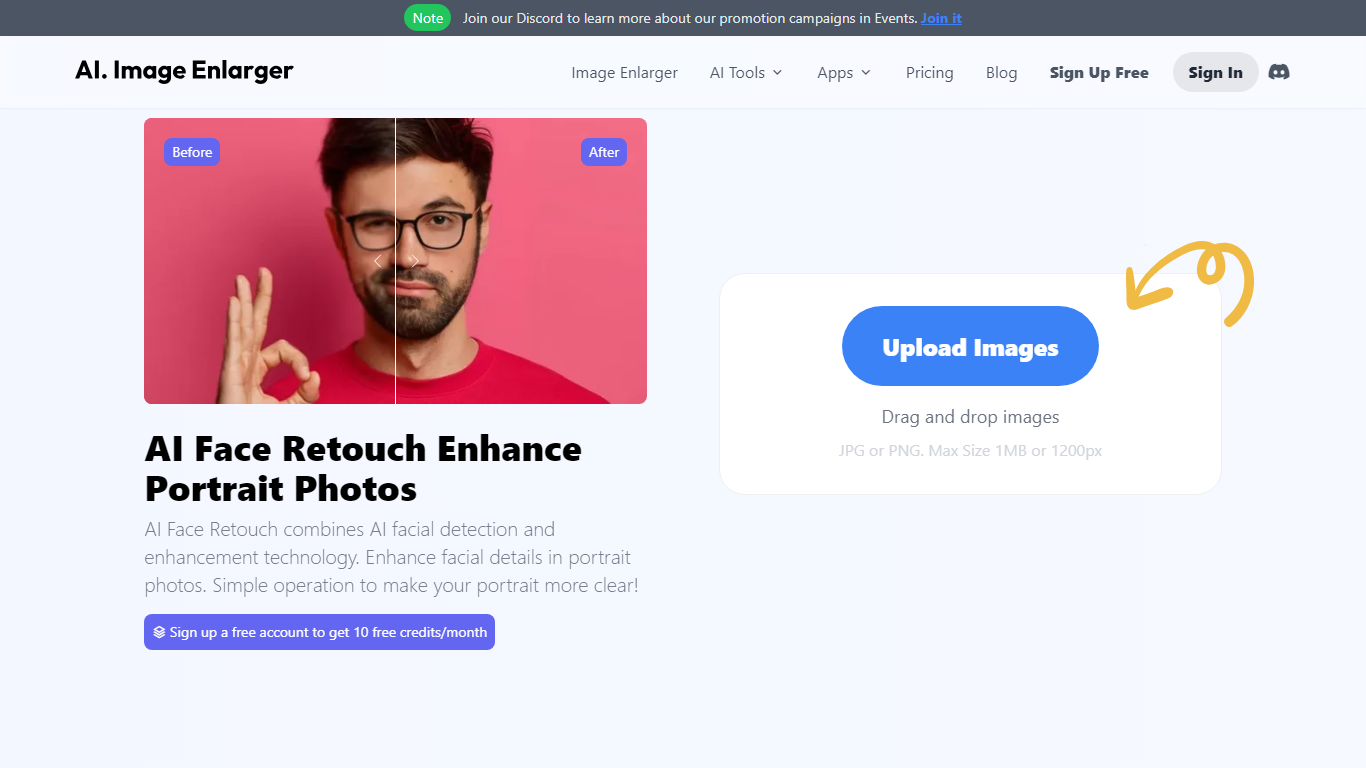

What is AI Face Retouch on AI Image Enlarger?
Imglarger AI Face Retouch cleans up soft, blurry, or low-resolution faces in selfies, headshots, and portrait photos through a browser uploader. Drop a JPG, PNG, or WebP file up to 10 MB, run the automated pass, preview the result, and download when the face looks sharper.
General photo enhancers sharpen the whole frame and often flatten skin texture. This retouch workflow targets facial details such as eyes, hair, and contours while aiming to keep the person recognizable, which is why it fits portrait fixes better than a one-click upscale on the full image.
Creators fixing profile photos, family scans, and social portraits use it when they want clearer faces without learning manual retouching tools. Free credits are available to start, with paid plans for heavier use, and processed files are deleted within six hours.
Profile Picture Maker By Picsart

What is Profile Picture Maker By Picsart?
Profile Picture Maker By Picsart crops, reframes, and styles square avatars for social platforms inside the free Quicktools browser editor. You upload a photo, optionally swap the background, add borders or colors, then export preset sizes for Instagram, LinkedIn, Discord, and other networks.
Most avatar editors auto-remove backgrounds whether you want that or not. Picsart's version lets you keep or replace the backdrop, then rotate, scale, and position the subject before picking platform-specific dimensions like 400x400 for LinkedIn or 128x128 for Discord.
Creators refreshing Instagram, Zoom, or Slack avatars use it because it needs no account, stores no images, and advertises 1 to 2 minute results. The page rates 4.8 out of 5 from 51 reviews and sits inside Picsart's broader Quicktools suite launched in 2021.
AI Face Retouch on AI Image Enlarger Upvotes
Profile Picture Maker By Picsart Upvotes
AI Face Retouch on AI Image Enlarger Top Features
Accepts JPG, PNG, and WebP portraits up to 10 MB per upload
Refines eyes, hair, and facial contours instead of applying heavy beauty filters
Shows a before-and-after preview before you download the retouched file
Runs in desktop and mobile browsers with no software install
Deletes uploaded and processed images automatically within six hours
Free credits let you test the retouch workflow before buying a paid plan
Profile Picture Maker By Picsart Top Features
100% free profile picture editor with no sign-up required
Optional background removal or custom colored and patterned backdrops
Border and fine-tune controls for rotate, scale, and positioning
Preset export sizes for Instagram (320x320), LinkedIn (400x400), Discord (128x128), and more
Drag-and-drop upload with advertised 1 to 2 minute processing
No image storage policy stated on the tool page
4.8 star Quicktools rating from 51 reviews
AI Face Retouch on AI Image Enlarger Category
- Photo Editing
Profile Picture Maker By Picsart Category
- Photo Editing
AI Face Retouch on AI Image Enlarger Pricing Type
- Freemium
Profile Picture Maker By Picsart Pricing Type
- Free