AI Gallery vs AI Art Generator, Image-Maker
In the battle of AI Gallery vs AI Art Generator, Image-Maker, which AI Image Generation tool comes out on top? We compare reviews, pricing, alternatives, upvotes, features, and more.
Between AI Gallery and AI Art Generator, Image-Maker, which one is superior?
Upon comparing AI Gallery with AI Art Generator, Image-Maker, which are both AI-powered image generation tools, Neither tool takes the lead, as they both have the same upvote count. The power is in your hands! Cast your vote and have a say in deciding the winner.
Does the result make you go "hmm"? Cast your vote and turn that frown upside down!
AI Gallery

What is AI Gallery?
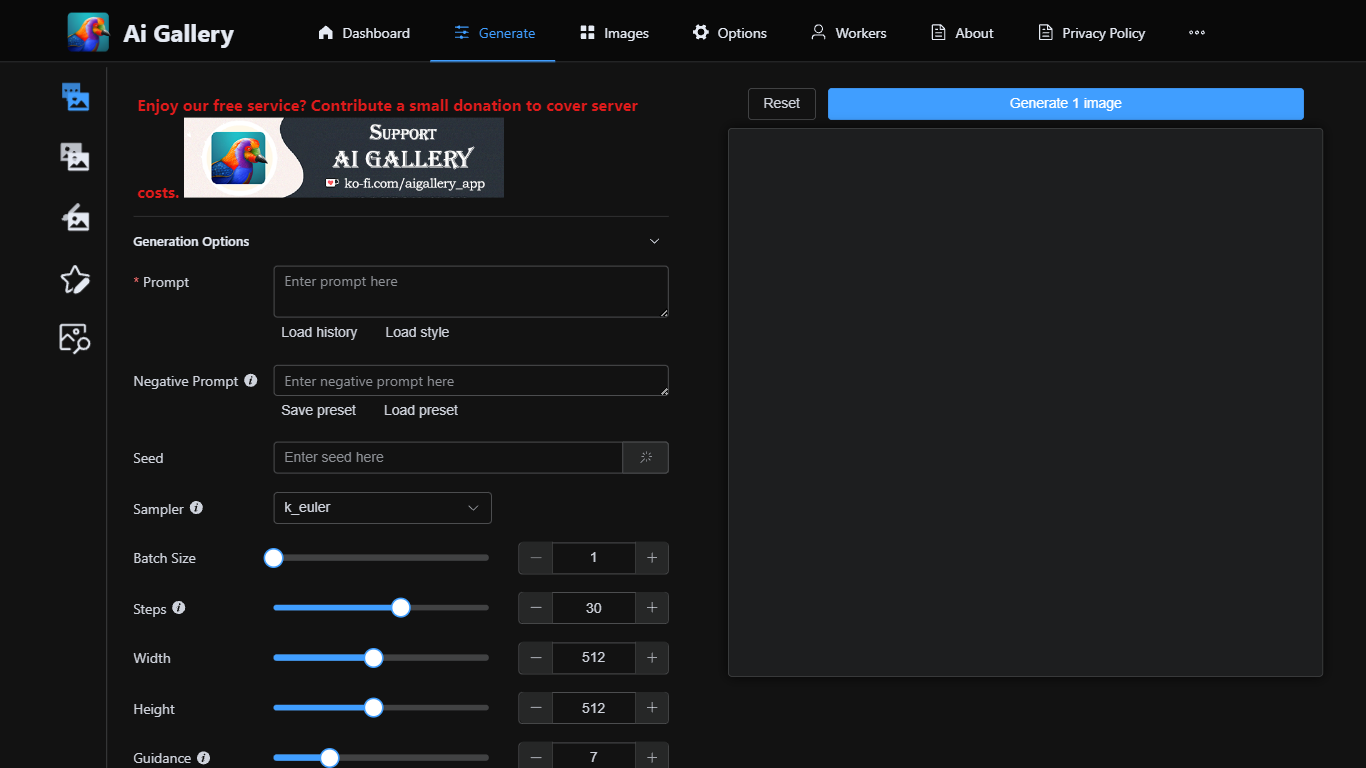
AI Gallery lets you generate images in the browser without installing software or owning a GPU. You write a prompt, pick from 158 live models routed through a community network of volunteer GPU workers, then review and save results to a local gallery on your device.
Unlike closed apps that run everything on the vendor's servers, AI Gallery acts as a connector to an external generation network. Independent workers process your queue, model availability updates in real time, and your prompts and gallery data stay in browser storage by default.
The site currently charges no AI Gallery access fee, though paid plans may arrive later. Creators, hobbyists, and designers who want Stable Diffusion-style workflows without hardware setup are the target audience, with text-to-image, image-to-image, inpainting, and ControlNet modes available from the Studio.
AI Art Generator, Image-Maker
What is AI Art Generator, Image-Maker?
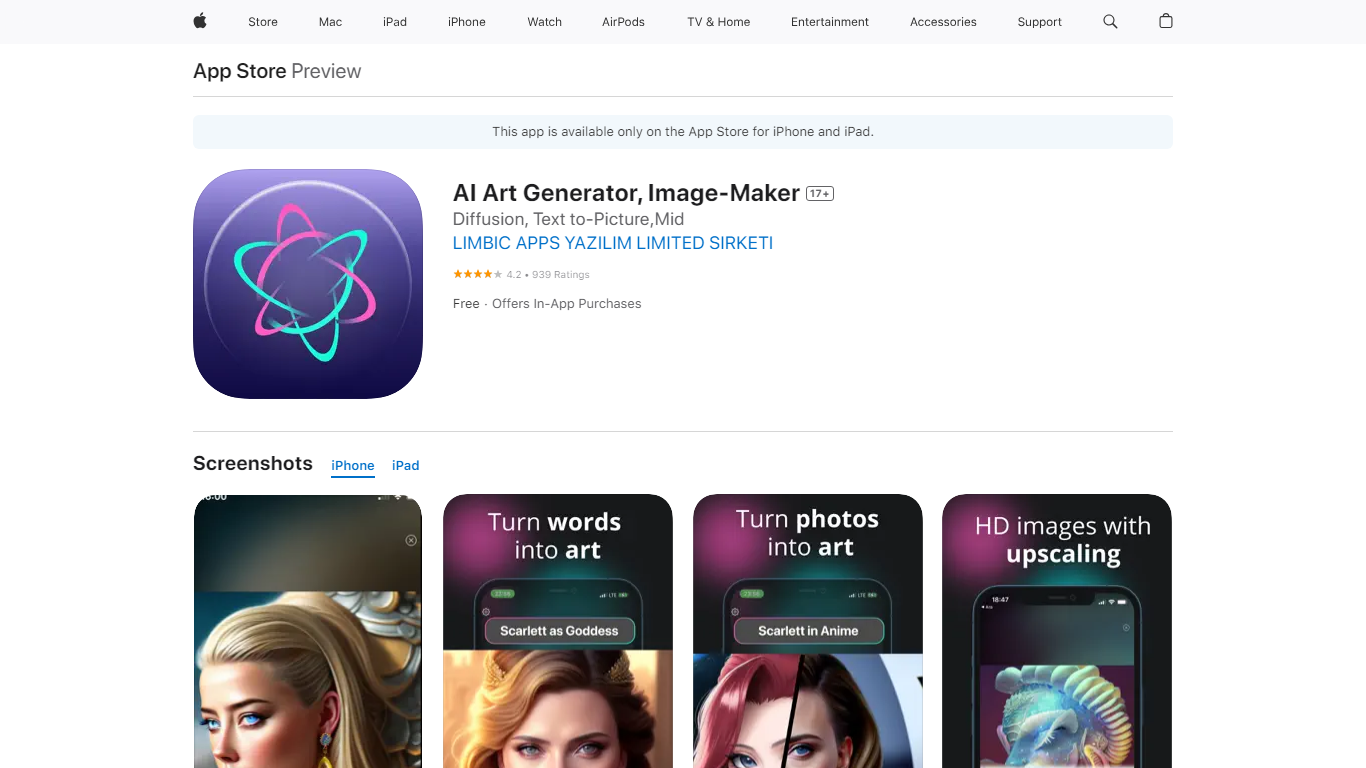
AI Art Generator, Image-Maker turns text prompts into shareable artwork on iPhone and iPad using models such as DALL·E, Stable Diffusion, and Flux. The App Store listing brands it as Video-Art-X and highlights text-to-art, AI selfies, image-to-image edits, inpainting, and HD upscaling.
Mobile art apps often lock you into one style preset. This one exposes multiple named models like Realistic Vision, Stable Diffusion XL, DreamShaper, Deliberate 2, and anime-focused checkpoints, so you can swap aesthetics without leaving the app.
Hobbyist creators and social media posters use it to draft surreal, vaporwave, or cyberpunk looks, then upscale results for sharing. It requires iOS 15 or later, ships free with in-app purchases, and is rated 4.1 stars across about 1.7K App Store reviews.
AI Gallery Upvotes
AI Art Generator, Image-Maker Upvotes
AI Gallery Top Features
158 AI models with 225 active community workers and 99.2K MPS average performance
No GPU or installation required; runs entirely in the browser
Text-to-image, image-to-image, inpainting, and ControlNet generation modes
Local-first gallery stores prompts and outputs in your browser by default
No AI Gallery signup or access fee today, with live worker availability shown
AI Art Generator, Image-Maker Top Features
Text-to-image generation using DALL·E, Stable Diffusion, and Flux model families
AI Selfie Generator turns portraits into stylized artwork
Image-to-image and inpainting tools for partial edits
HD upscaling for sharper exports
Style presets spanning surrealism, vaporwave, cyberpunk, and anime models
180.5 MB download size with iOS 15+ and iPad support
In-app credit packs and weekly or annual subscriptions listed on the App Store
AI Gallery Category
- Image Generation
AI Art Generator, Image-Maker Category
- Image Generation
AI Gallery Pricing Type
- Free
AI Art Generator, Image-Maker Pricing Type
- Freemium