AI GIFs vs Canva:Text-to-Image
In the face-off between AI GIFs vs Canva:Text-to-Image, which AI Image Generation tool takes the crown? We scrutinize features, alternatives, upvotes, reviews, pricing, and more.
When we put AI GIFs and Canva:Text-to-Image head to head, which one emerges as the victor?
If we were to analyze AI GIFs and Canva:Text-to-Image, both of which are AI-powered image generation tools, what would we find? The users have made their preference clear, Canva:Text-to-Image leads in upvotes. The number of upvotes for Canva:Text-to-Image stands at 7, and for AI GIFs it's 6.
Not your cup of tea? Upvote your preferred tool and stir things up!
AI GIFs
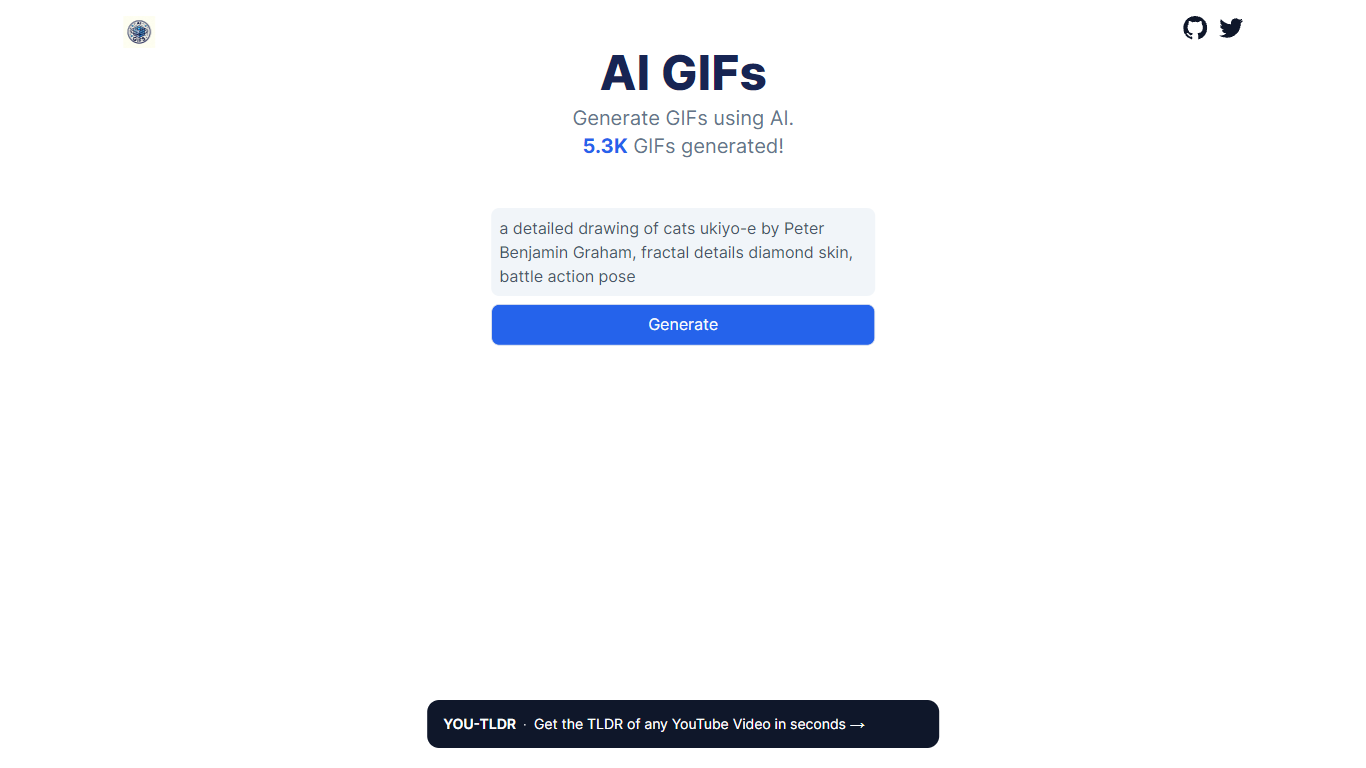

What is AI GIFs?
AI GIFs is an innovative platform that harnesses the power of artificial intelligence to allow users to produce GIFs. With the integration of AI, users can craft animated images suitable for a variety of applications.
It can generate GIFs from diverse creative elements. AI GIFs employs advanced algorithms to convert static artworks or images into dynamic animations. The platform's ambition extends beyond mere image animation; it seeks to utilize AI to elevate visual narratives. This means that users can not only bring life to existing images but also have the potential to create distinct and novel visual content. While the text doesn't delve into the tool's user interface, compatibility, or the precise AI methodologies in use, enthusiasts can explore AI GIFs further on its GitHub page.
Canva:Text-to-Image
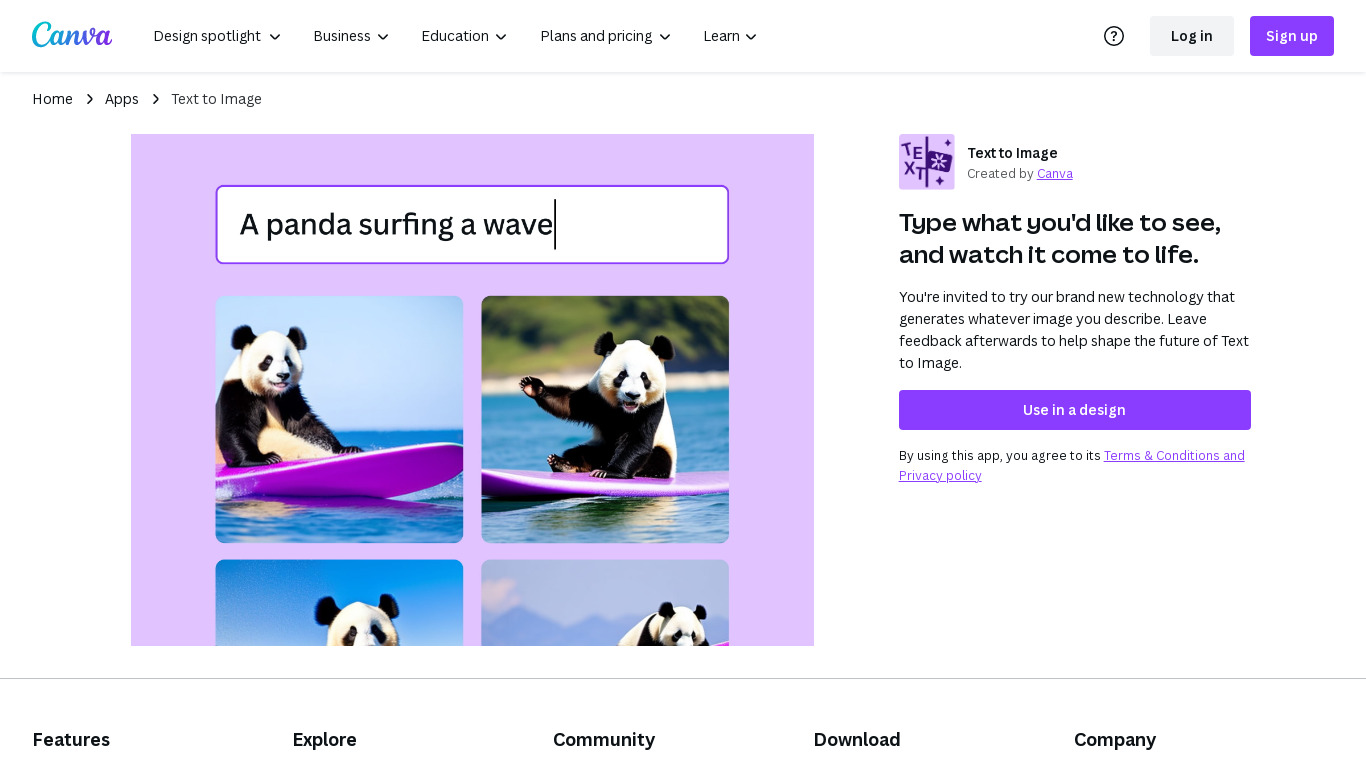
What is Canva:Text-to-Image?
Text to Image is Canva's answer to generative AI tools like DALL·E 2 and Midjourney, which generate images based on natural text prompts. Simply describe the image you want to see, and Canva will attempt to create it.
Of course, the quality of your results will vary based on the prompts you use. Typically, the more details you provide, the better—especially when it comes to describing your image's style. Stuck on what kind of style you want? Canva also offers one-click styles, like Photo, Neon, Minimalist, Watercolor, Retro Anime, and Dreamlike.
Canva generates a few options to choose from. Of course, if none of the options match what you were envisioning, you can switch to a different style or rewrite your prompt.
On the surface, Text to Image feels like a replacement for stock photos. But it's actually much more powerful than that. For business owners and marketers.
AI GIFs Upvotes
Canva:Text-to-Image Upvotes
AI GIFs Top Features
Dynamic Image Creation: AI image generation tools can transform static images or concepts into dynamic visual content, allowing for the creation of unique and customized images tailored to specific needs.
Style Transfer: These tools can apply the artistic style of one image to another, enabling users to recreate their photos or visuals in the style of famous artworks or any chosen reference image.
High-Resolution Upscaling: AI-driven image generation can enhance the resolution of images, making them sharper and clearer. This is particularly useful for restoring old photos or improving the quality of low-resolution images without losing detail.
Canva:Text-to-Image Top Features
Generate images of products that don't exist yet.
Brainstorm in real time rather than relying on designers to mock up your ideas.
Create viral content with unforgettably unique images.
AI GIFs Category
- Image Generation
Canva:Text-to-Image Category
- Image Generation
AI GIFs Pricing Type
- Free
Canva:Text-to-Image Pricing Type
- Freemium