AI Image Enlarger vs Palette.fm
In the battle of AI Image Enlarger vs Palette.fm, which AI Photo Editing tool comes out on top? We compare reviews, pricing, alternatives, upvotes, features, and more.
Between AI Image Enlarger and Palette.fm, which one is superior?
Upon comparing AI Image Enlarger with Palette.fm, which are both AI-powered photo editing tools, The community has spoken, Palette.fm leads with more upvotes. The upvote count for Palette.fm is 33, and for AI Image Enlarger it's 30.
Think we got it wrong? Cast your vote and show us who's boss!
AI Image Enlarger
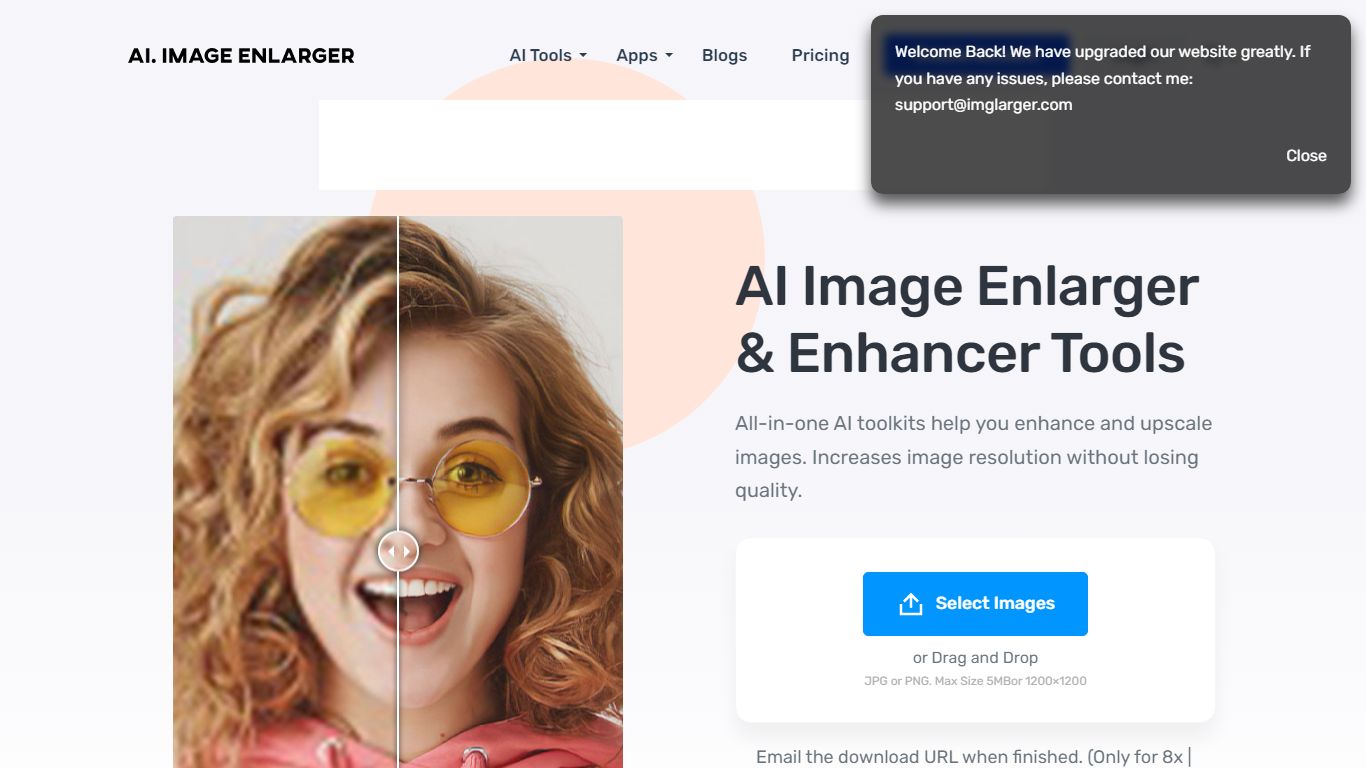

What is AI Image Enlarger?
ImgLarger runs a browser-based suite of image editing tools centered on enlarging, upscaling, sharpening, and uncropping photos without desktop software. Upload a JPG, PNG, or WebP file, pick a dedicated workflow like AI Image Enlarger or AI Image Extender, preview the before-and-after, then download the result.
Basic photo editors stretch pixels and leave blocky artifacts; ImgLarger uses SRCNN-based models to rebuild edges and textures at 2x, 4x, or 8x scale. The free tier caps input at 1024px and 2x enlargement, while Premium unlocks 8x output and batch processing at $9.99 per month with 2,000 credits. Competitors like Let's Enhance or Topaz Gigapixel target pros with desktop apps; ImgLarger keeps everything in the browser with free converters and crop tools bundled in.
Photographers, ecommerce sellers, and anime fans use it for product shots, old photo restoration, background removal, and generative outpainting. Uploaded files auto-delete within six hours, and mobile browsers on iPhone and Android are supported alongside desktop.
Palette.fm
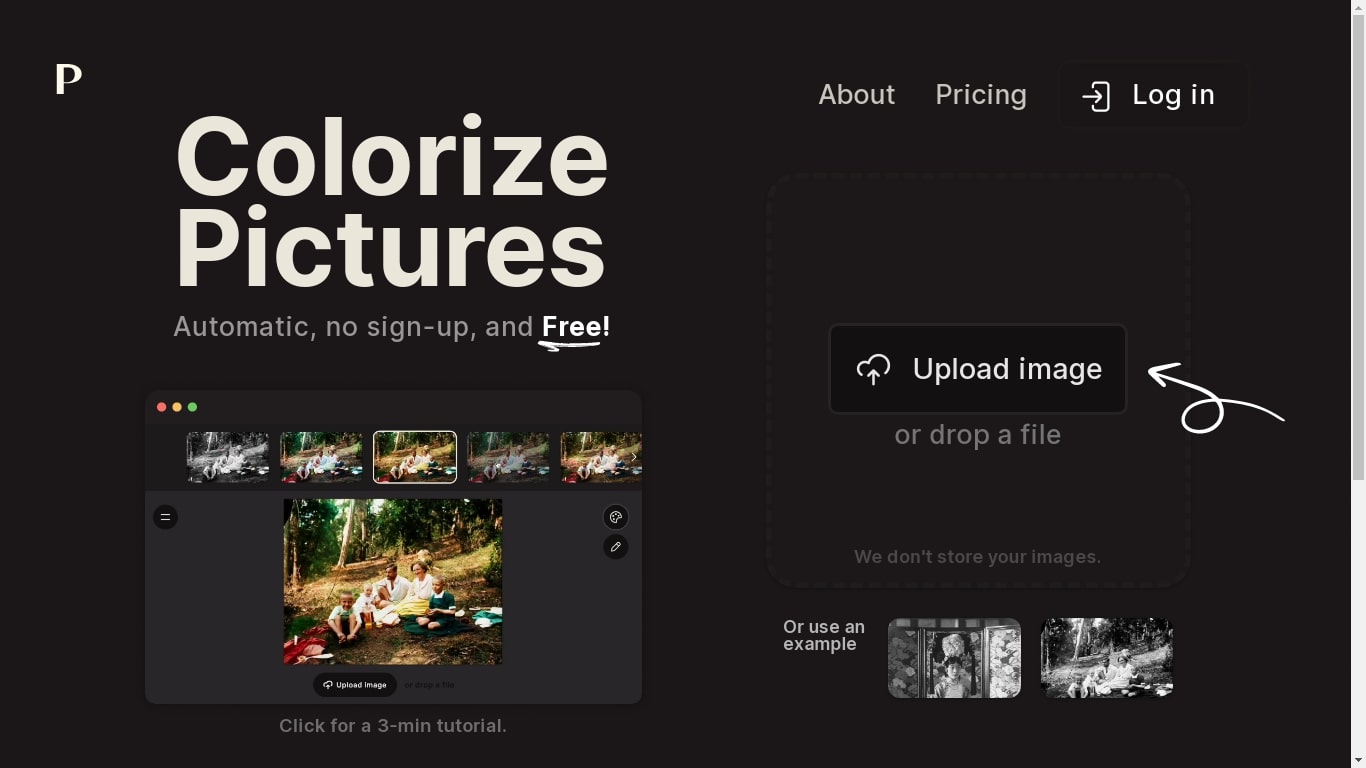
What is Palette.fm?
Palette.fm colorizes black-and-white photos through a browser upload flow with 21+ filter presets and keyword-based color tweaks. Upload an image, pick a filter, adjust descriptive keywords if needed, then download a full-resolution result or keep iterating on previews. The photo editing workflow targets family historians, photographers, and creators restoring old prints without opening Photoshop.
Most colorizers lean on heavy sepia and purple casts with little room to steer skin tones or fabric colors. Palette.fm lets you click a filter then fine-tune hues through plain-language keywords, and it sells one-time credit packs alongside subscriptions. Free previews cap at 500x500 pixels with a watermark, while paid credits remove the logo and support files up to 5000x5000 pixels.
Genealogy researchers, photo archivists, and YouTube educators use Palette.fm to batch-test color looks before committing credits. The site reports 54 million photos colorized and 6.6 million registered users, with an API option for teams that want programmatic access.
AI Image Enlarger Upvotes
Palette.fm Upvotes
AI Image Enlarger Top Features
Enlarge images by 2x, 4x, or 8x on Premium and Business plans
Free plan includes 100 credits per month with 2x scaling and 1024px max input
Premium at $9.99 per month provides 2,000 credits and batch processing
AI Image Extender adds generative outpainting to uncrop and change aspect ratios
Uploaded and processed files auto-delete within 6 hours
Supports JPG, JPEG, PNG, and WebP with free browser-based format converters
Palette.fm Top Features
21+ color filters with before-and-after previews on sample photos
Free plan includes unlimited 500x500 previews with Palette watermark
Paid credits export up to 5000x5000 pixels without the logo
Keyword adjustment panel fine-tunes colors after picking a filter
Annual subscription is $72 per year for 480 credits ($0.15 each)
One-time pack is $49 for 75 credits valid for 2 years
API and video integration options listed in the site footer
AI Image Enlarger Category
- Photo Editing
Palette.fm Category
- Photo Editing
AI Image Enlarger Pricing Type
- Freemium
Palette.fm Pricing Type
- Freemium