
Last updated 07-30-2026
Category:
Reviews:
Join thousands of AI enthusiasts in the World of AI!
AI Image Enlarger
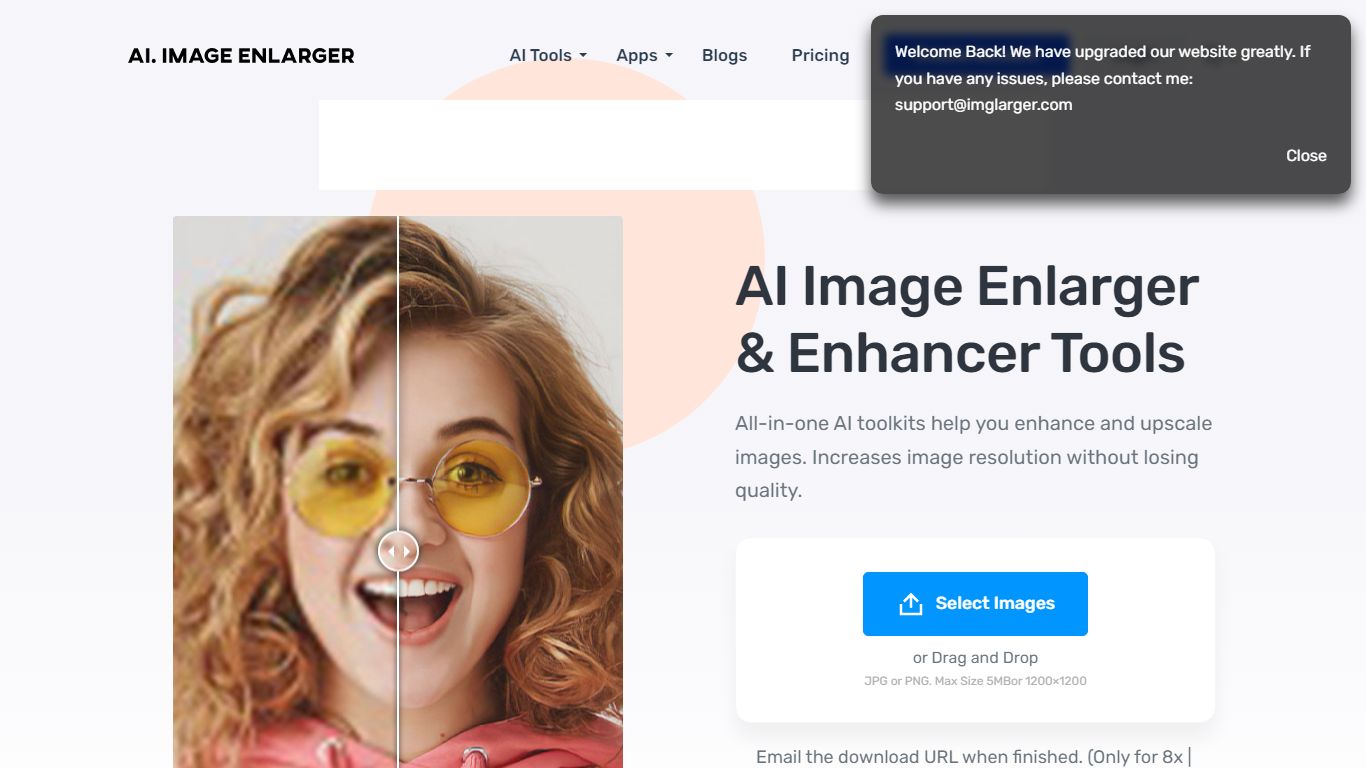
ImgLarger runs a browser-based suite of image editing tools centered on enlarging, upscaling, sharpening, and uncropping photos without desktop software. Upload a JPG, PNG, or WebP file, pick a dedicated workflow like AI Image Enlarger or AI Image Extender, preview the before-and-after, then download the result.
Basic photo editors stretch pixels and leave blocky artifacts; ImgLarger uses SRCNN-based models to rebuild edges and textures at 2x, 4x, or 8x scale. The free tier caps input at 1024px and 2x enlargement, while Premium unlocks 8x output and batch processing at $9.99 per month with 2,000 credits. Competitors like Let's Enhance or Topaz Gigapixel target pros with desktop apps; ImgLarger keeps everything in the browser with free converters and crop tools bundled in.
Photographers, ecommerce sellers, and anime fans use it for product shots, old photo restoration, background removal, and generative outpainting. Uploaded files auto-delete within six hours, and mobile browsers on iPhone and Android are supported alongside desktop.
Enlarge images by 2x, 4x, or 8x on Premium and Business plans
Free plan includes 100 credits per month with 2x scaling and 1024px max input
Premium at $9.99 per month provides 2,000 credits and batch processing
AI Image Extender adds generative outpainting to uncrop and change aspect ratios
Uploaded and processed files auto-delete within 6 hours
Supports JPG, JPEG, PNG, and WebP with free browser-based format converters
Free tier with 100 monthly credits plus unlimited free converters and editors.
Dedicated workflows for enlargement, upscaling, uncropping, and sharpening instead of one generic filter.
7-day money-back guarantee and files auto-delete within six hours for privacy.
Free plan limits input to 1024px and 2x scaling, which blocks large print workflows.
Each AI task costs one credit, so 2,000 Premium credits can run out fast on batch jobs.
Cannot recover detail that is completely absent from the source image, as the FAQ acknowledges.
What is AI Image Enlarger?
AI Image Enlarger, also branded as ImgLarger, is an online image toolkit for enlargement, upscaling, enhancement, sharpening, and uncropping. AI Image Enlarger also includes background removal, old photo restoration, and free browser editors and format converters.
How much does ImgLarger cost?
AI Image Enlarger offers a free plan with 100 credits per month and 2x scaling. The Premium plan on AI Image Enlarger costs $9.99 per month for 2,000 credits, 8x scaling, and batch processing. The Business plan costs $19.99 per month for 6,000 credits and priority support. Annual billing saves 20%.
What is the difference between ImgLarger Enlarger and Upscaler?
AI Image Enlarger on ImgLarger makes an image physically larger with options up to 8x. AI Image Upscaler focuses on increasing resolution by 2x or 4x for cleaner output on high-resolution screens. Both tools use separate workflows on the ImgLarger site.
Which image formats does ImgLarger support?
AI Image Enlarger core tools accept JPG, JPEG, PNG, and WebP files. Subscribers on AI Image Enlarger can upload images up to 10MB and 4,000 pixels on the longest side. Images exceeding those limits are automatically resized or compressed before processing.
Does ImgLarger have a mobile app?
AI Image Enlarger works in modern mobile browsers on iPhone and Android without requiring desktop software. AI Image Enlarger also lists dedicated AI Enlarger and Photo AI apps, but the full tool suite runs in any supported browser.
How long does ImgLarger keep uploaded images?
AI Image Enlarger automatically deletes uploaded and processed images within six hours. AI Image Enlarger does not maintain a permanent public gallery, so you should download results promptly after processing.