InPixio vs AI Image Enlarger
When comparing InPixio vs AI Image Enlarger, which AI Photo Editing tool shines brighter? We look at pricing, alternatives, upvotes, features, reviews, and more.
In a comparison between InPixio and AI Image Enlarger, which one comes out on top?
When we put InPixio and AI Image Enlarger side by side, both being AI-powered photo editing tools, The community has spoken, AI Image Enlarger leads with more upvotes. The upvote count for AI Image Enlarger is 30, and for InPixio it's 6.
Feeling rebellious? Cast your vote and shake things up!
InPixio


What is InPixio?
InPixio lets you remove backgrounds, erase objects, swap skies, and polish photos through a free online editor, a Windows desktop app, and a mobile app. Upload an image, click remove background, and the AI separates hair and fine edges without manual masking.
Where heavyweight editors assume you already know layers and masks, InPixio sells speed for ecommerce sellers and casual creators. The free web tools handle quick crops and background cuts, while paid plans unlock HD downloads and premium features across the same interface on desktop and phone.
The site cites more than 10 million users and targets small business owners, social sellers, and beginners who need product photos, transparent PNGs, and social-ready edits. You can edit in the browser instantly or download the Windows app for offline work.
AI Image Enlarger
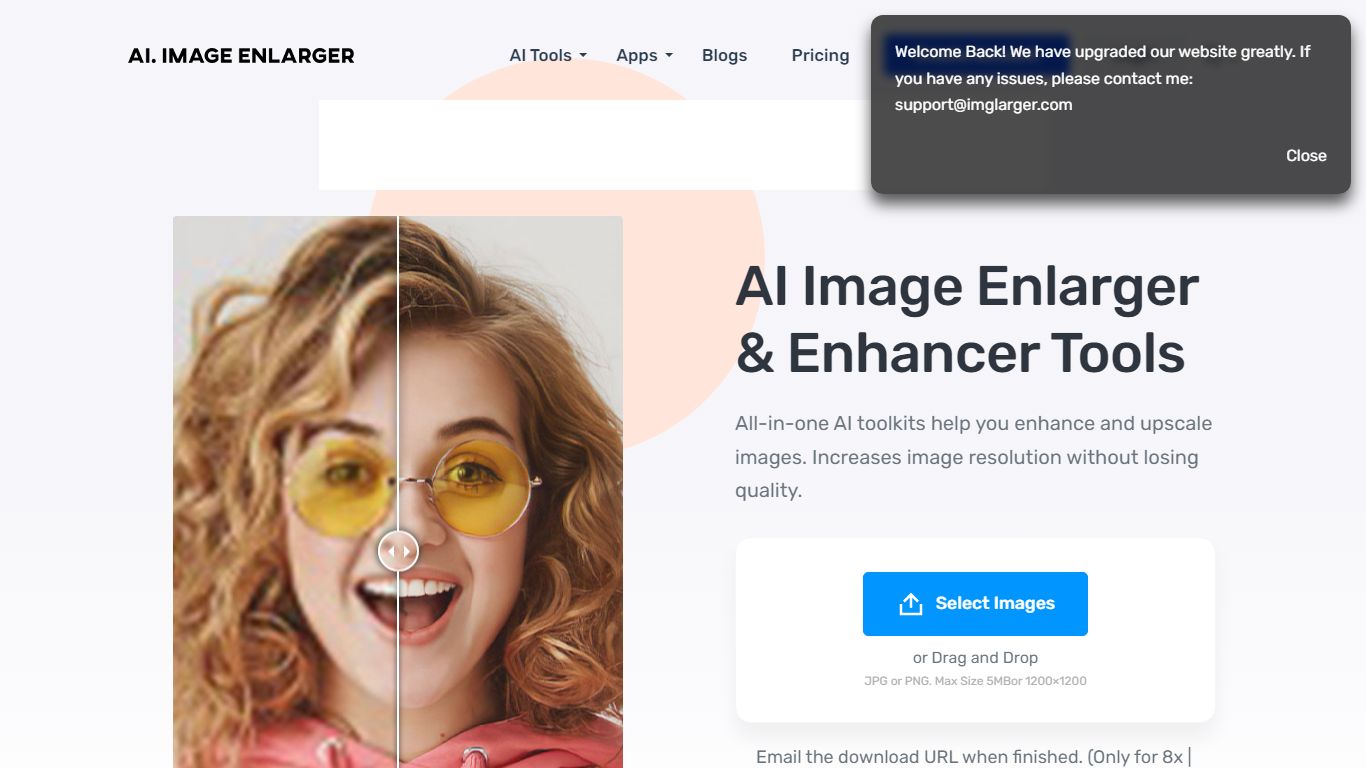
What is AI Image Enlarger?
ImgLarger runs a browser-based suite of image editing tools centered on enlarging, upscaling, sharpening, and uncropping photos without desktop software. Upload a JPG, PNG, or WebP file, pick a dedicated workflow like AI Image Enlarger or AI Image Extender, preview the before-and-after, then download the result.
Basic photo editors stretch pixels and leave blocky artifacts; ImgLarger uses SRCNN-based models to rebuild edges and textures at 2x, 4x, or 8x scale. The free tier caps input at 1024px and 2x enlargement, while Premium unlocks 8x output and batch processing at $9.99 per month with 2,000 credits. Competitors like Let's Enhance or Topaz Gigapixel target pros with desktop apps; ImgLarger keeps everything in the browser with free converters and crop tools bundled in.
Photographers, ecommerce sellers, and anime fans use it for product shots, old photo restoration, background removal, and generative outpainting. Uploaded files auto-delete within six hours, and mobile browsers on iPhone and Android are supported alongside desktop.
InPixio Upvotes
AI Image Enlarger Upvotes
InPixio Top Features
One-click AI background remover handles hair and complex edges on JPG, PNG, and RAW files
Online editor runs in the browser with no install, while Windows software works offline
Magic eraser removes unwanted objects and reconstructs the background automatically
AI background generator swaps skies and dull backdrops for new scenes in seconds
Supports more than 50 image formats including JPEG, PNG, and RAW uploads
Mobile app mirrors quick edits for social posts and product photos on the go
AI Image Enlarger Top Features
Enlarge images by 2x, 4x, or 8x on Premium and Business plans
Free plan includes 100 credits per month with 2x scaling and 1024px max input
Premium at $9.99 per month provides 2,000 credits and batch processing
AI Image Extender adds generative outpainting to uncrop and change aspect ratios
Uploaded and processed files auto-delete within 6 hours
Supports JPG, JPEG, PNG, and WebP with free browser-based format converters
InPixio Category
- Photo Editing
AI Image Enlarger Category
- Photo Editing
InPixio Pricing Type
- Freemium
AI Image Enlarger Pricing Type
- Freemium