AI Image Generator | Canva vs Drag Your GAN
In the clash of AI Image Generator | Canva vs Drag Your GAN, which AI Image Generation Model tool emerges victorious? We assess reviews, pricing, alternatives, features, upvotes, and more.
When we put AI Image Generator | Canva and Drag Your GAN head to head, which one emerges as the victor?
Let's take a closer look at AI Image Generator | Canva and Drag Your GAN, both of which are AI-driven image generation model tools, and see what sets them apart. Drag Your GAN is the clear winner in terms of upvotes. Drag Your GAN has been upvoted 8 times by aitools.fyi users, and AI Image Generator | Canva has been upvoted 6 times.
Feeling rebellious? Cast your vote and shake things up!
AI Image Generator | Canva

What is AI Image Generator | Canva?
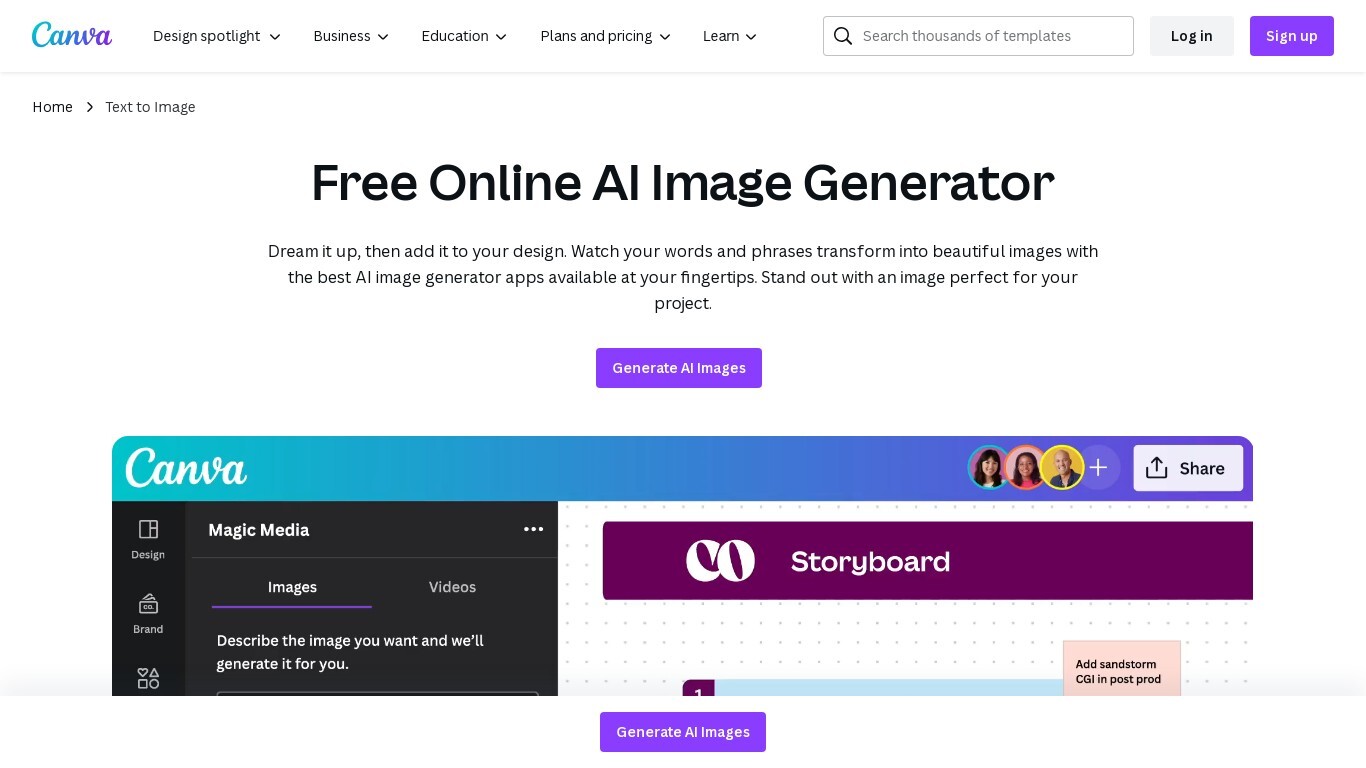
Transform text into stunning visuals with Canva's AI Image Generators, including Magic Media™ and Dream Lab. These tools let you quickly turn words and phrases into unique images in various art styles like Watercolor, Neon, and Retrowave. You can customize images with different aspect ratios and edit them using Canva's photo editing tools.
The platform supports creating graphics, icons, stickers, and illustrations tailored to your style or brand. Safety is a priority, with automated content reviews to prevent inappropriate outputs. Canva’s AI tools are designed for content creators, entrepreneurs, and artists to generate captivating visuals for presentations, social media, branding, and creative projects.
Drag Your GAN
What is Drag Your GAN?
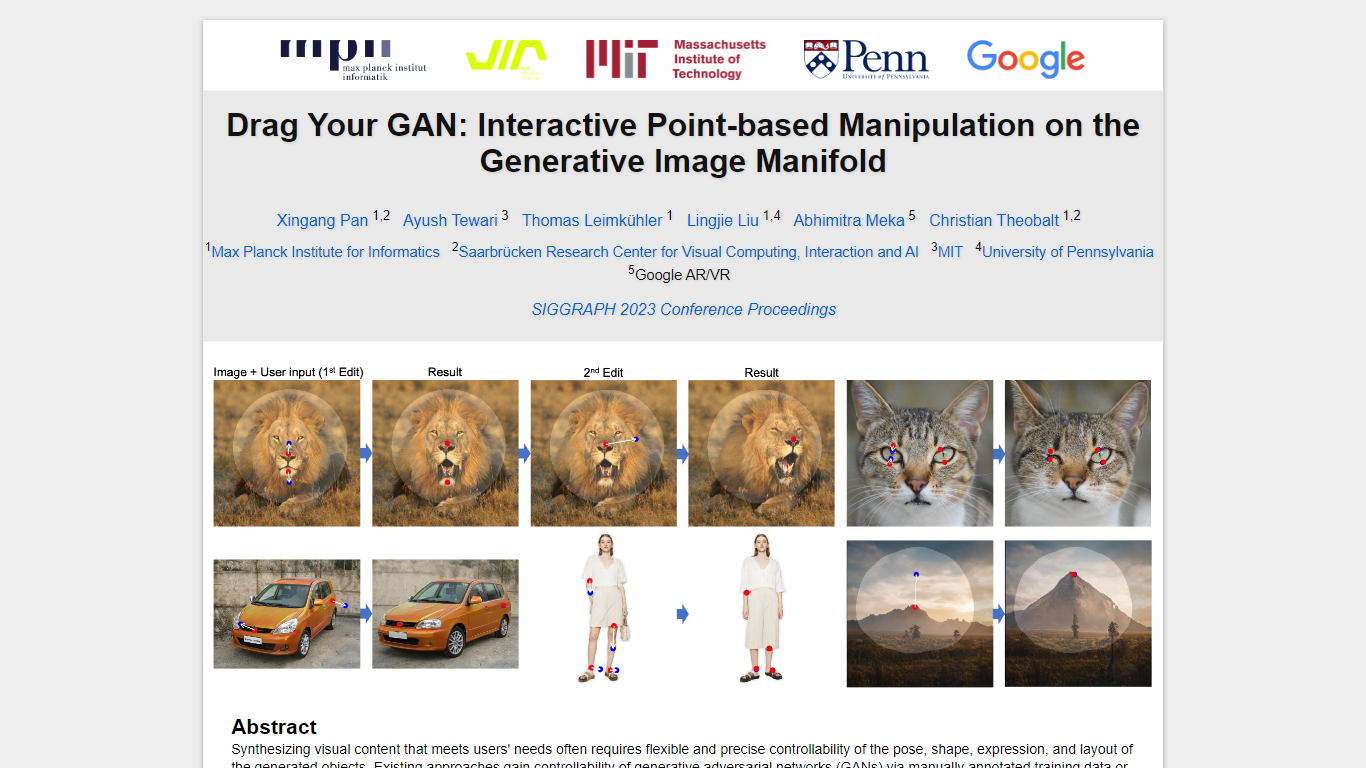
Drag Your GAN lets you reshape a generated image by dragging handle points to target spots on the canvas. Instead of training on labeled pose data or 3D priors, DragGAN moves pixels inside a pretrained GAN's image manifold so edits stay photorealistic even when occluded regions get hallucinated. The project page hosts the SIGGRAPH 2023 paper, demo clips, and links to open source code.
Most GAN editors rely on fixed training annotations or 3D meshes, which limits what you can deform. DragGAN pairs feature-based motion supervision with discriminative point tracking so handle points follow your cursor while staying on the object surface. That makes it useful for nudging animal poses, facial expressions, car angles, and landscape layouts without retraining the generator.
Researchers, graphics students, and computer vision engineers use it to prototype interactive image editing workflows. The Max Planck Institute page distributes the paper PDF and GitHub repo under a non-commercial Creative Commons license, with contact details for the lead author.
AI Image Generator | Canva Upvotes
Drag Your GAN Upvotes
AI Image Generator | Canva Top Features
🎨 Multiple AI Generators: Use Magic Media™ and Dream Lab to create images from text or reference styles.
🖌️ Wide Style Selection: Choose from Watercolor, Neon, Filmic, Retrowave, and more to fit your vision.
✏️ Magic Edit: Modify image elements like color, texture, or background with simple text prompts.
🧹 Magic Eraser: Remove unwanted parts of images instantly without manual editing.
📊 AI Usage Limits: Free users get 50 Text to Image uses; Pro and educational plans offer up to 500 monthly.
Drag Your GAN Top Features
Drag handle points to target positions for precise pixel-level control
Feature-based motion supervision drives handles without 3D priors
Point tracking uses discriminative GAN features to localize handles
Deforms animals, cars, humans, landscapes, and inverted real photos
Open source code published at github.com/XingangPan/DragGAN
Paper and demo videos from SIGGRAPH 2023 Conference Proceedings
AI Image Generator | Canva Category
- Image Generation Model
Drag Your GAN Category
- Image Generation Model
AI Image Generator | Canva Pricing Type
- Freemium
Drag Your GAN Pricing Type
- Free