
Last updated 07-28-2026
Category:
Reviews:
Join thousands of AI enthusiasts in the World of AI!
AI Image Generator | Canva
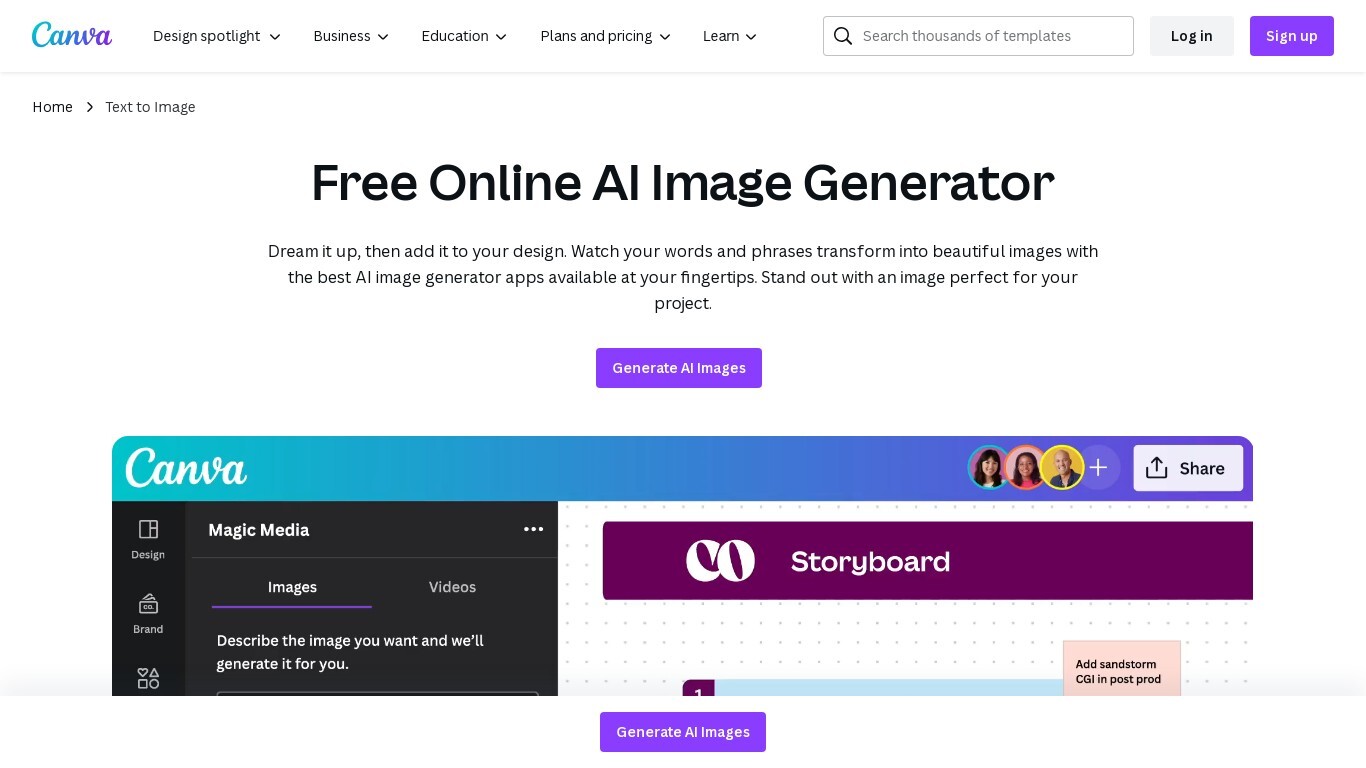
Transform text into stunning visuals with Canva's AI Image Generators, including Magic Media™ and Dream Lab. These tools let you quickly turn words and phrases into unique images in various art styles like Watercolor, Neon, and Retrowave. You can customize images with different aspect ratios and edit them using Canva's photo editing tools.
The platform supports creating graphics, icons, stickers, and illustrations tailored to your style or brand. Safety is a priority, with automated content reviews to prevent inappropriate outputs. Canva’s AI tools are designed for content creators, entrepreneurs, and artists to generate captivating visuals for presentations, social media, branding, and creative projects.
🎨 Multiple AI Generators: Use Magic Media™ and Dream Lab to create images from text or reference styles.
🖌️ Wide Style Selection: Choose from Watercolor, Neon, Filmic, Retrowave, and more to fit your vision.
✏️ Magic Edit: Modify image elements like color, texture, or background with simple text prompts.
🧹 Magic Eraser: Remove unwanted parts of images instantly without manual editing.
📊 AI Usage Limits: Free users get 50 Text to Image uses; Pro and educational plans offer up to 500 monthly.
Offers multiple AI image generators with diverse styles and capabilities
Integrates AI image generation with powerful editing and design tools
Supports safe and responsible AI use with content moderation
Generous AI usage limits for paid plans and educational users
Accessible to a wide range of users including content creators and entrepreneurs
Free plan limits AI image generation to 50 uses, which may be restrictive for heavy users
Some advanced AI features require paid subscriptions or add-ons
How are AI-generated images made?
AI Image Generator | Canva aI-generated images are created by machine learning models that analyze millions of images and associated text from the internet to generate new images based on text prompts.
Is Magic Media's Text to Image feature free?
AI Image Generator | Canva magic Media's Text to Image feature allows Canva Free users 50 total uses, while Pro, Teams, EDU, or NFP subscriptions get 500 images per user per month.
What are the different AI image generator apps available on Canva? And what’s the difference between them?
AI Image Generator | Canva text-to-Image by Magic Media and Create an image powered by Dream Lab are AI image generator apps available on Canva. Dream Lab lets you generate images inspired by a reference image, while Magic Media offers a wide range of art styles for text prompts.
What’s the best AI image generator?
AI Image Generator | Canva text to Image enables rapid conversion of imagination into visual content, helping overcome creative blocks and enabling the easy creation of captivating visuals.
Can I use Canva’s AI Image Generators for personal and/or commercial projects?
AI Image Generator | Canva you can use images generated by Canva's AI tools for legal purposes, including personal and commercial projects, following the platform's terms.
What safety measures does Canva have for AI image generation?
AI Image Generator | Canva canva uses automated reviews of input prompts to block inappropriate content and allows users to report unsafe outputs directly within the platform.
Can I edit AI-generated images after creation?
AI Image Generator | Canva yes, Canva offers Magic Edit and Magic Eraser tools to modify colors, textures, backgrounds, or remove unwanted elements from AI-generated images.