AI Image Generator | Canva vs OrangeMixs on Hugging Face
In the battle of AI Image Generator | Canva vs OrangeMixs on Hugging Face, which AI Image Generation Model tool comes out on top? We compare reviews, pricing, alternatives, upvotes, features, and more.
Which one is better? AI Image Generator | Canva or OrangeMixs on Hugging Face?
Upon comparing AI Image Generator | Canva with OrangeMixs on Hugging Face, which are both AI-powered image generation model tools, Both tools have received the same number of upvotes from aitools.fyi users. Every vote counts! Cast yours and contribute to the decision of the winner.
Not your cup of tea? Upvote your preferred tool and stir things up!
AI Image Generator | Canva
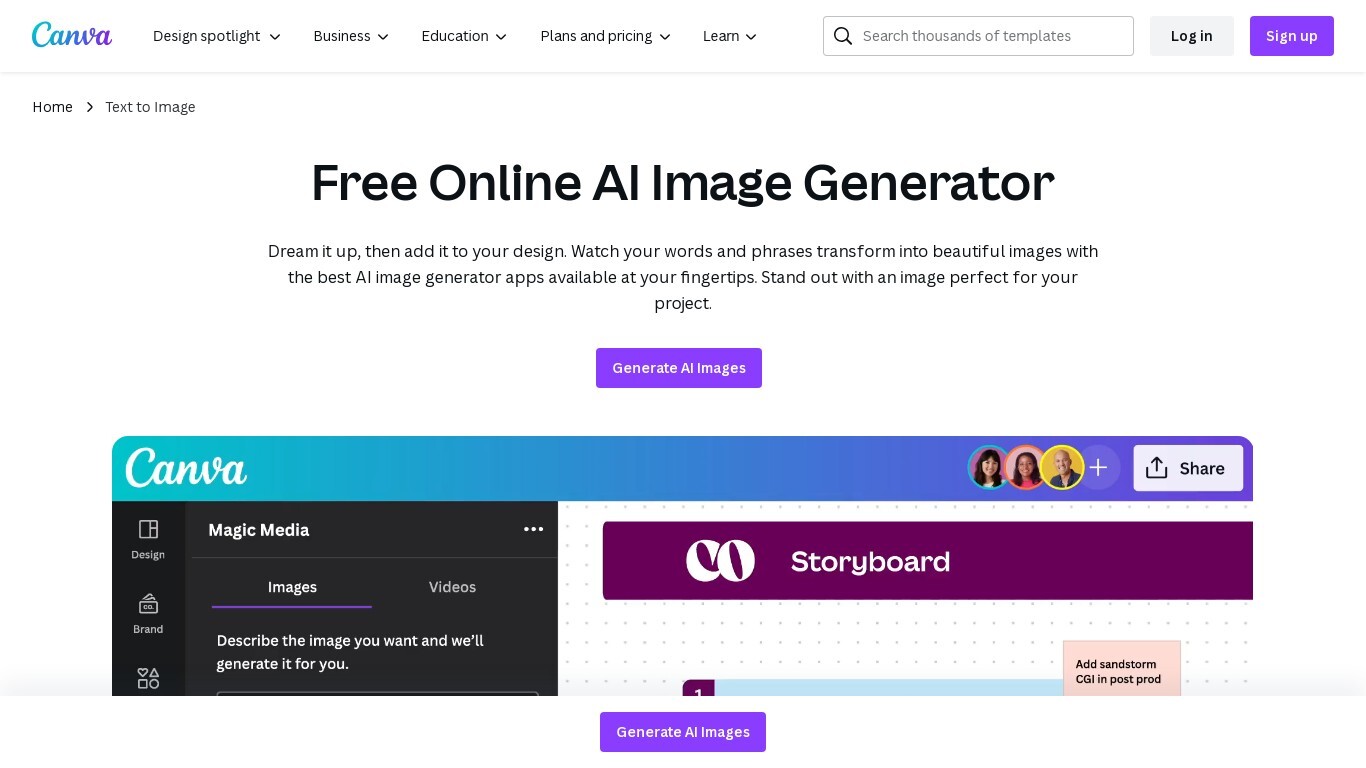

What is AI Image Generator | Canva?
Transform text into stunning visuals with Canva's AI Image Generators, including Magic Media™ and Dream Lab. These tools let you quickly turn words and phrases into unique images in various art styles like Watercolor, Neon, and Retrowave. You can customize images with different aspect ratios and edit them using Canva's photo editing tools.
The platform supports creating graphics, icons, stickers, and illustrations tailored to your style or brand. Safety is a priority, with automated content reviews to prevent inappropriate outputs. Canva’s AI tools are designed for content creators, entrepreneurs, and artists to generate captivating visuals for presentations, social media, branding, and creative projects.
OrangeMixs on Hugging Face
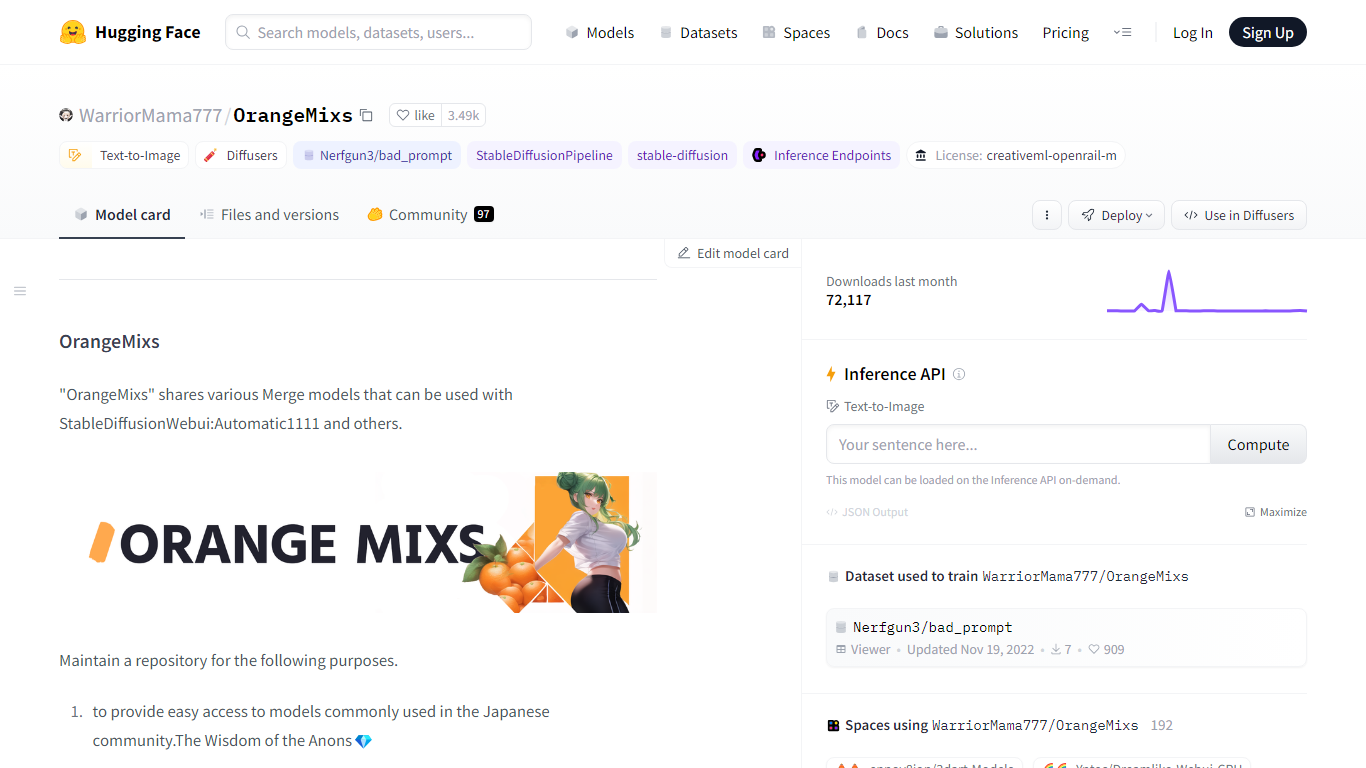
What is OrangeMixs on Hugging Face?
OrangeMixs on Hugging Face hosts WarriorMama777's collection of Stable Diffusion merge checkpoints for text-to-image anime and illustration work. The repository bundles families like AbyssOrangeMix3, VividOrangeMix, BloodOrangeMix, and EerieOrangeMix, each tuned with U-Net block weight merging for different paint styles and realism levels.
Compared with single-base SD 1.5 checkpoints, OrangeMixs publishes full merge recipes, SHA256 hashes, sampler settings, and variant suffixes such as _sfw, _nsfw, and _hard so you can pick a checkpoint by intended output. AOM3 files are about 1.98 GB each, and the README documents negative prompts, CFG ranges, and hires fix settings tested by the community.
OrangeMixs targets local Stable Diffusion users on Automatic1111, ComfyUI-style workflows, or the Hugging Face Diffusers library. Downloads are free under the CreativeML OpenRAIL-M license, with optional Gradio demos and imports for Draw Things and DiffusionBee.
AI Image Generator | Canva Upvotes
OrangeMixs on Hugging Face Upvotes
AI Image Generator | Canva Top Features
🎨 Multiple AI Generators: Use Magic Media™ and Dream Lab to create images from text or reference styles.
🖌️ Wide Style Selection: Choose from Watercolor, Neon, Filmic, Retrowave, and more to fit your vision.
✏️ Magic Edit: Modify image elements like color, texture, or background with simple text prompts.
🧹 Magic Eraser: Remove unwanted parts of images instantly without manual editing.
📊 AI Usage Limits: Free users get 50 Text to Image uses; Pro and educational plans offer up to 500 monthly.
OrangeMixs on Hugging Face Top Features
Hugging Face repo has 3.93k likes and bundles AOM3, VOM, BOM, EOM, and ELOM model families
AbyssOrangeMix3 checkpoints are about 1.98 GB per safetensors file after ModelToolkit compression
Diffusers integration loads with DiffusionPipeline.from_pretrained on WarriorMama777/OrangeMixs
Published merge recipes use U-Net block weight tables via sd-webui-supermerger
Supports Automatic1111, Draw Things, DiffusionBee, Google Colab, and Kaggle notebook imports
CreativeML OpenRAIL-M license allows commercial redistribution with use restrictions attached
AI Image Generator | Canva Category
- Image Generation Model
OrangeMixs on Hugging Face Category
- Image Generation Model
AI Image Generator | Canva Pricing Type
- Freemium
OrangeMixs on Hugging Face Pricing Type
- Free