AI Image Generator | Canva vs Lexica
Dive into the comparison of AI Image Generator | Canva vs Lexica and discover which AI Image Generation Model tool stands out. We examine alternatives, upvotes, features, reviews, pricing, and beyond.
When comparing AI Image Generator | Canva and Lexica, which one rises above the other?
When we compare AI Image Generator | Canva and Lexica, two exceptional image generation model tools powered by artificial intelligence, and place them side by side, several key similarities and differences come to light. The upvote count reveals a draw, with both tools earning the same number of upvotes. Every vote counts! Cast yours and contribute to the decision of the winner.
Don't agree with the result? Cast your vote and be a part of the decision-making process!
AI Image Generator | Canva
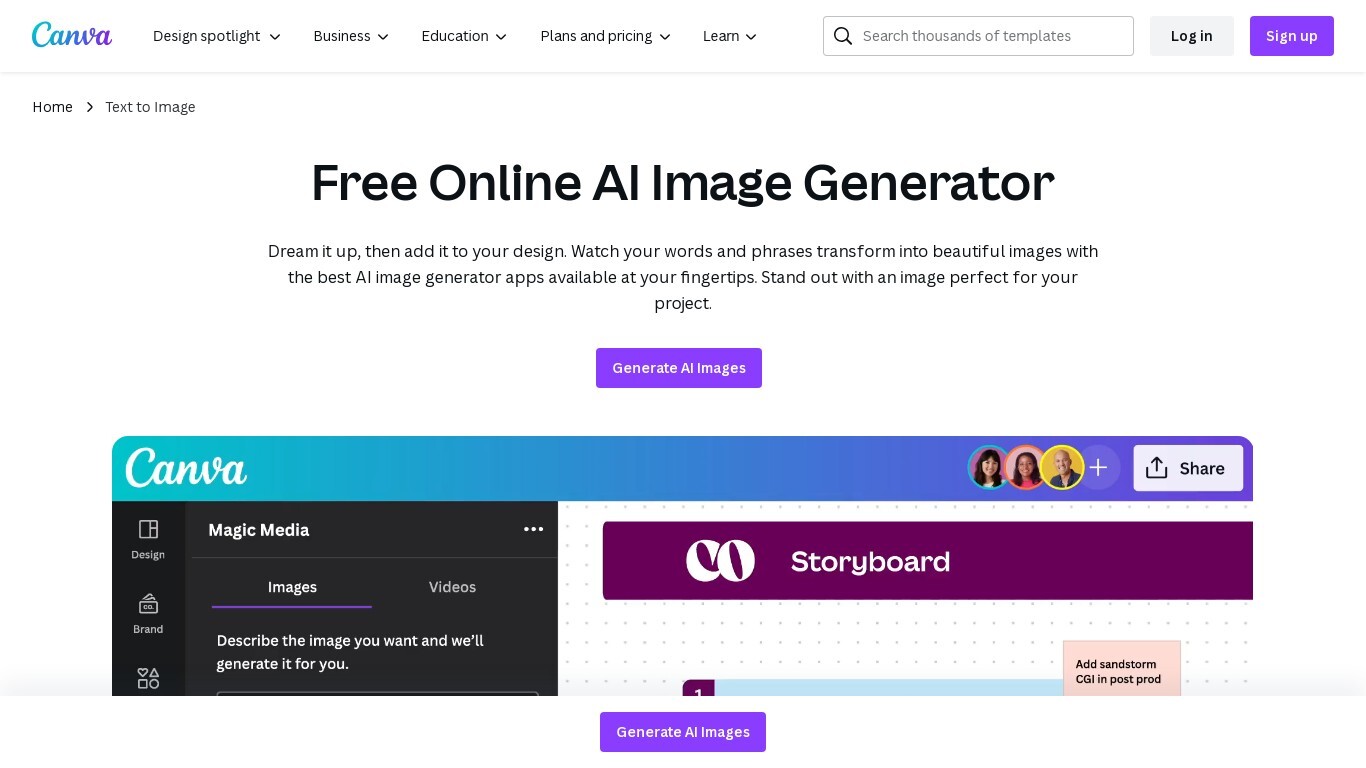

What is AI Image Generator | Canva?
Transform text into stunning visuals with Canva's AI Image Generators, including Magic Media™ and Dream Lab. These tools let you quickly turn words and phrases into unique images in various art styles like Watercolor, Neon, and Retrowave. You can customize images with different aspect ratios and edit them using Canva's photo editing tools.
The platform supports creating graphics, icons, stickers, and illustrations tailored to your style or brand. Safety is a priority, with automated content reviews to prevent inappropriate outputs. Canva’s AI tools are designed for content creators, entrepreneurs, and artists to generate captivating visuals for presentations, social media, branding, and creative projects.
Lexica
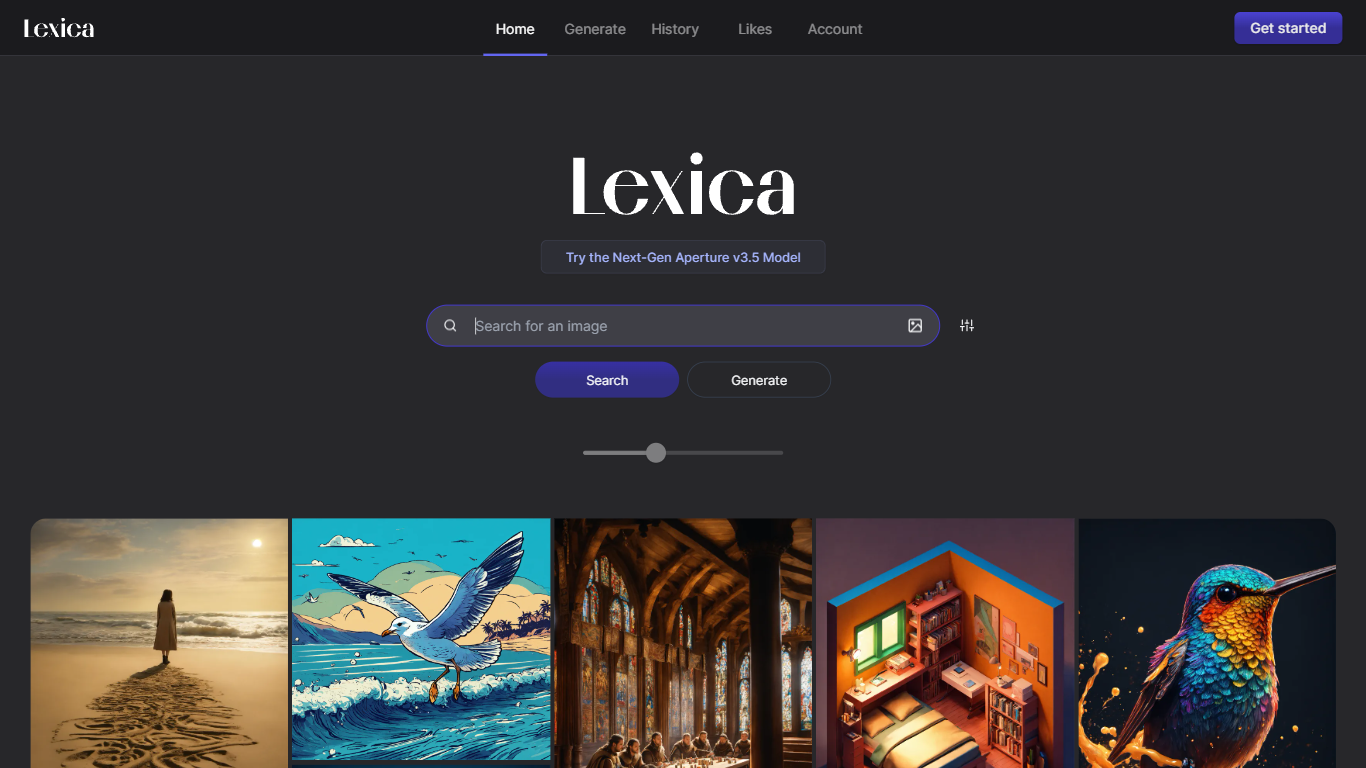
What is Lexica?
Lexica lets you search a massive gallery of AI-generated art, inspect the prompts behind each image, and create new visuals with its Lexica Aperture model. The Generate workspace defaults to 960 by 1440 output, and every prompt submission spends four image credits before results appear.
Unlike general chat tools that bolt on image buttons, Lexica built its reputation as a prompt search engine first. You can reverse-engineer styles from existing images, then move into Aperture generation with fast and slow queues, custom aspect ratios, and optional image uploads. Starter and Pro images stay public in search; only the Max plan keeps generations private by default.
Artists, designers, marketers, and hobbyists use Lexica to explore visual ideas and produce commercial-ready assets under plan-specific licenses. Paid plans are required to generate images because Lexica does not offer a free tier, though subscribers can buy extra fast generations at $0.05 each when monthly limits run out.
AI Image Generator | Canva Upvotes
Lexica Upvotes
AI Image Generator | Canva Top Features
🎨 Multiple AI Generators: Use Magic Media™ and Dream Lab to create images from text or reference styles.
🖌️ Wide Style Selection: Choose from Watercolor, Neon, Filmic, Retrowave, and more to fit your vision.
✏️ Magic Edit: Modify image elements like color, texture, or background with simple text prompts.
🧹 Magic Eraser: Remove unwanted parts of images instantly without manual editing.
📊 AI Usage Limits: Free users get 50 Text to Image uses; Pro and educational plans offer up to 500 monthly.
Lexica Top Features
Lexica Aperture generates images at a default 960 by 1440 resolution
Each prompt submission uses 4 image generation credits across all plans
Starter plan includes 1,000 fast generations per month for $8 billed annually
Pro plan adds 3,000 fast generations, unlimited slow queue access, and full commercial license for $24 per month
Max plan provides 7,000 fast generations and private images that stay out of Lexica search
Buy extra fast generations at $0.05 each without expiration while your subscription stays active
Search engine lets you browse public images and study the prompts that created them
AI Image Generator | Canva Category
- Image Generation Model
Lexica Category
- Image Generation Model
AI Image Generator | Canva Pricing Type
- Freemium
Lexica Pricing Type
- Paid