AI Image Generator - Freepik vs Pixlr
Compare AI Image Generator - Freepik vs Pixlr and see which AI Image Generation tool is better when we compare features, reviews, pricing, alternatives, upvotes, etc.
Which one is better? AI Image Generator - Freepik or Pixlr?
When we compare AI Image Generator - Freepik with Pixlr, which are both AI-powered image generation tools, With more upvotes, Pixlr is the preferred choice. Pixlr has 10 upvotes, and AI Image Generator - Freepik has 6 upvotes.
Not your cup of tea? Upvote your preferred tool and stir things up!
AI Image Generator - Freepik

What is AI Image Generator - Freepik?
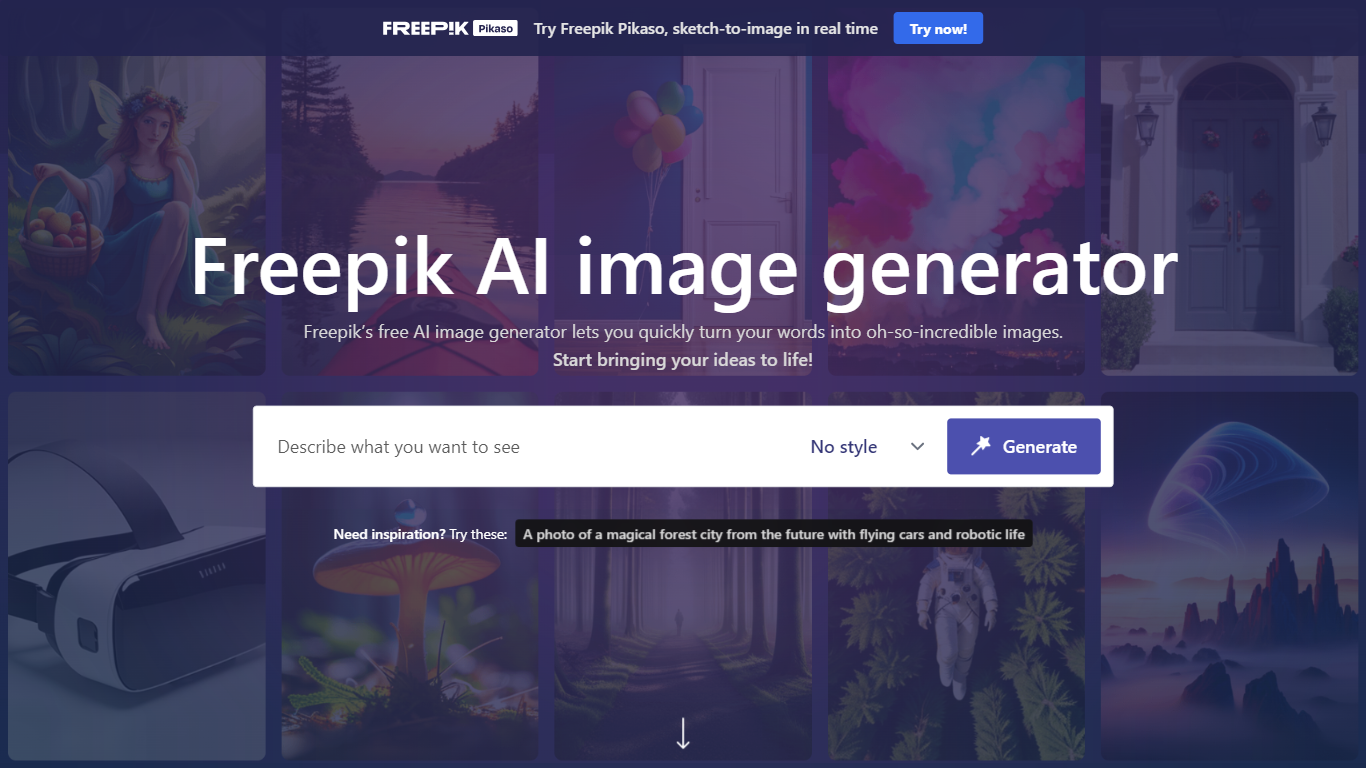
Freepik's AI Image Generator offers a seamless experience in transforming text prompts into stunning visuals. With a variety of styles like Photo, Digital Art, Painting, 3D, and more, the tool caters to a wide range of creative needs.
The free-to-use platform is ideal for artists, designers, and anyone looking to bring their imaginative concepts to life in the form of high-quality art and illustrations. The real-time sketch-to-image feature, Pikaso, adds to the versatility by allowing users to convert their sketches into images instantly.
Users can also find inspiration with example prompts provided on the website, ensuring a user-friendly and accessible solution for creating custom visual content.
Pixlr
What is Pixlr?
Free Online Photo Editor, AI image Generator & Design tool
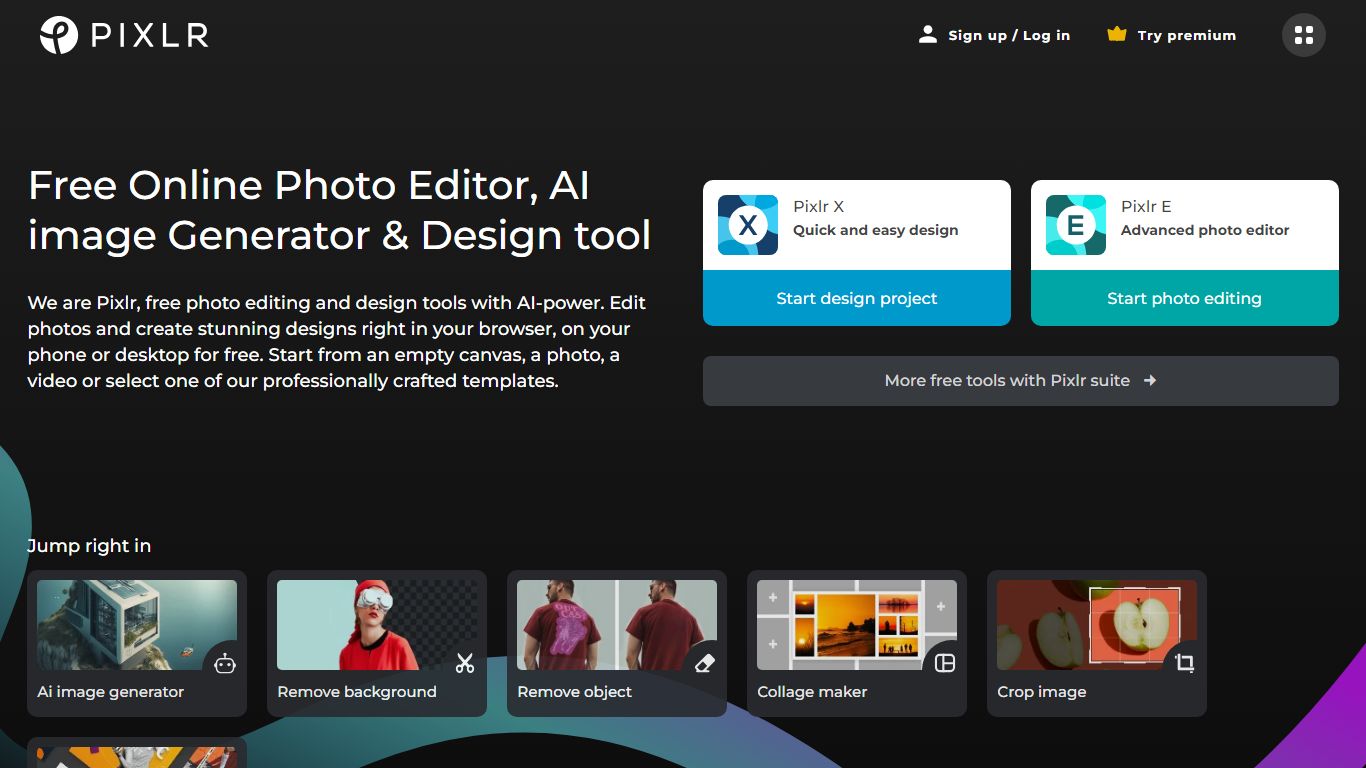
We are Pixlr, free photo editing and design tools with AI-power. Edit photos and create stunning designs right in your browser, on your phone or desktop for free. Start from an empty canvas, a photo, a video or select one of our professionally crafted templates.
Photomash Studio by Pixlr:Create high quality visual assets with just one click, for free! The one-click visual creator Photomash Studio instantly removes backgrounds from your photos to create amazing profile pictures, product images, Youtube thumbnails and more..
Design templates:Start designing from professionally crafted templates! Create a YouTube banner, Instagram story, resume, brochure, business card, presentation or the perfect sales pitch with a growing library of thousands of stunning and free templates.
Animations:Animate any design in just a few clicks with Pixlr. Use professional-looking animation presets or get into the gritty timeline details and capture your audience in way that simple images just can't.
Remove background:Erase backgrounds in your photos with ease! Instant AI-powered background removal in a single click! So fast, too easy. Now you can remove backgrounds from portraits, selfies, profile pictures and more in mere seconds.
Collage maker:Need to assemble photos on the fly? Create photo collages free online with our built-in pre-made collage templates. Just select a layout, upload images and start editing.
Filters & Effects:Transform your photos into artistic visuals with a variety of creative photo filters. Achieve the desired photo effects effortlessly in easy clicks!
AI Image Generator - Freepik Upvotes
Pixlr Upvotes
AI Image Generator - Freepik Top Features
Real-Time Sketch-to-Image: Convert your sketches to images in real-time with Freepik Pikaso.
Variety of Styles: Choose from a range of styles such as Photo, Digital Art, Painting, 3D, and more.
Free to Use: Access the AI Image Generator without any cost and start creating.
Inspiration Prompts: Get creative ideas with the provided inspiration prompts.
High-Quality Output: Produce high-resolution artworks designed to be visually striking.
Pixlr Top Features
No top features listedAI Image Generator - Freepik Category
- Image Generation
Pixlr Category
- Image Generation
AI Image Generator - Freepik Pricing Type
- Free
Pixlr Pricing Type
- Freemium