AI Image Sharpener on AI Image Enlarger vs PhotoAid's AI Image Enlarger
In the clash of AI Image Sharpener on AI Image Enlarger vs PhotoAid's AI Image Enlarger, which AI Photo Editing tool emerges victorious? We assess reviews, pricing, alternatives, features, upvotes, and more.
When we put AI Image Sharpener on AI Image Enlarger and PhotoAid's AI Image Enlarger head to head, which one emerges as the victor?
Let's take a closer look at AI Image Sharpener on AI Image Enlarger and PhotoAid's AI Image Enlarger, both of which are AI-driven photo editing tools, and see what sets them apart. Neither tool takes the lead, as they both have the same upvote count. You can help us determine the winner by casting your vote and tipping the scales in favor of one of the tools.
Not your cup of tea? Upvote your preferred tool and stir things up!
AI Image Sharpener on AI Image Enlarger
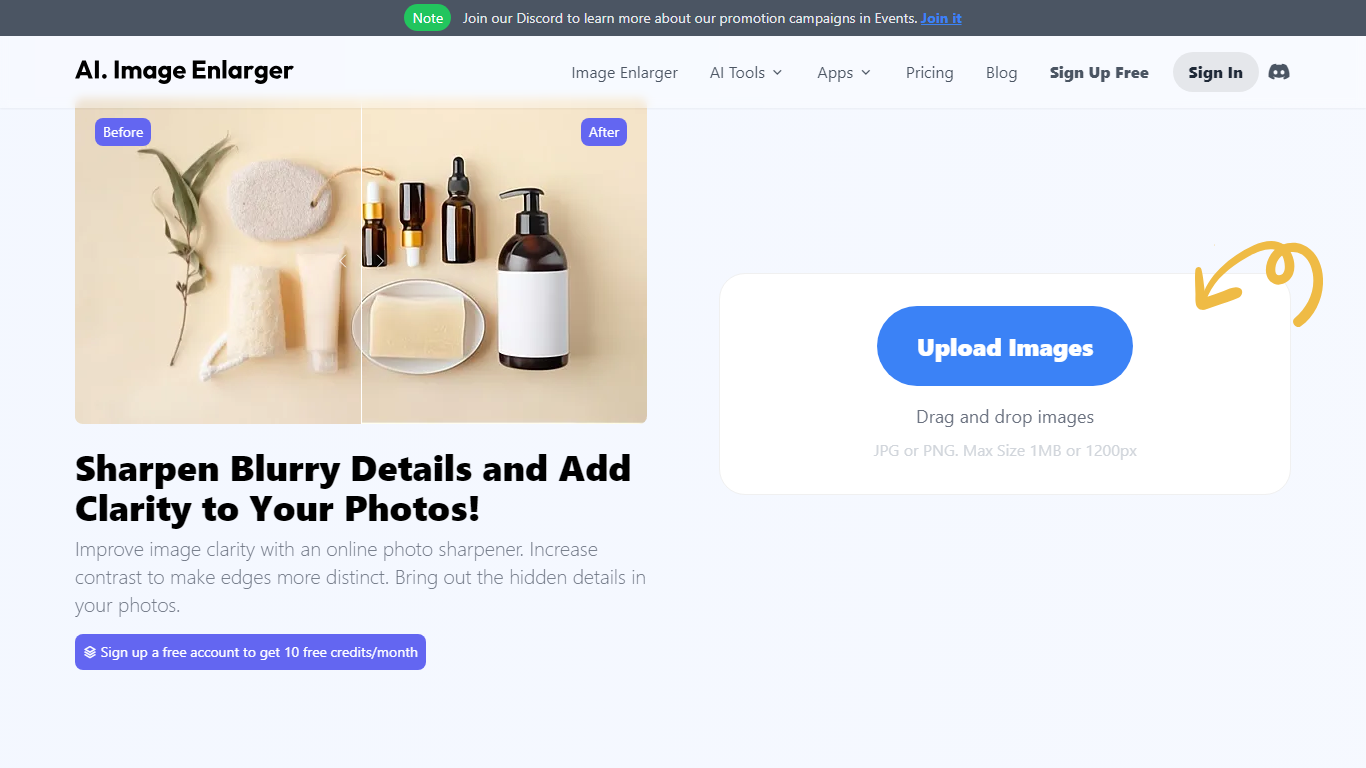

What is AI Image Sharpener on AI Image Enlarger?
AI Image Sharpener on ImgLarger fixes soft focus, motion blur, compression blur, and fuzzy edges in portraits, product shots, screenshots, and AI-generated art. Upload a JPG, PNG, or WEBP file up to 10 MB, pick 1K, 2K, or 4K output, and get a sharper preview in the browser without installing desktop software. It belongs in photo editing for quick clarity fixes rather than full manual retouching.
Unlike general editors with sharpening sliders, this tool runs a focused AI model that targets edge definition and local texture recovery. The trade-off is less creative control than Photoshop, but faster results for one-off blur fixes on the ImgLarger platform.
Guest users get 5 trial runs per day, and images wider than 1024px are resized automatically before processing. Uploaded files are deleted within six hours rather than stored in a public gallery.
Photographers, ecommerce sellers, and creators sharpening AI art or thumbnails can pair this sharpener with other ImgLarger tools like enlargers, denoisers, and background removers from the same account.
PhotoAid's AI Image Enlarger

What is PhotoAid's AI Image Enlarger?
PhotoAid's AI Image Enlarger upscales photos in the browser without a software download. You upload a JPEG, WEBP, or PNG file up to 30MB or 10,000 by 10,000 pixels, pick a 1x or 2x zoom level, and the tool doubles dimensions while smoothing detail instead of leaving blocky pixels.
Standard resize tools stretch pixels and blur faces fast. PhotoAid's upscaler uses AI smoothing tuned especially for portraits, so a 1000 by 1000 px image can become 2000 by 2000 px with fewer artifacts than a basic bicubic stretch.
The enlarger is free and hosted by PhotoAiD, the same team behind passport and visa photo tools on photoaid.com. They released it as a standalone browser utility alongside their biometric photo pipeline, with multilingual site options and links back to other PhotoAid tools.
PhotoAid's AI Image Enlarger fits photographers, ecommerce sellers, and anyone who needs a quick upscale for profile shots or product images. It also helps travelers who already use PhotoAid for passport photos and want a separate enlargement step in the same ecosystem.
AI Image Sharpener on AI Image Enlarger Upvotes
PhotoAid's AI Image Enlarger Upvotes
AI Image Sharpener on AI Image Enlarger Top Features
Supports JPG, PNG, and WEBP uploads up to 10 MB per image
Output options at 1K, 2K, and 4K resolution from the sharpener UI
Guest users receive 5 trial sharpenings per day without signing in
Fixes soft focus, motion blur, compression blur, and fuzzy edges
Before-and-after preview before downloading the sharpened result
Uploaded images are automatically deleted within six hours
PhotoAid's AI Image Enlarger Top Features
2x zoom doubles image dimensions, for example 1000 by 1000 px to 2000 by 2000 px
Maximum upload size is 30MB or 10,000 by 10,000 pixels
Supports JPEG, WEBP, and PNG input formats
Browser-based workflow requires no desktop software download
AI upscaler emphasizes face photos but handles other image types
Free access with share and tell-friends prompts on the tool page
Multilingual PhotoAid site lists 15 language options in the footer
AI Image Sharpener on AI Image Enlarger Category
- Photo Editing
PhotoAid's AI Image Enlarger Category
- Photo Editing
AI Image Sharpener on AI Image Enlarger Pricing Type
- Freemium
PhotoAid's AI Image Enlarger Pricing Type
- Free