
Last updated 08-11-2026
Category:
Reviews:
Join thousands of AI enthusiasts in the World of AI!
AI Image Sharpener on AI Image Enlarger
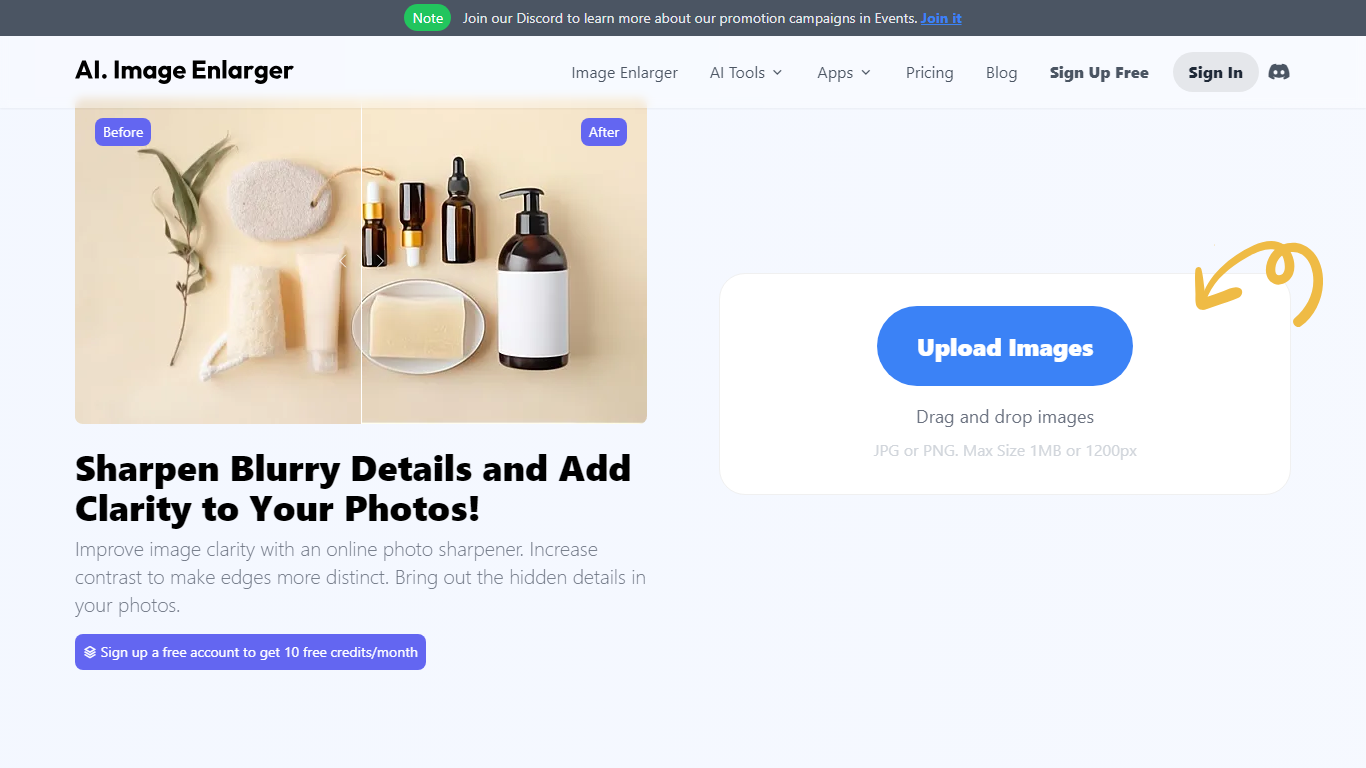
AI Image Sharpener on ImgLarger fixes soft focus, motion blur, compression blur, and fuzzy edges in portraits, product shots, screenshots, and AI-generated art. Upload a JPG, PNG, or WEBP file up to 10 MB, pick 1K, 2K, or 4K output, and get a sharper preview in the browser without installing desktop software. It belongs in photo editing for quick clarity fixes rather than full manual retouching.
Unlike general editors with sharpening sliders, this tool runs a focused AI model that targets edge definition and local texture recovery. The trade-off is less creative control than Photoshop, but faster results for one-off blur fixes on the ImgLarger platform.
Guest users get 5 trial runs per day, and images wider than 1024px are resized automatically before processing. Uploaded files are deleted within six hours rather than stored in a public gallery.
Photographers, ecommerce sellers, and creators sharpening AI art or thumbnails can pair this sharpener with other ImgLarger tools like enlargers, denoisers, and background removers from the same account.
Supports JPG, PNG, and WEBP uploads up to 10 MB per image
Output options at 1K, 2K, and 4K resolution from the sharpener UI
Guest users receive 5 trial sharpenings per day without signing in
Fixes soft focus, motion blur, compression blur, and fuzzy edges
Before-and-after preview before downloading the sharpened result
Uploaded images are automatically deleted within six hours
Purpose-built sharpener with 1K, 2K, and 4K output options on the upload UI.
Guest users can run 5 trial sharpenings per day without creating an account.
Supports portraits, product photos, screenshots, and AI-generated artwork.
Uploaded files are deleted within six hours for privacy.
Images wider than 1024px are resized automatically before sharpening.
Extremely blurred sources may not recover all original detail, per the FAQ.
Full-resolution and batch workflows require paid ImgLarger credits.
What does AI Image Sharpener on ImgLarger do?
AI Image Sharpener on AI Image Enlarger uses AI to improve edge clarity, texture, and definition in blurry or soft photos. It analyzes low-contrast detail and sharpens portraits, products, screenshots, and AI-generated images online.
What file formats does ImgLarger Image Sharpener accept?
AI Image Sharpener on AI Image Enlarger accepts JPG, JPEG, PNG, and WEBP files up to 10 MB. The uploader also notes that images wider than 1024px are resized automatically before processing.
Is ImgLarger Image Sharpener free?
Yes. AI Image Sharpener on AI Image Enlarger offers free trial credits, including 5 guest sharpenings per day. Paid Premium and Business plans on imglarger.com/pricing add monthly credits, batch processing, and higher scale limits.
Can ImgLarger sharpen AI-generated images?
Yes. AI Image Sharpener on AI Image Enlarger can improve soft edges, textures, and line work in AI-generated images and digital artwork when faces or object contours look too soft for publishing.
How is sharpening different from enhancing on ImgLarger?
Sharpening with AI Image Sharpener on AI Image Enlarger targets blur, edge clarity, and fine detail. Enhancing tools on the same ImgLarger platform address broader quality issues like noise, compression artifacts, contrast, and overall clarity.
How long does ImgLarger keep uploaded images?
AI Image Sharpener on AI Image Enlarger deletes uploaded and processed images within six hours instead of keeping them in a permanent public gallery, according to the sharpener page privacy notes.