AI Image Sharpener on AI Image Enlarger vs RemoveBG
In the battle of AI Image Sharpener on AI Image Enlarger vs RemoveBG, which AI Photo Editing tool comes out on top? We compare reviews, pricing, alternatives, upvotes, features, and more.
Between AI Image Sharpener on AI Image Enlarger and RemoveBG, which one is superior?
Upon comparing AI Image Sharpener on AI Image Enlarger with RemoveBG, which are both AI-powered photo editing tools, The upvote count shows a clear preference for RemoveBG. RemoveBG has received 11 upvotes from aitools.fyi users, while AI Image Sharpener on AI Image Enlarger has received 6 upvotes.
Don't agree with the result? Cast your vote and be a part of the decision-making process!
AI Image Sharpener on AI Image Enlarger
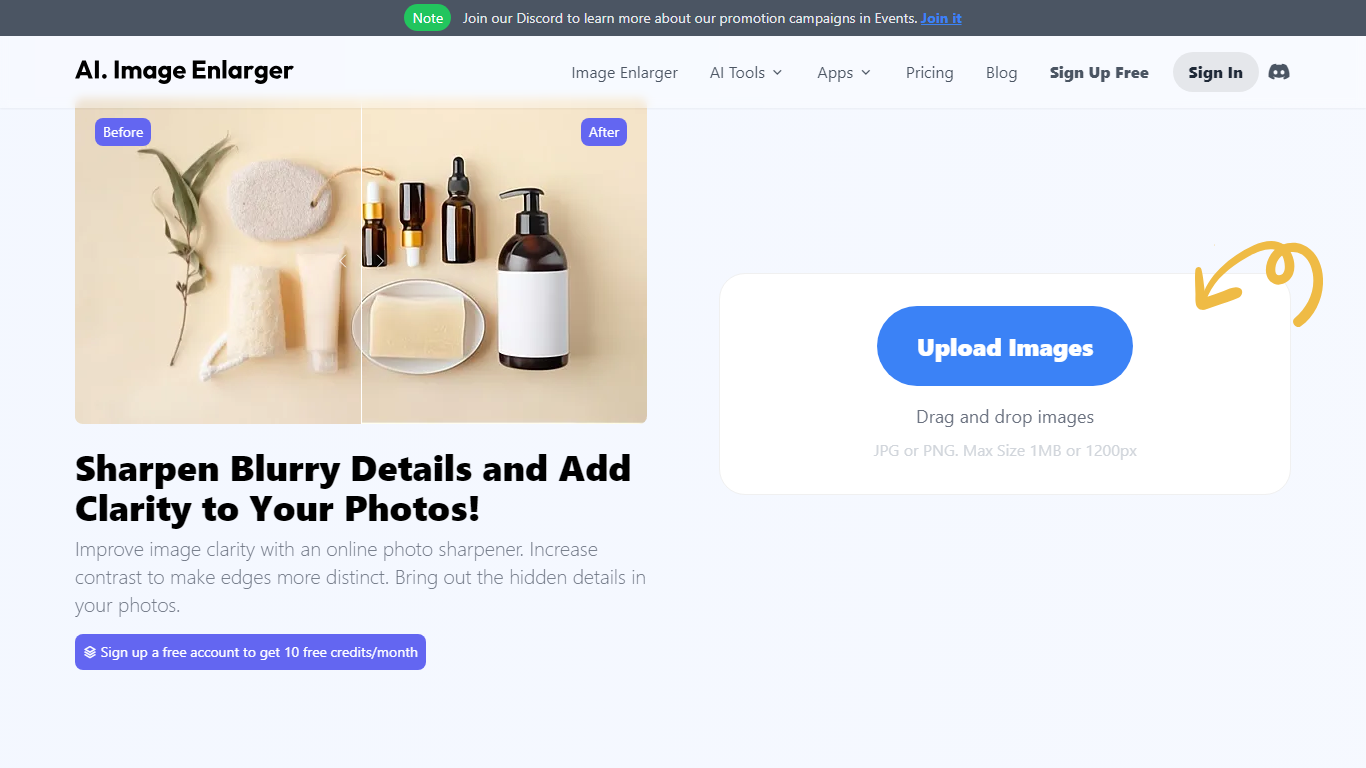

What is AI Image Sharpener on AI Image Enlarger?
AI Image Sharpener on ImgLarger fixes soft focus, motion blur, compression blur, and fuzzy edges in portraits, product shots, screenshots, and AI-generated art. Upload a JPG, PNG, or WEBP file up to 10 MB, pick 1K, 2K, or 4K output, and get a sharper preview in the browser without installing desktop software. It belongs in photo editing for quick clarity fixes rather than full manual retouching.
Unlike general editors with sharpening sliders, this tool runs a focused AI model that targets edge definition and local texture recovery. The trade-off is less creative control than Photoshop, but faster results for one-off blur fixes on the ImgLarger platform.
Guest users get 5 trial runs per day, and images wider than 1024px are resized automatically before processing. Uploaded files are deleted within six hours rather than stored in a public gallery.
Photographers, ecommerce sellers, and creators sharpening AI art or thumbnails can pair this sharpener with other ImgLarger tools like enlargers, denoisers, and background removers from the same account.
RemoveBG

What is RemoveBG?
RemoveBG is a powerful and user-friendly online tool that allows you to remove image backgrounds in seconds, and the best part is, it's completely free! With advanced AI technology, RemoveBG makes background removal a breeze, saving you time and effort. Whether you need to edit images for creative projects, marketing materials, or personal use, RemoveBG has got you covered.
With RemoveBG, the process of removing image backgrounds is as easy as 1-2-3. First, choose the image you want to edit and upload it into the tool. Second, let the advanced AI technology analyze your image and automatically remove the background. Finally, download the new image and use it for any purpose you desire. Say goodbye to background woes and hello to hassle-free image editing with RemoveBG.
AI Image Sharpener on AI Image Enlarger Upvotes
RemoveBG Upvotes
AI Image Sharpener on AI Image Enlarger Top Features
Supports JPG, PNG, and WEBP uploads up to 10 MB per image
Output options at 1K, 2K, and 4K resolution from the sharpener UI
Guest users receive 5 trial sharpenings per day without signing in
Fixes soft focus, motion blur, compression blur, and fuzzy edges
Before-and-after preview before downloading the sharpened result
Uploaded images are automatically deleted within six hours
RemoveBG Top Features
Quick and Easy Background Removal: RemoveBG makes it incredibly simple to remove image backgrounds with just a few clicks. No need for complex editing software or extensive manual work.
Free of Cost: RemoveBG offers its background removal services completely free of charge. Say goodbye to expensive editing tools and hello to cost-effective image editing.
Advanced AI Technology: Powered by advanced AI technology RemoveBG analyzes your images and accurately detects and removes the background ensuring clean and professional results.
Versatile Usage: The images edited with RemoveBG can be used for a wide range of purposes including creative projects marketing materials or personal use. The possibilities are endless.
User-Friendly Interface: RemoveBG's user-friendly interface makes it easy for anyone to use regardless of their level of expertise in image editing. No technical skills required.
AI Image Sharpener on AI Image Enlarger Category
- Photo Editing
RemoveBG Category
- Photo Editing
AI Image Sharpener on AI Image Enlarger Pricing Type
- Freemium
RemoveBG Pricing Type
- Free