PNG Maker vs AI Image Sharpener on AI Image Enlarger
When comparing PNG Maker vs AI Image Sharpener on AI Image Enlarger, which AI Photo Editing tool shines brighter? We look at pricing, alternatives, upvotes, features, reviews, and more.
In a comparison between PNG Maker and AI Image Sharpener on AI Image Enlarger, which one comes out on top?
When we put PNG Maker and AI Image Sharpener on AI Image Enlarger side by side, both being AI-powered photo editing tools, Both tools are equally favored, as indicated by the identical upvote count. You can help us determine the winner by casting your vote and tipping the scales in favor of one of the tools.
You don't agree with the result? Cast your vote to help us decide!
PNG Maker
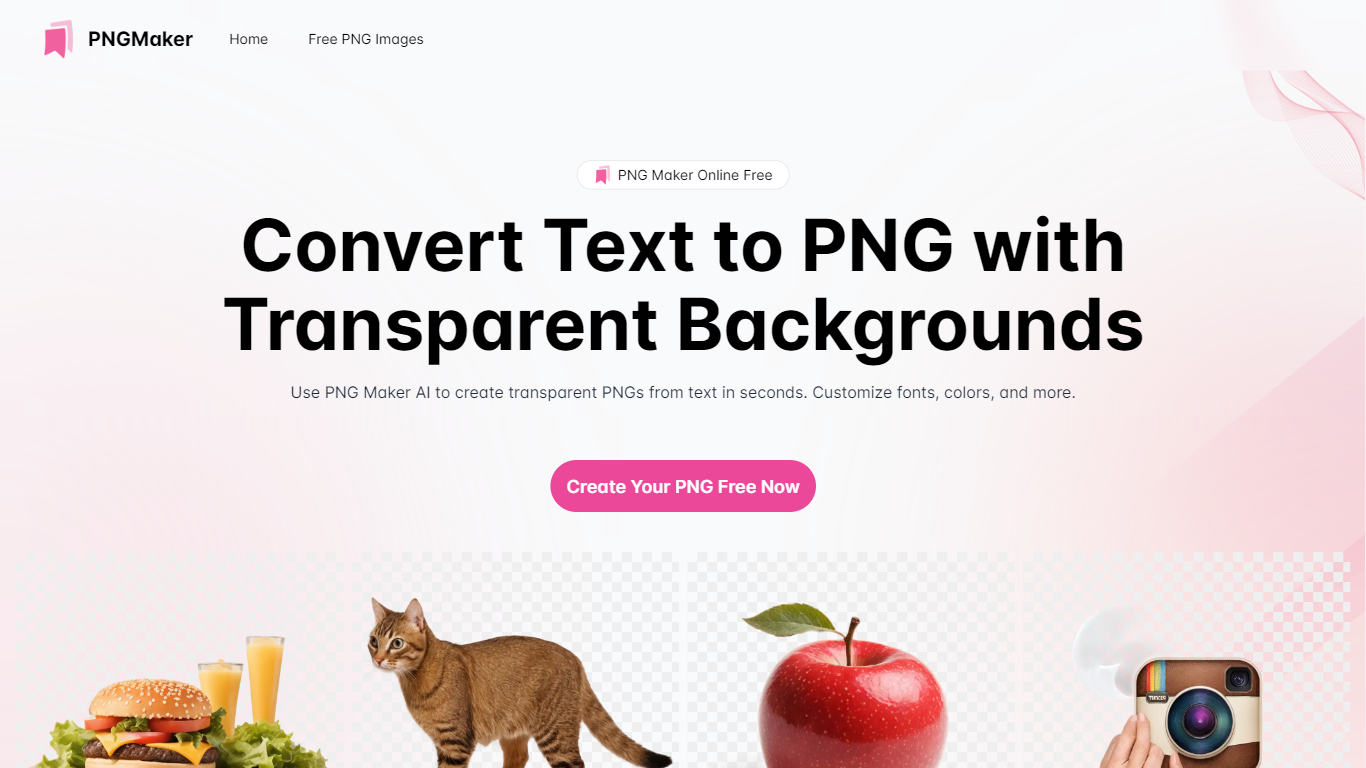

What is PNG Maker?
PNG Maker is an online tool that turns text prompts into PNG images with transparent backgrounds. It targets designers, marketers, and content creators who need clip-art style assets, logos, or graphics without opening desktop editing software.
You type a description of what you want, pick an aspect ratio, and the app generates one or more PNG files you can download. The web app also supports image-to-image generation, so you can upload a reference and refine the output from there. Free users get 9 credits per day; paid plans unlock higher monthly credit limits, batch generation, and private outputs.
The site also organizes outputs by tags and runs a blog with tips for writing better prompts. If you need quick transparent PNGs for slides, social posts, or web layouts, it keeps the workflow in the browser with no install required.
AI Image Sharpener on AI Image Enlarger
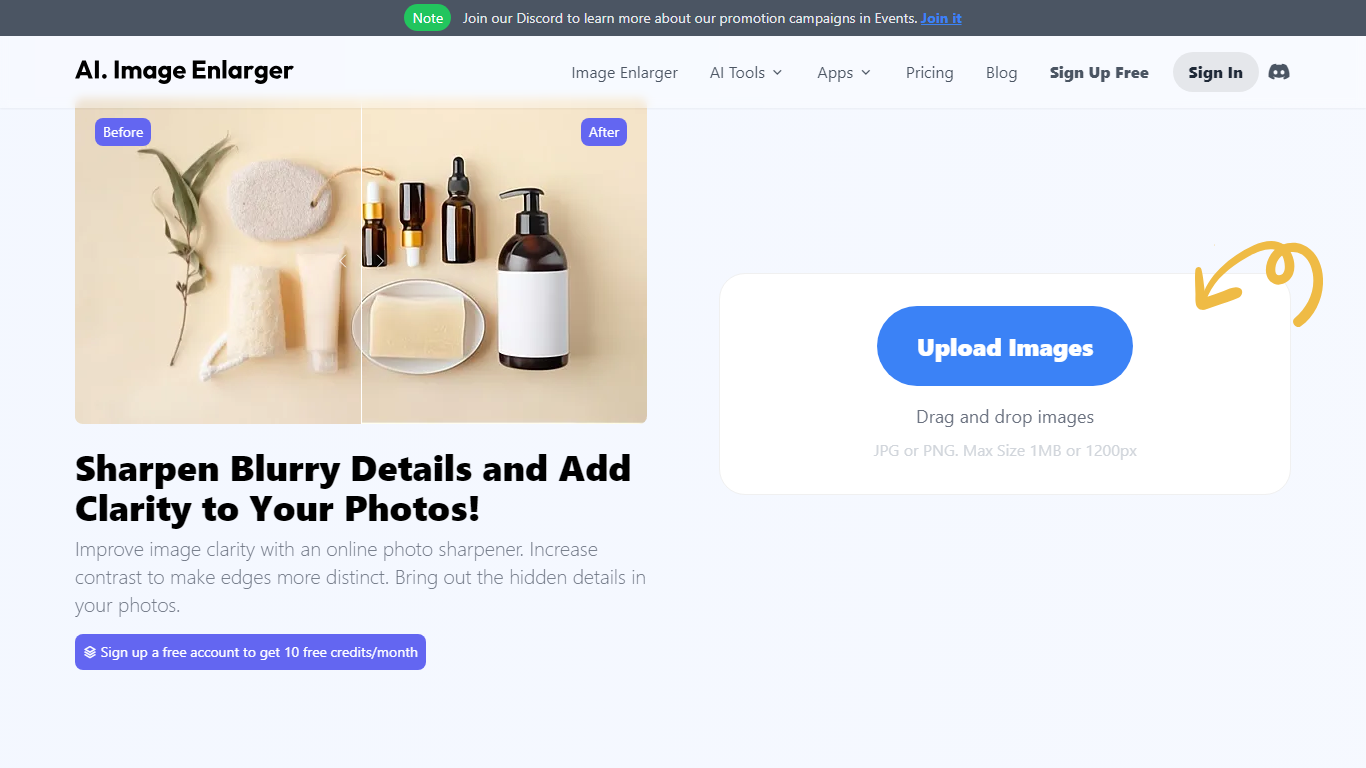
What is AI Image Sharpener on AI Image Enlarger?
AI Image Sharpener on ImgLarger fixes soft focus, motion blur, compression blur, and fuzzy edges in portraits, product shots, screenshots, and AI-generated art. Upload a JPG, PNG, or WEBP file up to 10 MB, pick 1K, 2K, or 4K output, and get a sharper preview in the browser without installing desktop software. It belongs in photo editing for quick clarity fixes rather than full manual retouching.
Unlike general editors with sharpening sliders, this tool runs a focused AI model that targets edge definition and local texture recovery. The trade-off is less creative control than Photoshop, but faster results for one-off blur fixes on the ImgLarger platform.
Guest users get 5 trial runs per day, and images wider than 1024px are resized automatically before processing. Uploaded files are deleted within six hours rather than stored in a public gallery.
Photographers, ecommerce sellers, and creators sharpening AI art or thumbnails can pair this sharpener with other ImgLarger tools like enlargers, denoisers, and background removers from the same account.
PNG Maker Upvotes
AI Image Sharpener on AI Image Enlarger Upvotes
PNG Maker Top Features
Turn text prompts into transparent PNG images without desktop software
Switch between text-to-image and image-to-image modes in one web app
Pick aspect ratios like 1:1, 3:2, and 2:3 before generating
Generate up to four images at once on paid plans
Browse community creations organized by tags for prompt inspiration
AI Image Sharpener on AI Image Enlarger Top Features
Supports JPG, PNG, and WEBP uploads up to 10 MB per image
Output options at 1K, 2K, and 4K resolution from the sharpener UI
Guest users receive 5 trial sharpenings per day without signing in
Fixes soft focus, motion blur, compression blur, and fuzzy edges
Before-and-after preview before downloading the sharpened result
Uploaded images are automatically deleted within six hours
PNG Maker Category
- Photo Editing
AI Image Sharpener on AI Image Enlarger Category
- Photo Editing
PNG Maker Pricing Type
- Freemium
AI Image Sharpener on AI Image Enlarger Pricing Type
- Freemium