AI Image Upscaler on AI Image Enlarger vs Instant AI for Google Slides
In the face-off between AI Image Upscaler on AI Image Enlarger vs Instant AI for Google Slides, which AI Photo Editing tool takes the crown? We scrutinize features, alternatives, upvotes, reviews, pricing, and more.
When we put AI Image Upscaler on AI Image Enlarger and Instant AI for Google Slides head to head, which one emerges as the victor?
If we were to analyze AI Image Upscaler on AI Image Enlarger and Instant AI for Google Slides, both of which are AI-powered photo editing tools, what would we find? The users have made their preference clear, Instant AI for Google Slides leads in upvotes. Instant AI for Google Slides has been upvoted 7 times by aitools.fyi users, and AI Image Upscaler on AI Image Enlarger has been upvoted 6 times.
Think we got it wrong? Cast your vote and show us who's boss!
AI Image Upscaler on AI Image Enlarger


What is AI Image Upscaler on AI Image Enlarger?
This Imglarger photo editing tool enlarges JPG, PNG, or WebP images to 2x or 4x resolution in your browser. You upload a file up to 10 MB and 1024 px wide, pick a scale factor, and the model sharpens edges and textures for 4K screens, product catalogs, or social posts. It handles portraits, AI art, anime frames, and product shots without installing desktop software.
Standard resize tools stretch pixels and leave blurry blocks. Imglarger's upscaler rebuilds detail with a focused workflow: upload, choose 200% or 400%, preview side by side, then download. You give up local batch power on the free tier and must trust cloud processing, though files auto-delete within six hours.
E-commerce teams batch-prepare catalog assets on paid plans. Digital artists upscale Midjourney or Stable Diffusion outputs, and photographers rescue compressed client files before print runs.
Instant AI for Google Slides
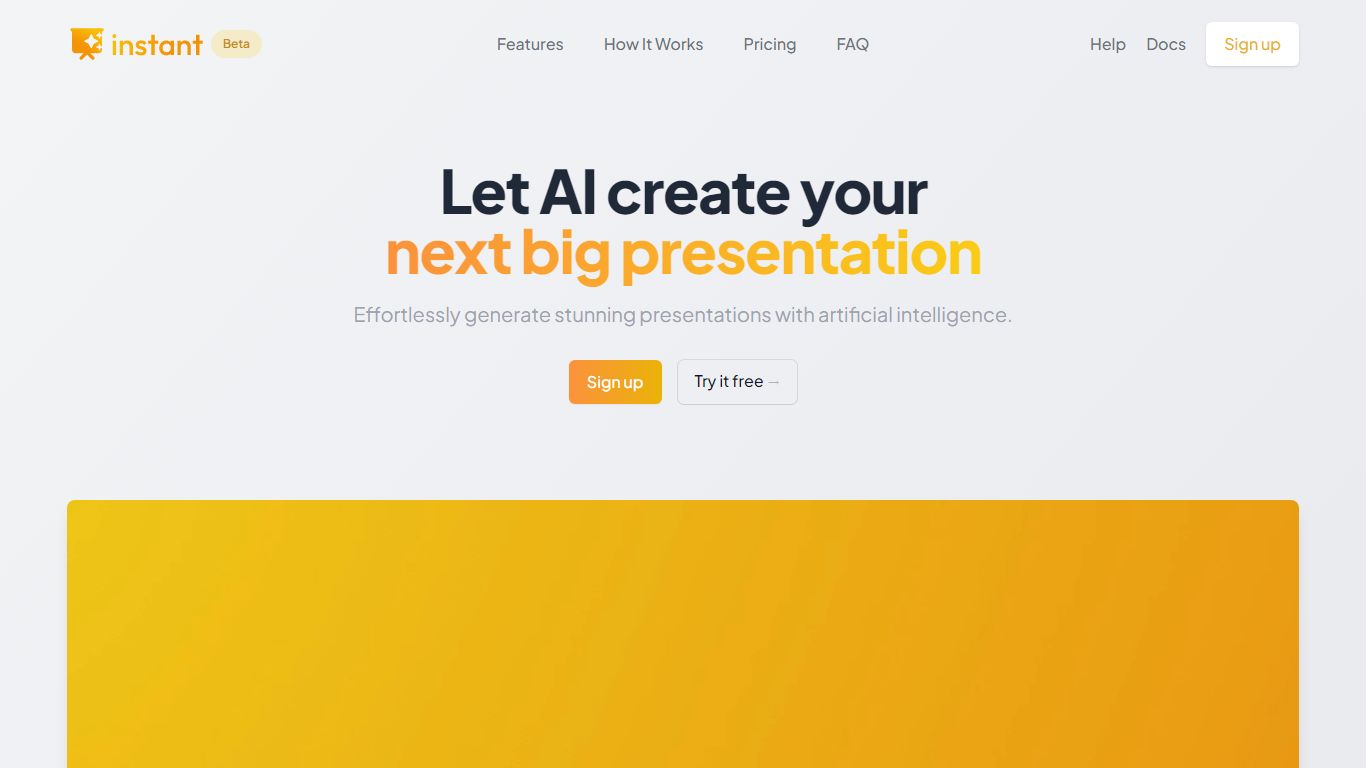
What is Instant AI for Google Slides?
Instant AI for Google Slides drafts full presentations inside Google Slides from a topic prompt. You pick length and deck type (investor, sales, and others), edit the AI outline, then auto-generate slides with suggested layouts. Finished decks stay fully editable in the Slides editor you already use.
Generic slide generators export static files or dump text blocks into default templates. Instant combines layout suggestions with 100+ designer-built templates, including flowcharts and infographics, and runs natively under the Extensions menu in Google Slides. That keeps your team in one tool instead of copying from a separate web app.
Startup founders, sales teams, and consultants who live in Google Workspace fit the workflow. The entry tier includes 15 slides and 10 rewrites at $0, while paid plans scale to 150 slides per month on Pro ($99) or unlimited slides on Premium ($199 per month).
AI Image Upscaler on AI Image Enlarger Upvotes
Instant AI for Google Slides Upvotes
AI Image Upscaler on AI Image Enlarger Top Features
Upscale images to 200% or 400% with a single upload step
Accepts JPG, PNG, and WebP files up to 10 MB and 1024 px input width
Preview upscaled output beside the original before downloading
Batch upscale multiple images on paid plans starting at $4.99 per month
Processed files are automatically deleted within six hours
Dedicated anime upscaler and enlarger tools live on the same Imglarger site
Instant AI for Google Slides Top Features
Installs as a Google Workspace extension with access under the Extensions menu in Slides
100+ expert-designed templates with flowchart and infographic layout support
$0 entry tier includes 15 slides and 10 rewrites
Pro plan includes 150 slides per month for $99 and 90 rewrites
Premium plan at $199 per month offers unlimited slides and rewrites
Customize brand colors and fonts before generating each deck
AI Image Upscaler on AI Image Enlarger Category
- Photo Editing
Instant AI for Google Slides Category
- Photo Editing
AI Image Upscaler on AI Image Enlarger Pricing Type
- Freemium
Instant AI for Google Slides Pricing Type
- Freemium