AI Image Upscaler on AI Image Enlarger vs Palette.fm
In the battle of AI Image Upscaler on AI Image Enlarger vs Palette.fm, which AI Photo Editing tool comes out on top? We compare reviews, pricing, alternatives, upvotes, features, and more.
Which one is better? AI Image Upscaler on AI Image Enlarger or Palette.fm?
Upon comparing AI Image Upscaler on AI Image Enlarger with Palette.fm, which are both AI-powered photo editing tools, Palette.fm stands out as the clear frontrunner in terms of upvotes. Palette.fm has received 33 upvotes from aitools.fyi users, while AI Image Upscaler on AI Image Enlarger has received 6 upvotes.
Does the result make you go "hmm"? Cast your vote and turn that frown upside down!
AI Image Upscaler on AI Image Enlarger


What is AI Image Upscaler on AI Image Enlarger?
This Imglarger photo editing tool enlarges JPG, PNG, or WebP images to 2x or 4x resolution in your browser. You upload a file up to 10 MB and 1024 px wide, pick a scale factor, and the model sharpens edges and textures for 4K screens, product catalogs, or social posts. It handles portraits, AI art, anime frames, and product shots without installing desktop software.
Standard resize tools stretch pixels and leave blurry blocks. Imglarger's upscaler rebuilds detail with a focused workflow: upload, choose 200% or 400%, preview side by side, then download. You give up local batch power on the free tier and must trust cloud processing, though files auto-delete within six hours.
E-commerce teams batch-prepare catalog assets on paid plans. Digital artists upscale Midjourney or Stable Diffusion outputs, and photographers rescue compressed client files before print runs.
Palette.fm
What is Palette.fm?
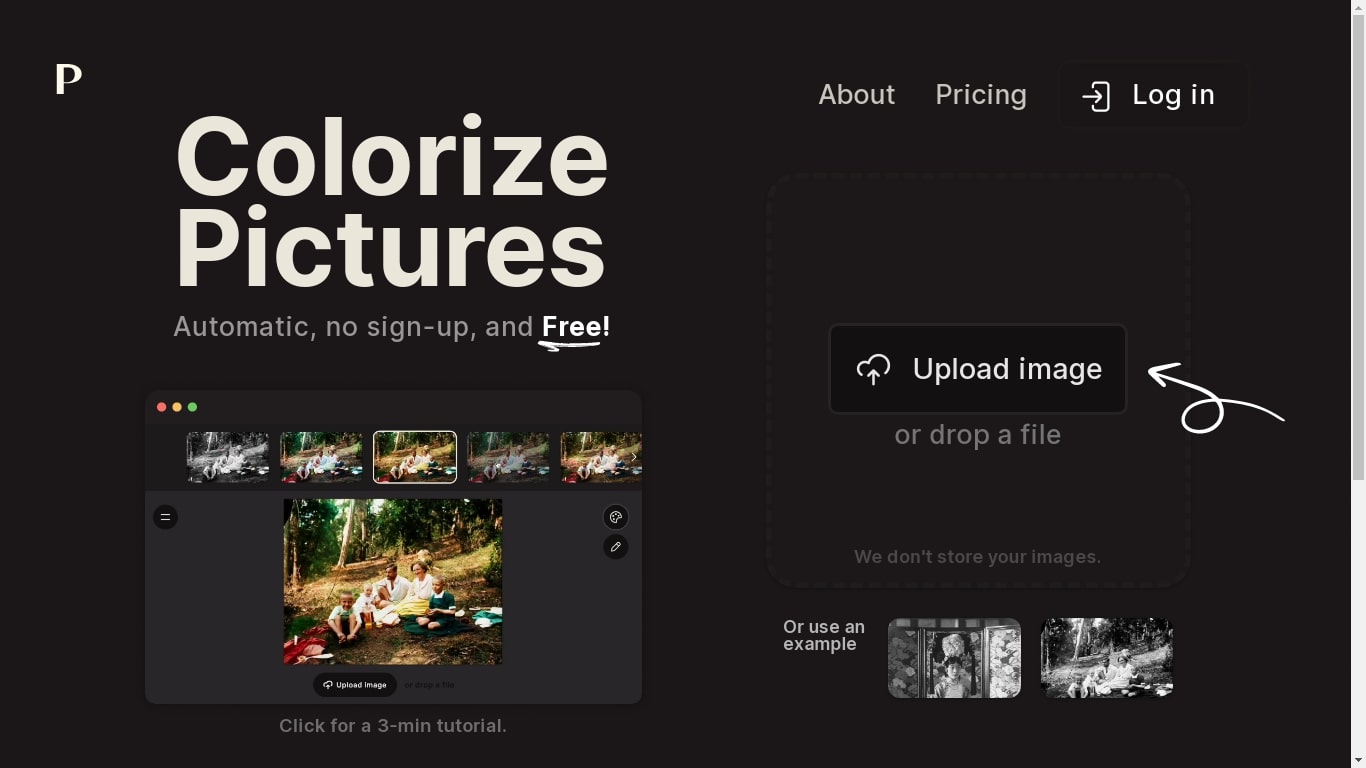
Palette.fm colorizes black-and-white photos through a browser upload flow with 21+ filter presets and keyword-based color tweaks. Upload an image, pick a filter, adjust descriptive keywords if needed, then download a full-resolution result or keep iterating on previews. The photo editing workflow targets family historians, photographers, and creators restoring old prints without opening Photoshop.
Most colorizers lean on heavy sepia and purple casts with little room to steer skin tones or fabric colors. Palette.fm lets you click a filter then fine-tune hues through plain-language keywords, and it sells one-time credit packs alongside subscriptions. Free previews cap at 500x500 pixels with a watermark, while paid credits remove the logo and support files up to 5000x5000 pixels.
Genealogy researchers, photo archivists, and YouTube educators use Palette.fm to batch-test color looks before committing credits. The site reports 54 million photos colorized and 6.6 million registered users, with an API option for teams that want programmatic access.
AI Image Upscaler on AI Image Enlarger Upvotes
Palette.fm Upvotes
AI Image Upscaler on AI Image Enlarger Top Features
Upscale images to 200% or 400% with a single upload step
Accepts JPG, PNG, and WebP files up to 10 MB and 1024 px input width
Preview upscaled output beside the original before downloading
Batch upscale multiple images on paid plans starting at $4.99 per month
Processed files are automatically deleted within six hours
Dedicated anime upscaler and enlarger tools live on the same Imglarger site
Palette.fm Top Features
21+ color filters with before-and-after previews on sample photos
Free plan includes unlimited 500x500 previews with Palette watermark
Paid credits export up to 5000x5000 pixels without the logo
Keyword adjustment panel fine-tunes colors after picking a filter
Annual subscription is $72 per year for 480 credits ($0.15 each)
One-time pack is $49 for 75 credits valid for 2 years
API and video integration options listed in the site footer
AI Image Upscaler on AI Image Enlarger Category
- Photo Editing
Palette.fm Category
- Photo Editing
AI Image Upscaler on AI Image Enlarger Pricing Type
- Freemium
Palette.fm Pricing Type
- Freemium