AI Image Upscaler on AI Image Enlarger vs Nostalgia Photos
When comparing AI Image Upscaler on AI Image Enlarger vs Nostalgia Photos, which AI Photo Editing tool shines brighter? We look at pricing, alternatives, upvotes, features, reviews, and more.
In a comparison between AI Image Upscaler on AI Image Enlarger and Nostalgia Photos, which one comes out on top?
When we put AI Image Upscaler on AI Image Enlarger and Nostalgia Photos side by side, both being AI-powered photo editing tools, There's no clear winner in terms of upvotes, as both tools have received the same number. Your vote matters! Help us decide the winner among aitools.fyi users by casting your vote.
You don't agree with the result? Cast your vote to help us decide!
AI Image Upscaler on AI Image Enlarger


What is AI Image Upscaler on AI Image Enlarger?
This Imglarger photo editing tool enlarges JPG, PNG, or WebP images to 2x or 4x resolution in your browser. You upload a file up to 10 MB and 1024 px wide, pick a scale factor, and the model sharpens edges and textures for 4K screens, product catalogs, or social posts. It handles portraits, AI art, anime frames, and product shots without installing desktop software.
Standard resize tools stretch pixels and leave blurry blocks. Imglarger's upscaler rebuilds detail with a focused workflow: upload, choose 200% or 400%, preview side by side, then download. You give up local batch power on the free tier and must trust cloud processing, though files auto-delete within six hours.
E-commerce teams batch-prepare catalog assets on paid plans. Digital artists upscale Midjourney or Stable Diffusion outputs, and photographers rescue compressed client files before print runs.
Nostalgia Photos
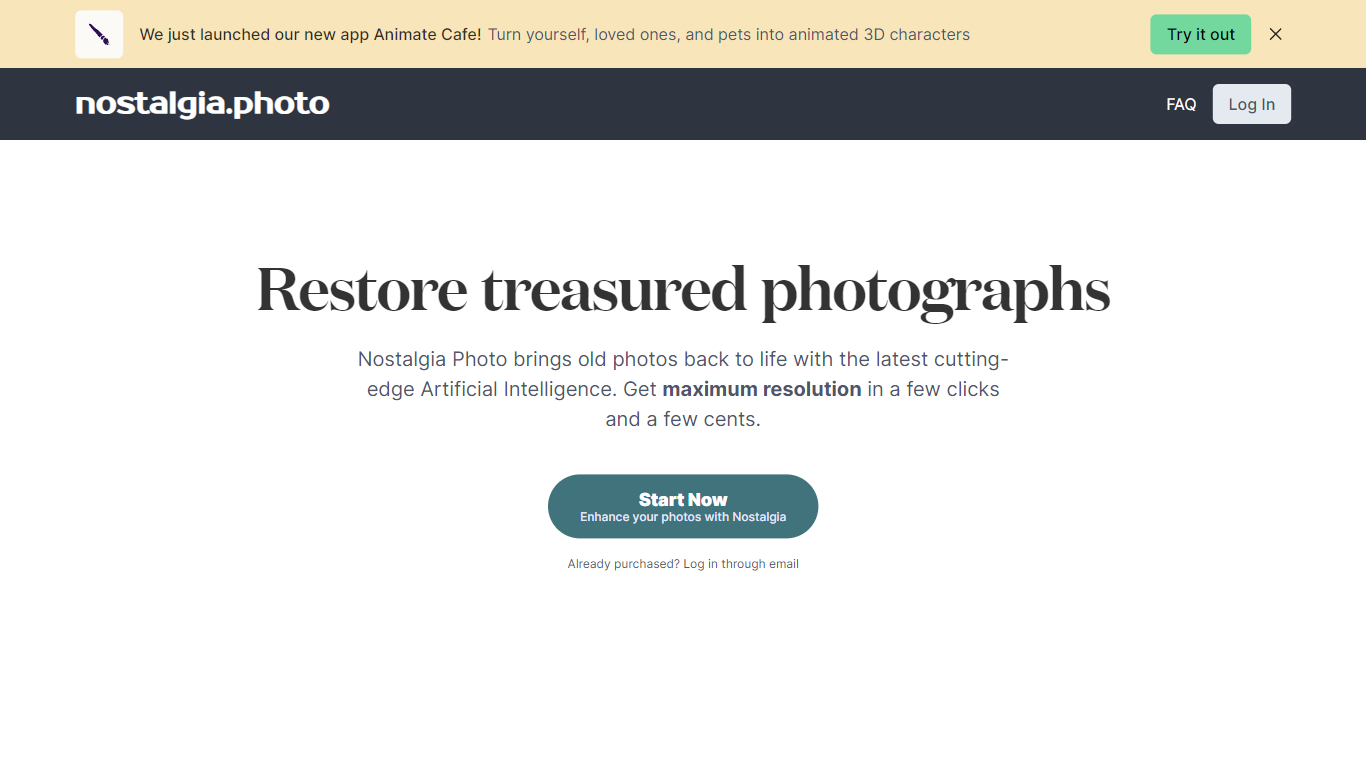
What is Nostalgia Photos?
Nostalgia Photos is a unique online platform that allows users to restore and relive their cherished memories with the help of advanced AI technology. With just a few clicks and a minimal cost, our AI-powered tools can transform your old and faded photographs into stunning, high-quality images, while seamlessly preserving the original details.
Using state-of-the-art algorithms, our AI automatically detects and removes blemishes, scratches, and other imperfections from your photos, giving them a new lease of life. Whether it's restoring old family portraits, recovering damaged wedding pictures, or reviving vintage snapshots, our AI can handle it all. Say goodbye to the hassle of manual retouching and let our intelligent system do the work for you.
Not only does Nostalgia Photos excel at restoring your old photographs, but it also goes beyond the basics. Our AI technology can enhance the clarity, sharpness, and colors of your images, making them even more vibrant and visually appealing. Preserving the original charm and essence is our utmost priority, and our AI algorithms ensure that the restored photos stay true to their nostalgic origins.
Here's how it works: Simply upload your images to our secure online platform and let our AI algorithms analyze and restore them. Our user-friendly interface allows you to preview the changes and make any necessary adjustments before finalizing the restoration process. Once satisfied, you can download the restored images in high resolution, ready to be printed or shared with your friends and family.
At Nostalgia Photos, we understand the sentimental value attached to each photograph. That's why we have designed our AI tools with utmost care and precision, ensuring that your memories are treated with the respect they deserve. Whether you want to preserve your old family albums or bring back the glory of past events, our AI-powered restoration services are here to help.
Give your precious memories a new lease of life with Nostalgia Photos. Experience the magic of AI-powered restoration and relive the joy and nostalgia of days gone by. Don't let time fade away your cherished moments—restore them today!
AI Image Upscaler on AI Image Enlarger Upvotes
Nostalgia Photos Upvotes
AI Image Upscaler on AI Image Enlarger Top Features
Upscale images to 200% or 400% with a single upload step
Accepts JPG, PNG, and WebP files up to 10 MB and 1024 px input width
Preview upscaled output beside the original before downloading
Batch upscale multiple images on paid plans starting at $4.99 per month
Processed files are automatically deleted within six hours
Dedicated anime upscaler and enlarger tools live on the same Imglarger site
Nostalgia Photos Top Features
No top features listedAI Image Upscaler on AI Image Enlarger Category
- Photo Editing
Nostalgia Photos Category
- Photo Editing
AI Image Upscaler on AI Image Enlarger Pricing Type
- Freemium
Nostalgia Photos Pricing Type
- Paid