AI Infographic Generator vs Peech AI
Explore the showdown between AI Infographic Generator vs Peech AI and find out which AI Video Editing tool wins. We analyze upvotes, features, reviews, pricing, alternatives, and more.
When comparing AI Infographic Generator and Peech AI, which one rises above the other?
When we contrast AI Infographic Generator with Peech AI, both of which are exceptional AI-operated video editing tools, and place them side by side, we can spot several crucial similarities and divergences. In the race for upvotes, AI Infographic Generator takes the trophy. AI Infographic Generator has attracted 6 upvotes from aitools.fyi users, and Peech AI has attracted 5 upvotes.
You don't agree with the result? Cast your vote to help us decide!
AI Infographic Generator

What is AI Infographic Generator?
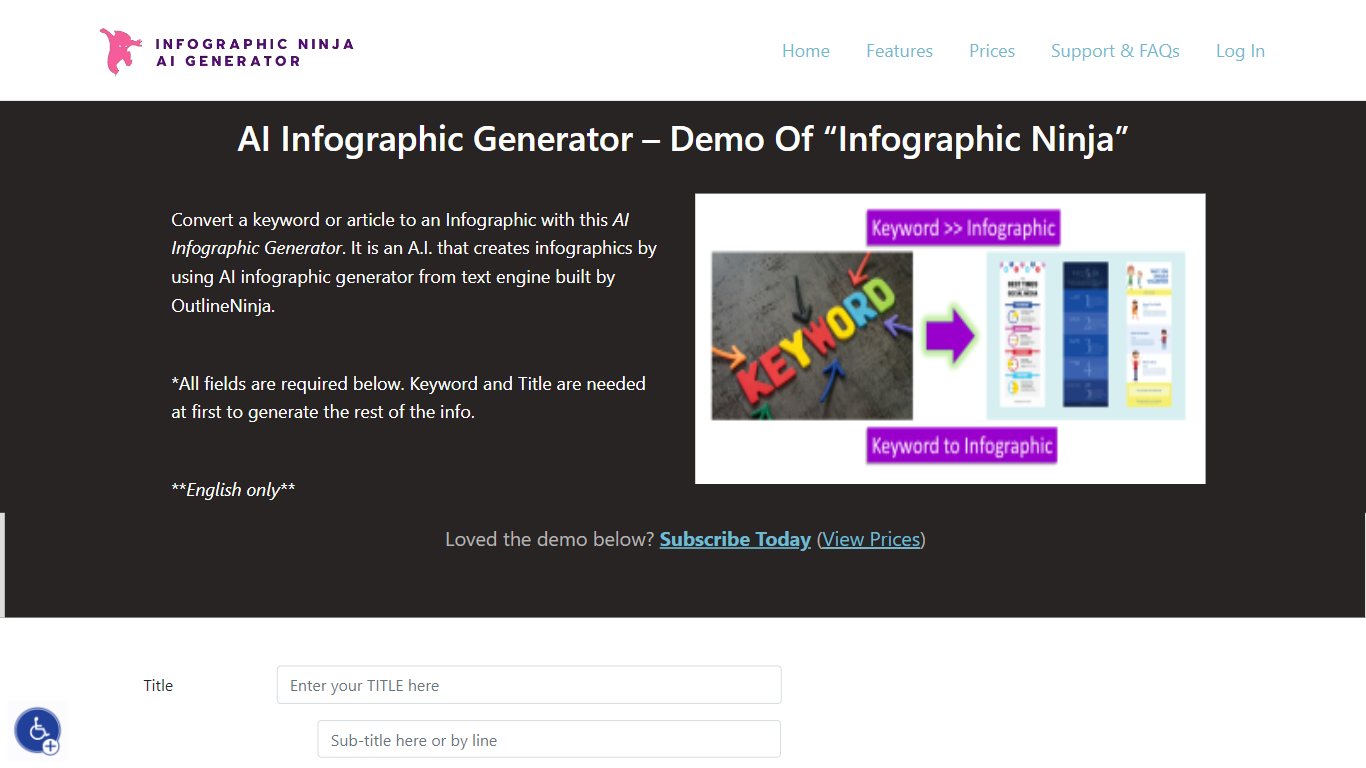
AI Infographic Generator, branded as Infographic Ninja on Outline Ninja, builds shareable infographic images from a keyword, blog article, or uploaded PDF. You pick a template, let the tool draft question-and-answer blocks, customize icons and colors, then download a finished graphic or grab FAQ schema markup for SEO. The public demo on outline.ninja runs in English only and links to a paid membership for full exports.
Compared with general design tools, Infographic Ninja targets SEO workflows: it outputs FAQSchema.org JSON matching your Q&A blocks, ships WordPress embed code with a copy button, and lets you set entry counts between 3 and 7 on a single layout. The Pro plan removes download credit limits, while a separate RapidAPI subscription handles programmatic PNG generation.
It fits content marketers, SEO agencies, and bloggers who need quick informational graphics without opening Illustrator. Membership starts at $5 per month after a $1 three-day trial, and paid tiers remove watermarks on downloads.
Peech AI

What is Peech AI?
Peech turns raw video footage into branded, platform-ready clips through automated post-production. Upload your content and the platform tags scenes, transcribes speech, applies your brand elements, and outputs resized versions for social, web, and ads. A text-to-video editor lets you trim clips and remove filler words as easily as editing a document.
Agency-style post-production usually means days of editor time for every batch of marketing videos. Peech automates transcription in 20+ languages, facial-recognition framing, aspect-ratio cropping, and highlight clip generation in one workflow. Media teams report cutting post-production time by up to 95% and design costs by over 80% compared to hiring external editors.
Marketing teams at B2B companies like Peerspot and Datarails use Peech to repurpose webinars and interviews into daily social clips. Media companies organize large footage libraries with automatic tagging and topic-based highlight recommendations. You can start free without a credit card, then scale to dozens of branded videos per month through the app at app.peech-ai.com.
AI Infographic Generator Upvotes
Peech AI Upvotes
AI Infographic Generator Top Features
Generate infographics from a keyword, blog URL, or uploaded PDF
Choose 3 to 7 Q&A entries per graphic with 30+ font options
Export FAQSchema.org JSON aligned to your infographic questions
WordPress embed snippet with a one-click copy button for backlinks
Starter plan includes 15 download credits per month at $5; Pro is $30 for unlimited
RapidAPI endpoint returns PNG infographics from a title plus optional body text
Peech AI Top Features
Real-time transcription and translation into 20+ languages with subtitle export
Text-to-video editor cuts clips and removes filler words like editing a doc
Automated brand elements applied across every output with one-click execution
Frame cropper centers speakers via facial recognition across aspect ratios
Clip Generator produces ready-to-publish social videos from long-form footage
AI Infographic Generator Category
- Video Editing
Peech AI Category
- Video Editing
AI Infographic Generator Pricing Type
- Paid
Peech AI Pricing Type
- Freemium