AI Infographic Generator vs Riverside
In the face-off between AI Infographic Generator vs Riverside, which AI Video Editing tool takes the crown? We scrutinize features, alternatives, upvotes, reviews, pricing, and more.
In a face-off between AI Infographic Generator and Riverside, which one takes the crown?
If we were to analyze AI Infographic Generator and Riverside, both of which are AI-powered video editing tools, what would we find? The community has spoken, Riverside leads with more upvotes. Riverside has 25 upvotes, and AI Infographic Generator has 6 upvotes.
Does the result make you go "hmm"? Cast your vote and turn that frown upside down!
AI Infographic Generator

What is AI Infographic Generator?
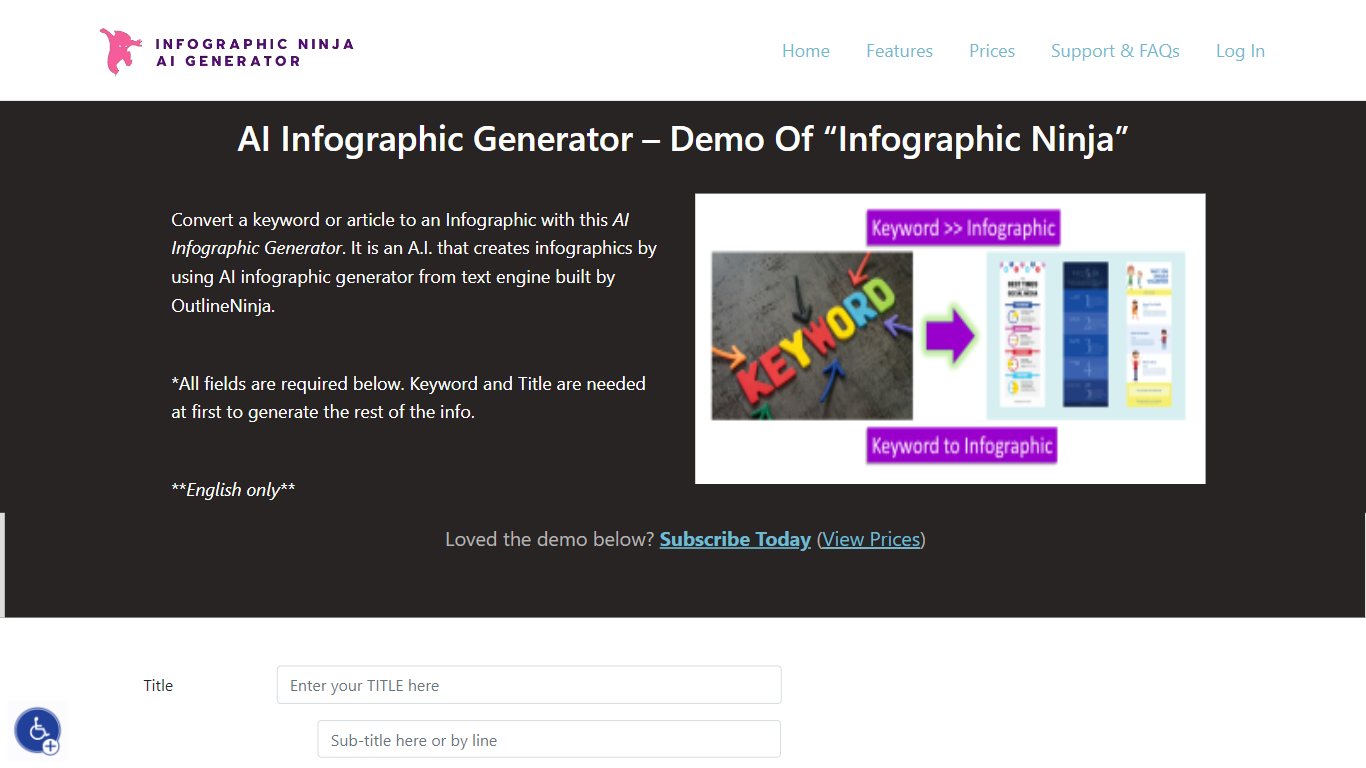
AI Infographic Generator, branded as Infographic Ninja on Outline Ninja, builds shareable infographic images from a keyword, blog article, or uploaded PDF. You pick a template, let the tool draft question-and-answer blocks, customize icons and colors, then download a finished graphic or grab FAQ schema markup for SEO. The public demo on outline.ninja runs in English only and links to a paid membership for full exports.
Compared with general design tools, Infographic Ninja targets SEO workflows: it outputs FAQSchema.org JSON matching your Q&A blocks, ships WordPress embed code with a copy button, and lets you set entry counts between 3 and 7 on a single layout. The Pro plan removes download credit limits, while a separate RapidAPI subscription handles programmatic PNG generation.
It fits content marketers, SEO agencies, and bloggers who need quick informational graphics without opening Illustrator. Membership starts at $5 per month after a $1 three-day trial, and paid tiers remove watermarks on downloads.
Riverside

What is Riverside?
Riverside is a video editing and recording platform built for remote podcasts, interviews, and webinars. It records up to 4K video and uncompressed audio locally on each participant's device, so spotty internet does not tank quality. After recording, you edit in a text-based timeline, generate Magic Clips, captions, and show notes, then publish to YouTube, Spotify, and Apple Podcasts from the same workflow.
Zoom and Google Meet optimize for live calls, not post-production. Riverside records separate tracks locally, then layers AI cleanup, filler-word removal, and clip generation on top. The trade-off is that it is built for creators who publish regularly, not for one-off internal meetings that never leave the call app.
Podcasters, marketers, and producers at companies like Spotify and The New York Times use Riverside for studio-style remote recordings. Founded in 2020 by brothers Gideon and Nadav, the product now lives at riverside.com while riverside.fm redirects to the same experience.
AI Infographic Generator Upvotes
Riverside Upvotes
AI Infographic Generator Top Features
Generate infographics from a keyword, blog URL, or uploaded PDF
Choose 3 to 7 Q&A entries per graphic with 30+ font options
Export FAQSchema.org JSON aligned to your infographic questions
WordPress embed snippet with a one-click copy button for backlinks
Starter plan includes 15 download credits per month at $5; Pro is $30 for unlimited
RapidAPI endpoint returns PNG infographics from a title plus optional body text
Riverside Top Features
Local recording up to 4K video with separate WAV and MP4 tracks per speaker
Free plan includes 2 hours of multi-track recordings and unlimited single-track editing
Pro plan at $24 per month (billed annually) adds 15 hours of separate track downloads and 4K output
AI Co-Creator generates clips, show notes, captions, and filler-word removal from recordings
Built-in podcast hosting publishes to Spotify, Apple Podcasts, and YouTube
Grow and Webinar tiers add multistream live streaming and webinar registration for up to 100 attendees
AI Infographic Generator Category
- Video Editing
Riverside Category
- Video Editing
AI Infographic Generator Pricing Type
- Paid
Riverside Pricing Type
- Freemium