AI map vs OnlyDoc
When comparing AI map vs OnlyDoc, which AI Search Engine tool shines brighter? We look at pricing, alternatives, upvotes, features, reviews, and more.
Between AI map and OnlyDoc, which one is superior?
When we put AI map and OnlyDoc side by side, both being AI-powered search engine tools, Neither tool takes the lead, as they both have the same upvote count. Your vote matters! Help us decide the winner among aitools.fyi users by casting your vote.
Don't agree with the result? Cast your vote and be a part of the decision-making process!
AI map

What is AI map?
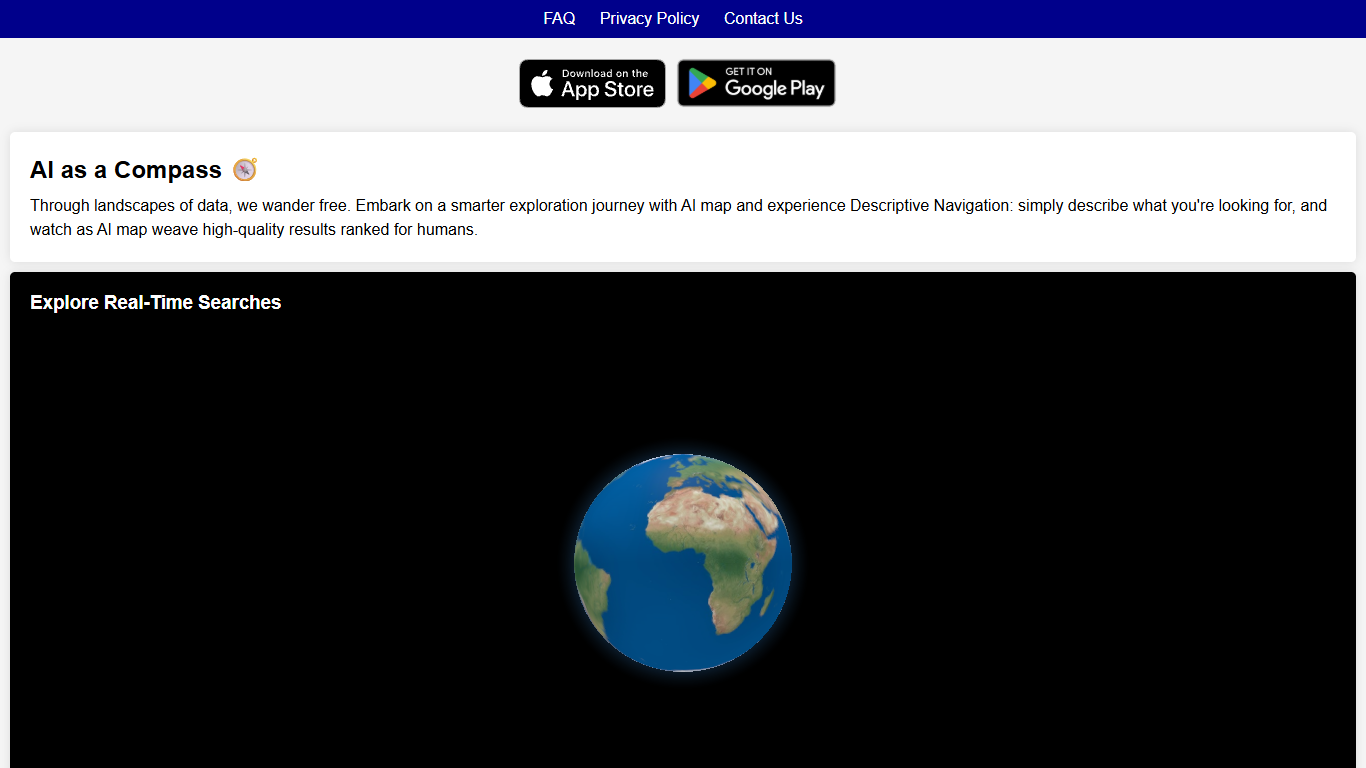
AI map is a mobile mapping app from Panic LLC that helps you find nearby places by describing what you want in plain language. Instead of searching for a business name or category, you type prompts like "go stargazing" or "eat at a michelin-rated thai restaurant," and the app returns local spots ranked for relevance.
The product pairs map data with conversational search so you can explore an area by activity, mood, or criteria rather than knowing exact venue names upfront. Its FAQ describes the approach as descriptive navigation: you articulate what you are looking for, and the app assembles results prioritized for human comprehension.
Under the hood, the privacy policy notes integrations with Google Maps, Google Places, Apple Maps, and ChatGPT. Location access supports map features, and ChatGPT interactions are processed outside the app under OpenAI's policy.
It fits travelers, locals, and anyone who wants a faster way to discover places around them without juggling multiple keyword searches. The app is available on iOS and Android through the App Store and Google Play.
OnlyDoc
What is OnlyDoc?
OnlyDoc is a browser-based document platform for converting, editing, and managing PDFs and other file formats online. Upload a file, pick a tool, and download the result without installing desktop software. The site covers everyday document work from format conversion to compression, OCR, translation, and electronic signatures.
What sets OnlyDoc apart is the breadth of utilities packed into one web app. The homepage groups tools for editing PDFs, converting to and from dozens of formats, handling images, and running document-focused AI features. You can move from a scanned receipt to searchable text, or from a long report to a short summary, without leaving the site.
OnlyDoc is built for students, freelancers, and office workers who need quick document tasks handled in the browser. It also suits researchers and analysts who want to skim dense PDFs before committing to a full read. The interface is available in English, Portuguese, Spanish, and Indonesian.
AI map Upvotes
OnlyDoc Upvotes
AI map Top Features
Describe what you want in plain language instead of typing a place name
Tighten results by making prompts more specific about activities or criteria
Local recommendations ranked by relevancy to your search prompt
Conversational map queries powered by ChatGPT integration
Ships on iOS and Android with App Store and Google Play downloads
OnlyDoc Top Features
Converts between PDF and 30+ formats including Word, Excel, PowerPoint, and EPUB
PDF summarizer extracts key points from files up to 100 MB in under 30 seconds
OCR turns scanned pages into searchable, editable text
Translate PDF content into other languages directly in the browser
Merge, split, compress, rotate, and sign PDFs without desktop software
Runs on desktop and mobile browsers with no software install required
AI map Category
- Search Engine
OnlyDoc Category
- Search Engine
AI map Pricing Type
- Freemium
OnlyDoc Pricing Type
- Freemium