seo.ing vs OnlyDoc
In the face-off between seo.ing vs OnlyDoc, which AI Search Engine tool takes the crown? We scrutinize features, alternatives, upvotes, reviews, pricing, and more.
In a face-off between seo.ing and OnlyDoc, which one takes the crown?
If we were to analyze seo.ing and OnlyDoc, both of which are AI-powered search engine tools, what would we find? There's no clear winner in terms of upvotes, as both tools have received the same number. Be a part of the decision-making process. Your vote could determine the winner.
Disagree with the result? Upvote your favorite tool and help it win!
seo.ing

What is seo.ing?
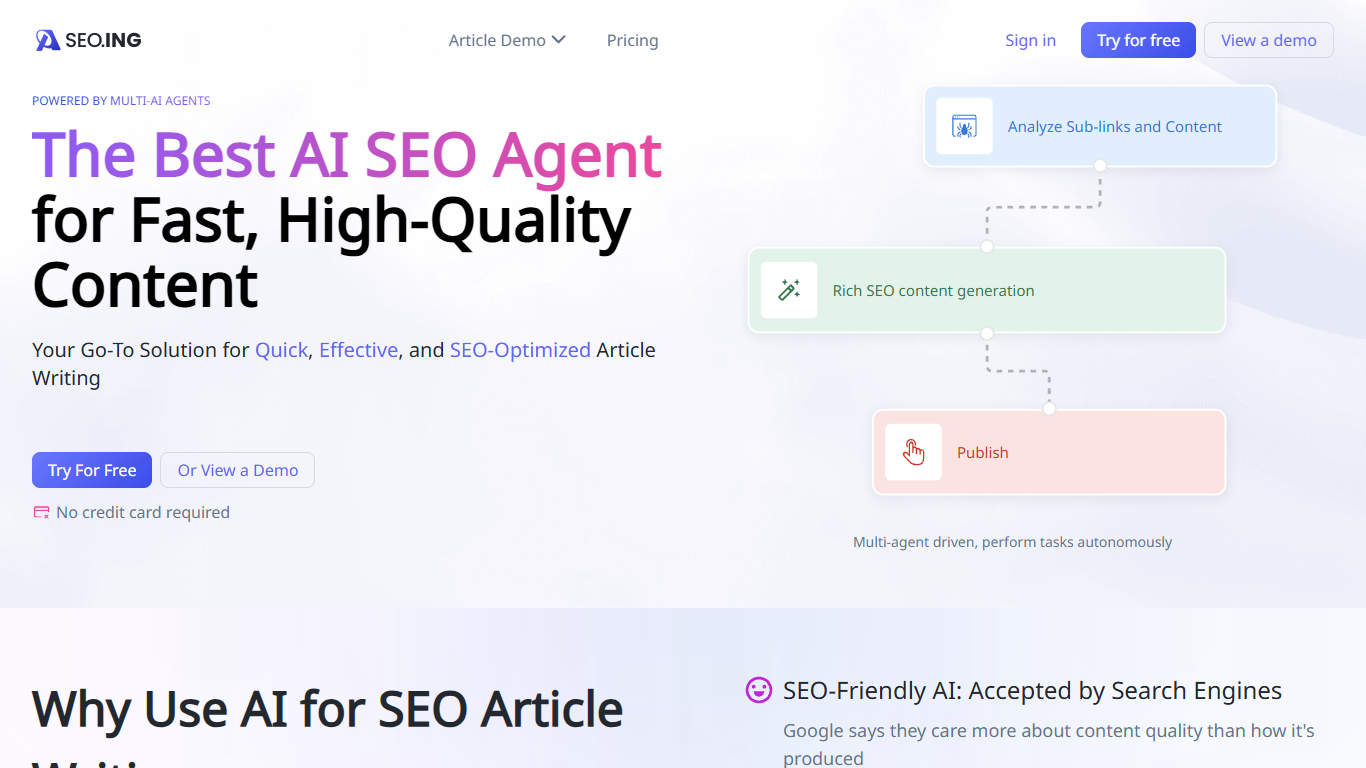
seo.ing turns product URLs and site lists into long-form review posts and top 10 roundup articles using coordinated crawler, outline, writing, and image agents. Marketers and site owners use it to publish comparison content without hiring freelancers for every draft.
Most AI writing tools hand you a blank editor and expect you to supply the research. seo.ing starts with crawling: you feed it one product URL or a list of sites, then outline and title agents propose structure you can edit before writing and image steps finish the piece. That narrow focus on review and roundup formats is the trade-off. It is not a general blog generator for arbitrary topics.
Plans are credit-based with monthly article caps on the public pricing page, from two free articles up to 120 on Enterprise. The interface is available in English plus nine additional languages, including Simplified Chinese, Traditional Chinese, Korean, Japanese, Portuguese, Spanish, German, French, and Vietnamese.
seo.ing runs on a Nuxt.js front end with Tailwind CSS styling and Cloudflare delivery. The company identifies itself as SEO.ING, Inc. on the site footer and lists [email protected] for privacy and support requests.
OnlyDoc
What is OnlyDoc?
OnlyDoc is a browser-based document platform for converting, editing, and managing PDFs and other file formats online. Upload a file, pick a tool, and download the result without installing desktop software. The site covers everyday document work from format conversion to compression, OCR, translation, and electronic signatures.
What sets OnlyDoc apart is the breadth of utilities packed into one web app. The homepage groups tools for editing PDFs, converting to and from dozens of formats, handling images, and running document-focused AI features. You can move from a scanned receipt to searchable text, or from a long report to a short summary, without leaving the site.
OnlyDoc is built for students, freelancers, and office workers who need quick document tasks handled in the browser. It also suits researchers and analysts who want to skim dense PDFs before committing to a full read. The interface is available in English, Portuguese, Spanish, and Indonesian.
seo.ing Upvotes
OnlyDoc Upvotes
seo.ing Top Features
Outline, crawler, writing, and image agents collaborate to produce full articles from a URL or site list
Website review mode turns a product URL into a structured review with sub-link research
Top 10 mode builds comparison roundups with featured products, anchor links, text, images, and tables
Preset article structures with manual control over intro hooks, length, and outline sections
Localized site and content options across ten languages on the marketing site
OnlyDoc Top Features
Converts between PDF and 30+ formats including Word, Excel, PowerPoint, and EPUB
PDF summarizer extracts key points from files up to 100 MB in under 30 seconds
OCR turns scanned pages into searchable, editable text
Translate PDF content into other languages directly in the browser
Merge, split, compress, rotate, and sign PDFs without desktop software
Runs on desktop and mobile browsers with no software install required
seo.ing Category
- Search Engine
OnlyDoc Category
- Search Engine
seo.ing Pricing Type
- Freemium
OnlyDoc Pricing Type
- Freemium