AI PDF Summarizer by PDF Guru vs Stenography
In the clash of AI PDF Summarizer by PDF Guru vs Stenography, which AI Summarizer tool emerges victorious? We assess reviews, pricing, alternatives, features, upvotes, and more.
If you had to choose between AI PDF Summarizer by PDF Guru and Stenography, which one would you go for?
Let's take a closer look at AI PDF Summarizer by PDF Guru and Stenography, both of which are AI-driven summarizer tools, and see what sets them apart. The upvote count reveals a draw, with both tools earning the same number of upvotes. Since other aitools.fyi users could decide the winner, the ball is in your court now to cast your vote and help us determine the winner.
Feeling rebellious? Cast your vote and shake things up!
AI PDF Summarizer by PDF Guru
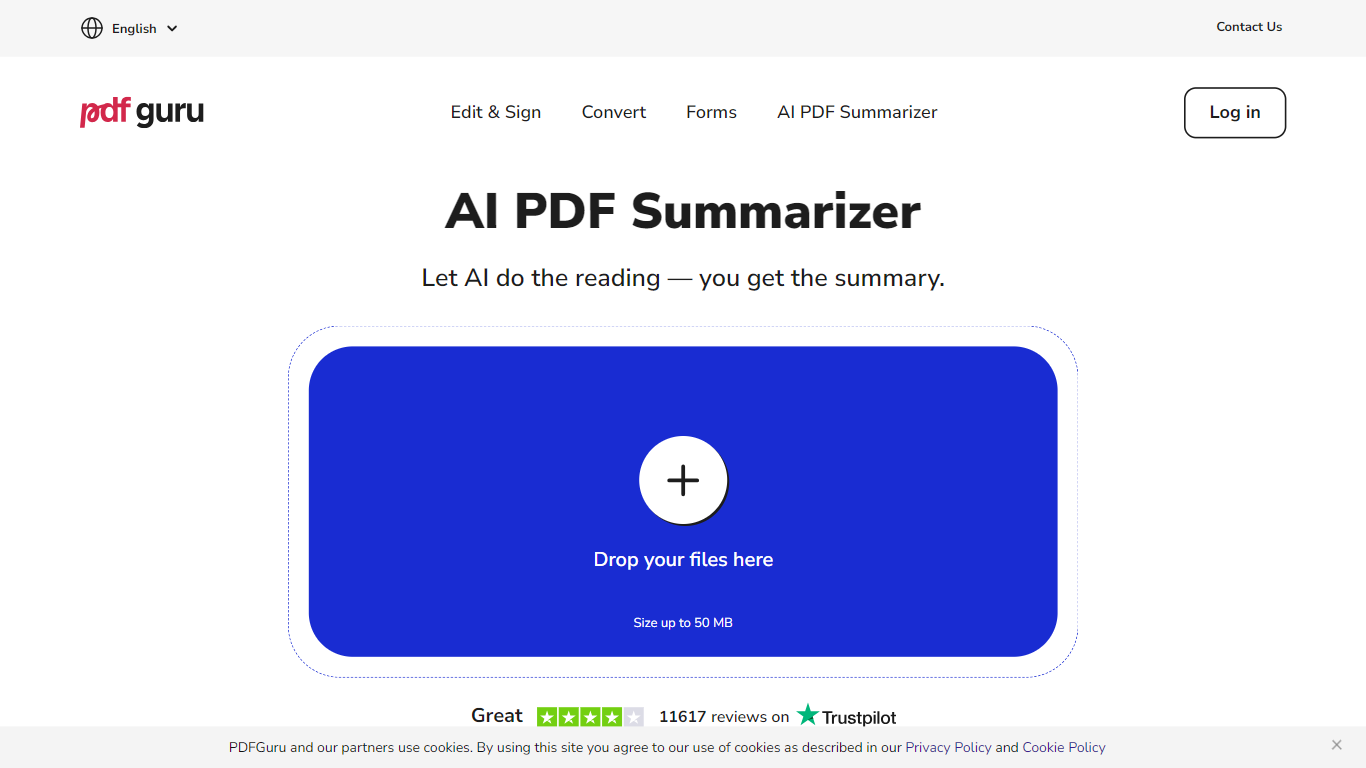

What is AI PDF Summarizer by PDF Guru?
PDF Guru's AI PDF Summarizer turns long PDFs and other documents into short summaries you can read in seconds. Upload a file up to 100 MB, wait a few seconds, and get key points laid out in bullets. After that, you can chat with the document to translate, simplify, rephrase, or pull out specific details.
Most general chat tools make you write prompts and juggle file limits. PDF Guru takes a different path: one click produces a structured summary, then you pick from Claude, GPT, or Gemini models in the same chat. It also accepts 14 formats including Word, PowerPoint, images, and e-books, and reads scanned pages through built-in OCR. The summarizer sits inside a broader PDF toolkit, so you can convert, compress, edit, or sign files without switching sites.
Students use it to condense textbook chapters before exams. Researchers skim papers for methods and conclusions. Lawyers and business owners turn dense contracts and reports into plain language they can act on. The first summary and three chat questions are free; ongoing use requires a PDF Guru subscription.
Stenography
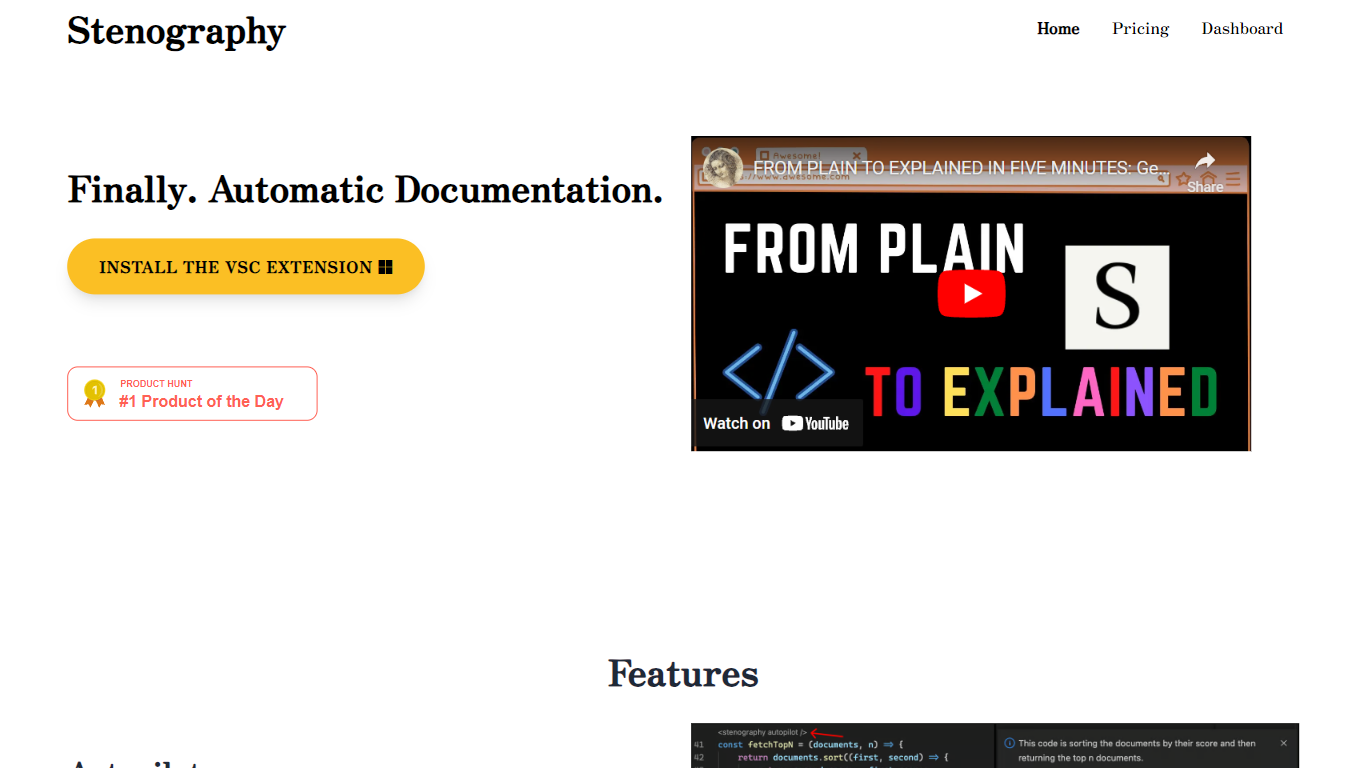
What is Stenography?
Stenography turns source code into plain-English summaries and keeps those explanations updated as you edit. Its VS Code extension runs Autopilot on every save to document entire codebases, while a separate API accepts code snippets and returns customizable explanations you can embed in your own apps or extensions.
Where generic AI chat tools treat code like any other text prompt, Stenography layers Stack Overflow suggestions and linked documentation into each response so answers cite real references instead of guessing. A passthrough API design means your code is not stored on Stenography servers, which matters when you are documenting proprietary repositories.
Developers who maintain large codebases, extension authors, and teams that want living docs without manual README upkeep are the main audience. The free tier covers 250 API calls per month, and paid plans scale invocation limits for heavier use.
AI PDF Summarizer by PDF Guru Upvotes
Stenography Upvotes
AI PDF Summarizer by PDF Guru Top Features
Upload PDFs up to 100 MB and get a structured bullet summary in seconds
First summary plus three chat questions are free before a subscription is required
Pick Claude, GPT, or Gemini models in the same chat for tuned results
Accepts 14 formats including PDF, Word, PowerPoint, EPUB, MOBI, and FB2
Built-in OCR reads scanned documents like normal text
Chat with summaries in 90+ languages for translation and follow-up questions
Summarized files stay in a left-hand panel for quick access later
Stenography Top Features
Autopilot documents entire codebases on every save inside VS Code
API accepts code input and returns plain-English explanations you can customize
Responses include Stack Overflow suggestions and linked web documentation
250 free API invocations per month on VS Code or custom extensions
Passthrough API does not store submitted code on Stenography servers
Chrome extension and additional integrations listed on the Notion extensions page
AI PDF Summarizer by PDF Guru Category
- Summarizer
Stenography Category
- Summarizer
AI PDF Summarizer by PDF Guru Pricing Type
- Freemium
Stenography Pricing Type
- Freemium