
Last updated 08-12-2026
Category:
Reviews:
Join thousands of AI enthusiasts in the World of AI!
Stenography
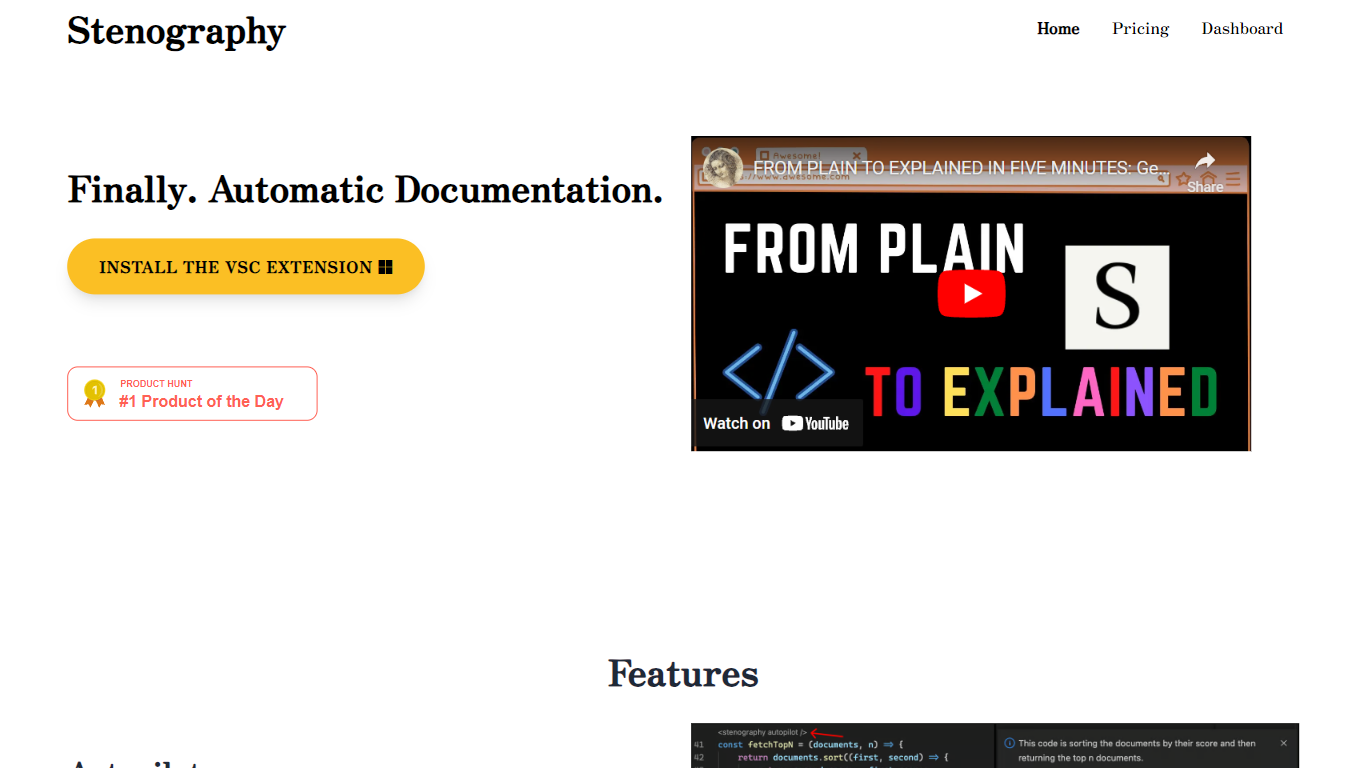
Stenography turns source code into plain-English summaries and keeps those explanations updated as you edit. Its VS Code extension runs Autopilot on every save to document entire codebases, while a separate API accepts code snippets and returns customizable explanations you can embed in your own apps or extensions.
Where generic AI chat tools treat code like any other text prompt, Stenography layers Stack Overflow suggestions and linked documentation into each response so answers cite real references instead of guessing. A passthrough API design means your code is not stored on Stenography servers, which matters when you are documenting proprietary repositories.
Developers who maintain large codebases, extension authors, and teams that want living docs without manual README upkeep are the main audience. The free tier covers 250 API calls per month, and paid plans scale invocation limits for heavier use.
Autopilot documents entire codebases on every save inside VS Code
API accepts code input and returns plain-English explanations you can customize
Responses include Stack Overflow suggestions and linked web documentation
250 free API invocations per month on VS Code or custom extensions
Passthrough API does not store submitted code on Stenography servers
Chrome extension and additional integrations listed on the Notion extensions page
Autopilot keeps documentation updated on every save inside VS Code.
Stack Overflow suggestions and linked docs reduce manual searching.
Passthrough API design avoids storing submitted code on servers.
250 free monthly invocations let you test before upgrading.
Browser dashboard and API support custom extension builds.
Free tier caps at 250 invocations per month.
Team pricing requires a sales contact with no listed dollar amount.
Primary workflow centers on VS Code rather than other IDEs.
What does Stenography do?
Stenography explains source code in plain English through a VS Code Autopilot extension and a developer API. It also attaches Stack Overflow suggestions and linked documentation to each explanation so you get cited references alongside the summary.
Is Stenography free to use?
Stenography includes 250 free API invocations per month on VS Code or custom extensions. Paid Tier I is $10 per month for 1,000 invocations, and Tier II is $20 per month for 2,500 invocations.
Does Stenography store my code?
Stenography uses a passthrough API and does not store submitted code on its servers. The site states your code stays on your system, which is the core privacy claim behind the product.
How do I use Stenography in VS Code?
Stenography offers a Visual Studio Code extension called Stenography.stenography on the VS Code Marketplace. Autopilot documents your codebase automatically each time you save a file inside the editor.
What integrations does Stenography support?
Stenography lists a VS Code extension, Chrome extension, API dashboard, and additional extensions on its Notion page. Paid Tier I and Tier II plans include Chrome extension access alongside API access.
What are Stenography paid plan limits?
Stenography Tier I costs $10 per month and includes 1,000 invocations, while Tier II costs $20 per month and includes 2,500 invocations. The Team plan offers 100,000 invocations plus overage through a contact sales flow.